
Massage Gun Display Buying Guide for Easy On-Device Control
A percussion massager should be easy to operate, even when your hands are sweaty, tired, or occupied. This massage gun display buying guide explains how to evaluate screens, controls, battery feedback, and pressure indicators before choosing a device.
Why the display and controls matter
Changing a speed setting should not interrupt your session—or force you to put the massager down and search for a tiny button. An easy control percussion massager lets you adjust the device while maintaining your position and focus.
The display provides essential feedback about battery life, intensity, and, on some models, pressure. A clear screen reduces uncertainty about the current setting and how much charge remains. It also helps you avoid over-treating an area or losing power before you finish.
Physical buttons, LED indicators, and a massage gun touchscreen
Massage guns typically use one of three interface styles. The right choice depends on where and how you plan to use the device.
- Physical buttons: Tactile controls can be operated by feel, which is useful when the massager is positioned on your back or neck. Large buttons are also easier to press accurately after a workout and less likely to activate accidentally in a gym bag.
- LED indicators: Entry-level and mid-range models may use rows of lights to show speed and battery status. This approach is straightforward, but it generally provides less detail than a digital display.
- Massage gun touchscreen: A touch panel can present exact speed settings and other information in a compact interface. The main drawback is usability: sweaty hands, tremors, or limited visibility can make precise taps difficult.
What to look for in speed, battery, and pressure readouts
Start with the information you need at a glance. A useful display makes the following details easy to distinguish:
- Battery level: When evaluating a massage gun battery display, prefer a specific percentage instead of a vague battery icon or low-charge light.
- Speed setting: A digital readout can show the selected intensity and may display speed in percussions per minute (PPM).
- Pressure feedback: Some advanced models include a pressure sensor that uses a warning or color change to indicate excessive pressure.
Controls for low-light and post-workout use
Consider the conditions in which you will actually use the massager. Early-morning sessions, late-night recovery, and dim home gyms call for a backlit display. An illuminated screen or LED ring around the power button lets you check settings without turning on a bright overhead light.
Physical controls are often the safer choice immediately after intense exercise. Sweaty palms and tired hands can make small, precise touchscreen targets harder to use. A model that combines a clear digital readout with large tactile buttons provides useful visual feedback without sacrificing easy adjustment.
App connectivity or standalone operation?
| Option | Benefits | Considerations |
|---|---|---|
| App-connected | Guided routines, usage tracking, and saved speed or pressure combinations | Requires a paired phone and app for the full experience |
| Standalone | Immediate operation without menus, a phone, or a separate screen | On-device controls need to be clear and easy to reach |
If you want a grab-and-go recovery tool, a standalone massager with a well-designed built-in display may be the more practical choice. A built-in display also keeps essential settings visible without requiring you to switch between the device and your phone.
How to select an easy-to-control massage gun
Match the interface to your routine rather than choosing the most feature-heavy option. If you travel frequently, prioritize an accurate battery percentage and physical controls that are less likely to activate inside a suitcase. If you often use the massager in a dim room while watching television, choose a bright, backlit display and controls that remain easy to identify.
Test the controls in the store if possible. Confirm that you can change the speed without looking directly at the device and that the screen remains readable in the lighting where you plan to use it. The most effective interface is the one you can understand and adjust without breaking your concentration.
Massage gun display buying checklist
- Choose between tactile physical buttons and a data-rich massage gun touchscreen based on when and where you will use the device.
- Look for a specific battery percentage rather than relying only on a low-battery light.
- Check that speed and other selected settings are easy to read at a glance.
- Select large physical controls if sweaty or fatigued hands are a regular concern.
- Confirm that the display is backlit before using the massager in low-light conditions.
Related Resources
Related Products
 USD 29.99
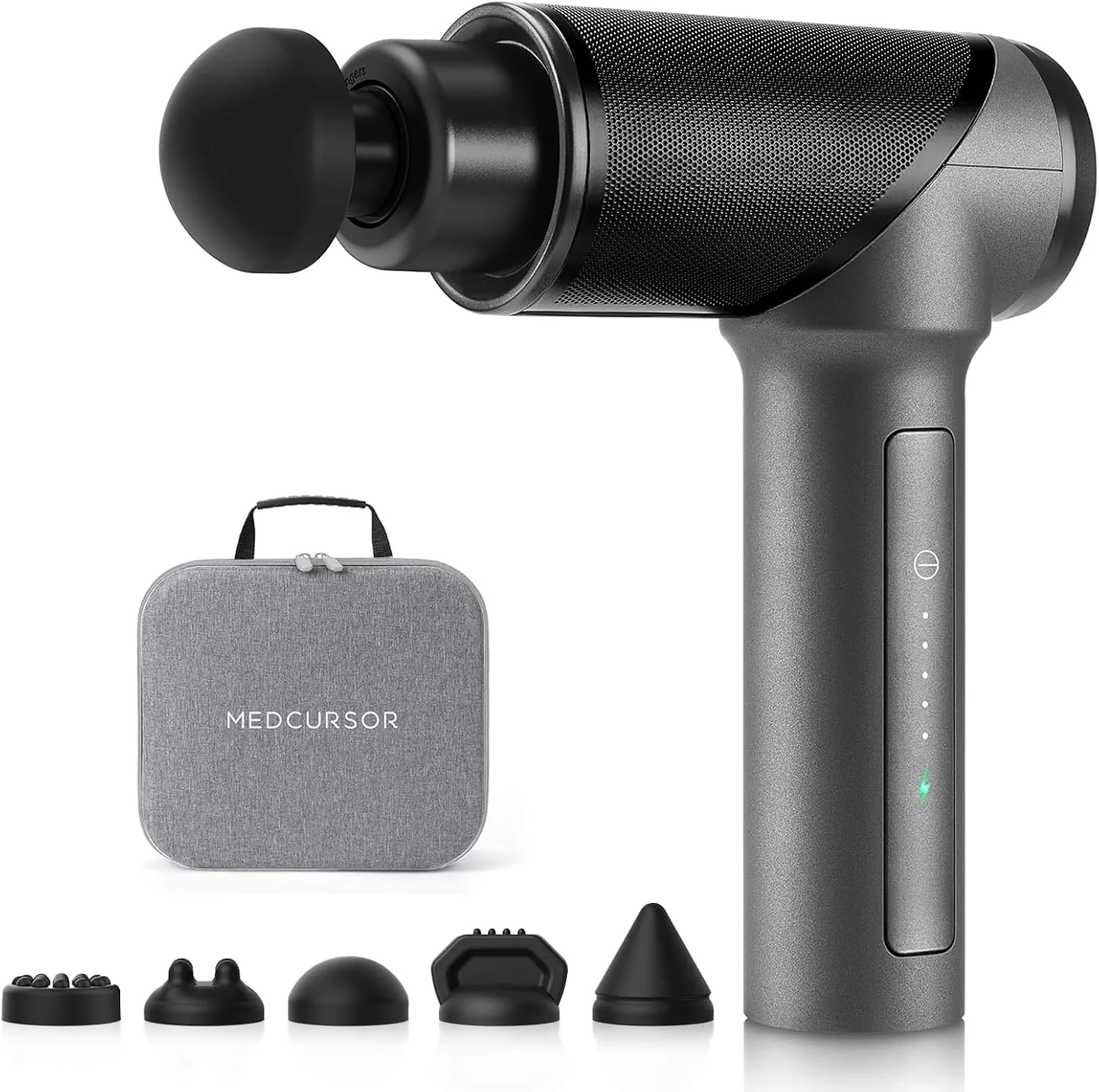
Medcursor Massage Gun - High Intensity Brushless Motor, Handheld Percussion Deep Tissue Massager with 6 Massage Heads for Sore Muscle and Stiffness, Valentines Day Gifts (Gray)
Powerful Professional Massage Gun: This massage gun is designed with a high-torque brushl…
View Details
USD 44.99
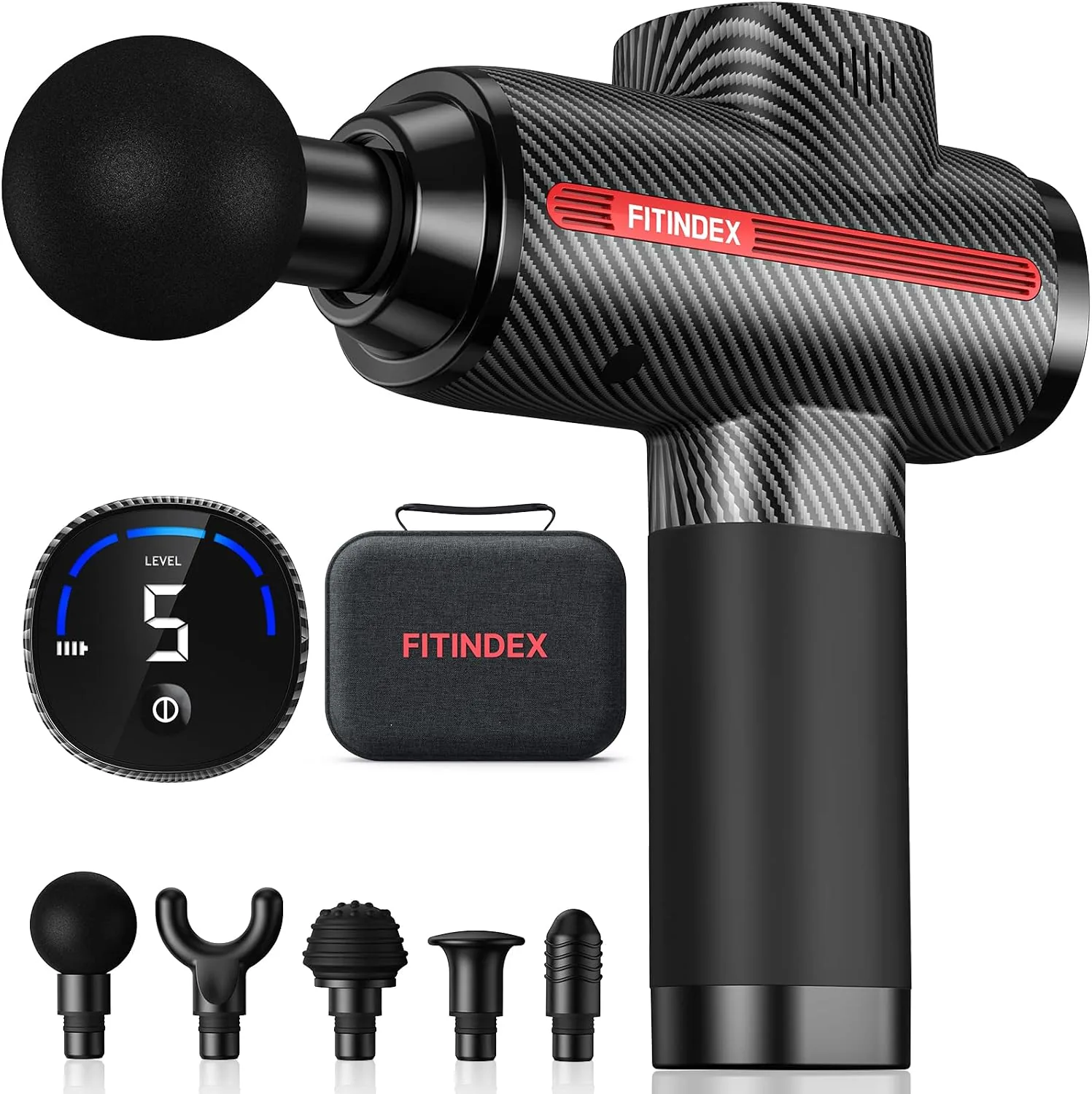
FITINDEX Massage Gun Deep Tissue, Percussion Muscle Massage Gun for Athletes, Fast Charge Massager Gun with LED Display, Massagers Handheld Deep Tissue for Muscle Pain Relief -FSA or HSA Eligible
2H Fast Charging & Type C Charging - Supports 15W PD Fast Charging, fully charging just n…
View Details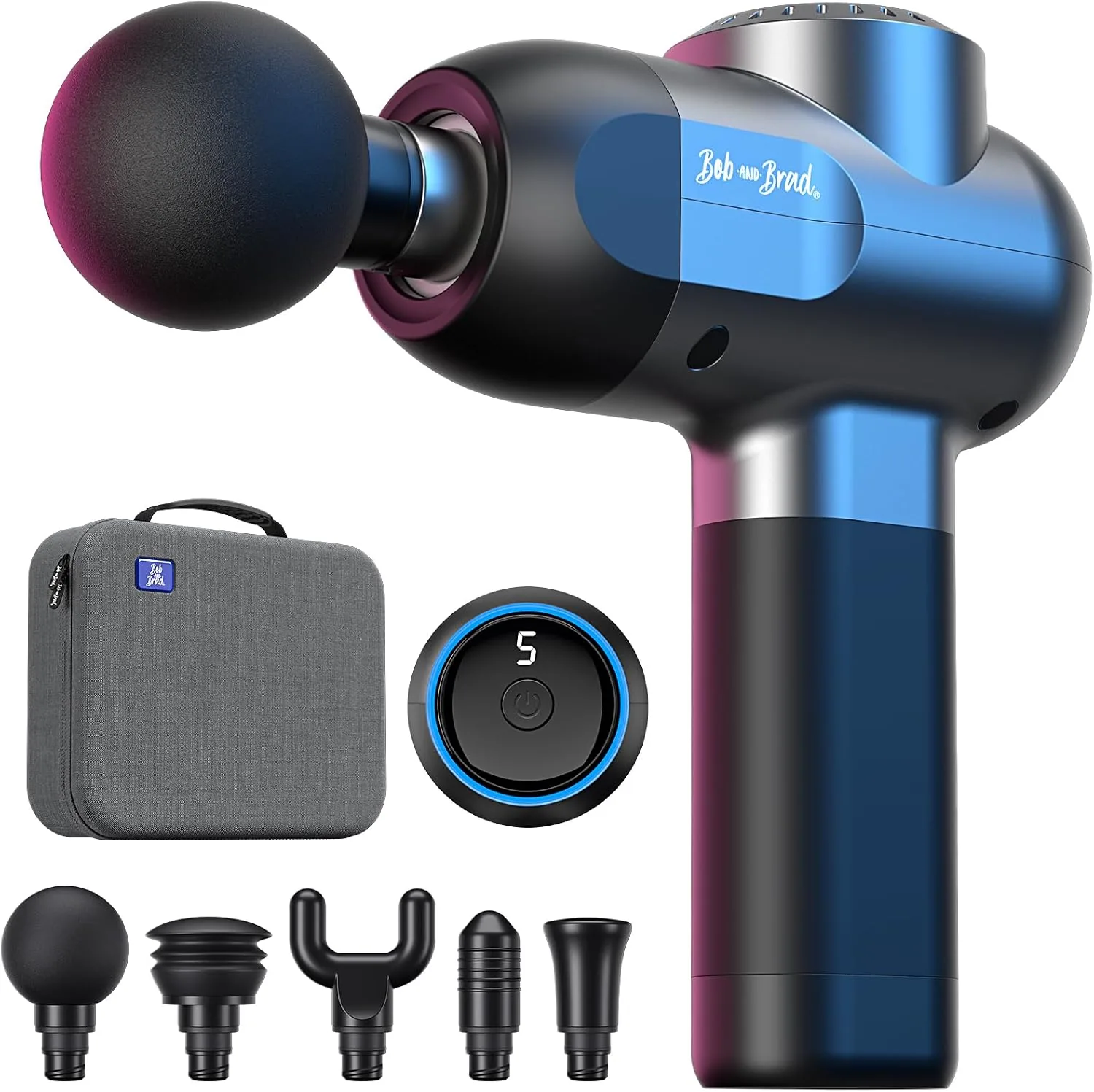 USD 52.46
BOB AND BRAD C2 Massage Gun, FSA Eligible & HSA Approved Deep Tissue Percussion Massager Gun, Muscle Massager with 5 Speeds and 5 Heads, Electric Back Massagers for Professional Athletes Home Gym
Designed by renowned physical therapists Bob and Brad, the C2 massage gun offers professi…
View Details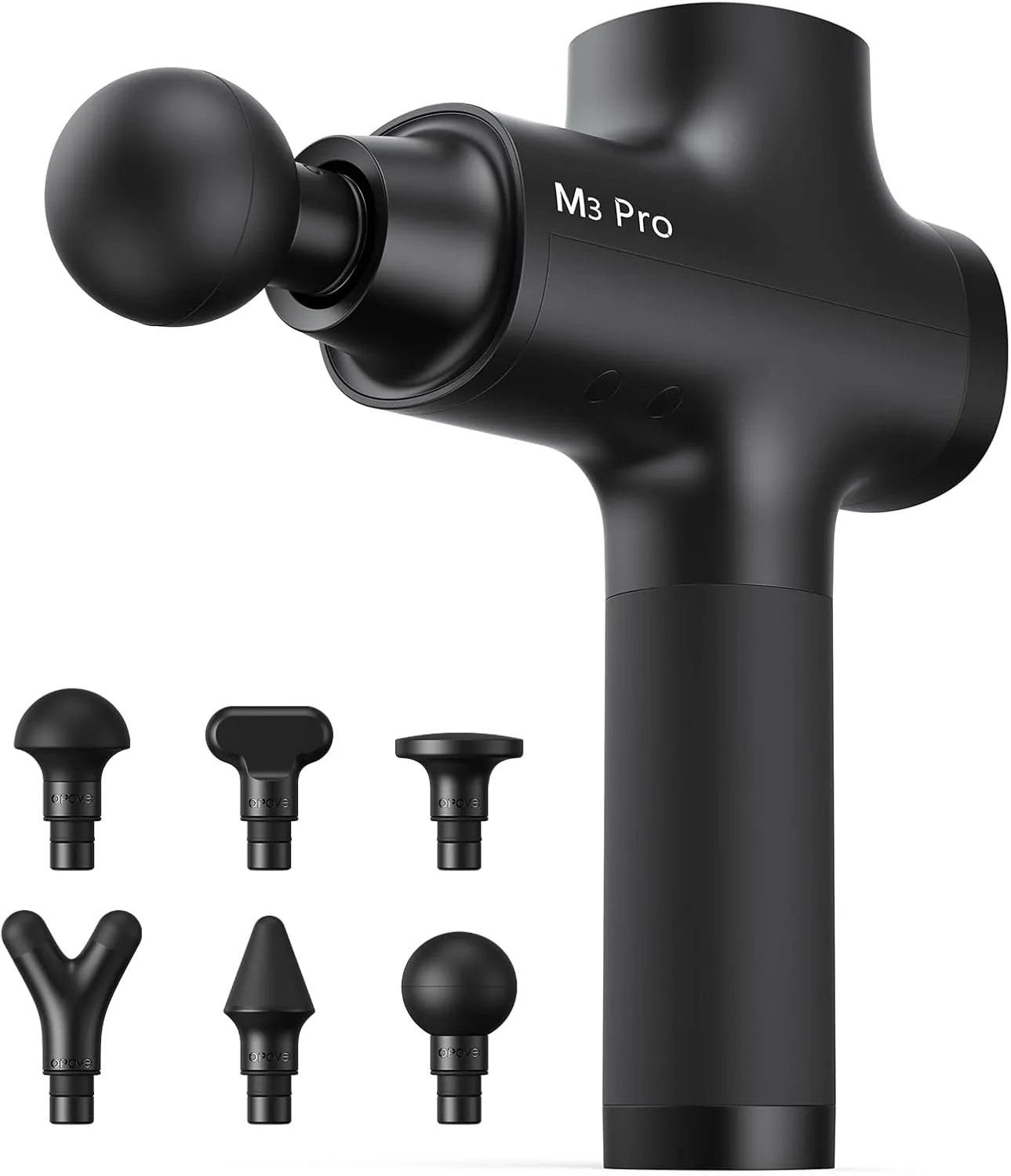 USD 97.49
Opove M3 Pro 2 Massage Gun Deep Tissue Percussion Muscle Massager for Workout, Handheld Percussive Therapy Fascia Gun for Athletes Fast Recovery 4-8 Hours Long Battery Life, Powerful, Quiet, Black
You Get What You Pay For - We work out daily and invest a lot of time and effort into our…
View DetailsRelated Articles
- Desktop Charging Station Buying Guide for Device Charging During Video Calls
- Desktop Charging Station Buying Guide for VR Headset Accessories
- Massage Gun Warranty Buying Guide for Long-Term Ownership
- Massage Gun Buying Guide for Calves and Feet
- Massage Gun Buying Guide for Pre-Workout Muscle Activation
- Premium Massage Gun Buying Guide for Advanced Home Recovery