
Desktop Charging Station Buying Guide for VR Headset Accessories

A dedicated desktop charging station for VR headsets powers your headset, controllers, and linked accessories simultaneously. It eliminates the daily scramble for wall adapters and loose cables. Choosing the right unit means matching your exact hardware inventory to the correct USB-C power profiles, port counts, and desk footprint so your virtual reality desk setup stays organized and ready for use.
Inventory Your Headset, Controllers, and USB-Powered Accessories
Before selecting a charger, map out every device you need to power. A standard VR kit includes the headset itself, a pair of controllers, and occasionally linked accessories like tracking pucks, wireless audio earbuds, or external battery packs. Each item requires a specific port type and power draw.
- VR Headset: Usually requires a high-wattage USB-C connection, often needing 30W to 45W to properly recharge the internal battery.
- Controllers: Rely on lower-draw USB-C or USB-A connections. They often charge via removable AA or AAA batteries or dedicated docks.
- Linked Accessories: Wireless earbuds, tracking sensors, and haptic vests add additional port requirements.
If you operate multiple headsets for an office or demo space, your power demands multiply quickly. Count the total number of simultaneous connections required before looking at specific chargers.
Confirm VR Headset USB-C Charging Power Needs
VR headset USB-C charging requires careful attention to power distribution. Modern headsets demand substantial, sustained power to recharge efficiently. If you connect a power-hungry headset to a low-wattage port alongside other accessories, charging times will drag. The headset may only maintain its current battery level rather than actually recharging.
Look at the total wattage a station outputs and how that power divides across its ports. A 100W charger might supply 100W to a single device, but that output splits when you plug in a second or third device. Review the manufacturer's power distribution rules to ensure the primary USB-C port provides enough sustained wattage for your specific headset while peripheral devices occupy the remaining ports.
Decide Whether Wired Charging Fits Your Storage Routine
How you store your hardware dictates your charging strategy. Some users prefer a simple drop-in dock where controllers and headsets sit in dedicated cradles. Others rely on direct cable connections, plugging a standalone USB-C cable into the headset whenever it returns to the desk.
A dedicated headset accessory charger with built-in wireless or magnetic contact pads offers a clean aesthetic but is often locked to specific controller shapes and headset models. If you upgrade your hardware frequently, a multi-port GaN (Gallium Nitride) charging station provides greater flexibility. You simply swap out the cables rather than replacing an entire molded dock.
Plan Safe Cable Paths Around a VR Play Area
Cable management is critical for VR. Tripping over a stray wire while wearing a blindfold is a genuine hazard. Route your charging cables along the back or sides of your desk, securing them with clips or channels, to keep the play area entirely clear of obstruction.
When selecting a charger, prioritize units with front-facing ports or angled connectors that allow cables to hug the wall or desk edge. This keeps the transition from active play to charging seamless and safe. Ensure your cables are long enough to reach the headset in its designated storage position without stretching or creating a tripping loop.
Compare Port Access, Cable Length, and Desk Footprint
A charger's physical design impacts your daily workflow. You need a unit that fits your available desk space while providing easy access to ports. Compare these specific models based on your port requirements and budget.
| Product | Total Output | Ports | Price | Best VR Setup Fit |
|---|---|---|---|---|
| Anker Prime Charging Station (200W) | 200W | 6 Ports | $69.97 | Multi-headset commercial or family setups |
| UGREEN Nexode 100W GaN | 100W | 4 Ports | $40.84 | Standard single-headset home desk |
| Baseus PowerCombo | 100W or 240W | 5 Ports | $41.99 | Desks needing AC outlet pass-through |
| Anker Prime Charging Station (250W) | 250W | 6 Ports | $53.99 | Maximum power for multiple high-draw devices |
The Anker Prime Charging Station, 200W 6-Port GaN Desktop Charger ($69.97) handles a complex VR controller charging load with ease. Supplying 200W across six ports means you can plug in a headset, two controllers, a pair of wireless earbuds, and a phone simultaneously without experiencing bottlenecked power delivery.
If your virtual reality desk setup only requires power for one headset and a few small accessories, the UGREEN Nexode 100W GaN USB C Charger ($40.84) provides four ports in a compact, foldable form factor. It pushes up to 100W to a single device, which easily covers standard VR headset requirements.
For users who need AC power alongside USB ports for items like a desk lamp or monitor, the Baseus USB C Charger PowerCombo ($41.99) integrates two outlets with five smart USB ports. It is available in 100W and 240W variants to scale with your hardware.
When budget allows and you want maximum future-proofing, the Anker Prime Charging Station, 250W 6-Port GaN USB C Charger ($53.99) delivers an ultra-high capacity output. This ensures that even the most demanding headsets and accessories recharge at top speed simultaneously.
Choose a Desktop Charging Station for VR Headsets That Supports a Tidy Setup
Matching your hardware inventory to the right power distribution prevents daily frustration. Select a unit with enough total wattage and physical ports to cover your headset and controllers, choose a form factor that fits your desk, and route the cables securely away from your active play space.
Frequently Asked Questions
Can a standard phone charger power a VR headset?
While a low-wattage phone charger might slowly trickle power into a headset, it rarely provides enough sustained wattage to recharge the battery while the device is idle. You need a dedicated desktop charger capable of delivering 30W or more specifically to the headset's USB-C port.
How many ports do I actually need for a VR setup?
A basic single-user setup requires at least three ports: one for the headset and two for the controllers. Adding linked accessories like earbuds or a spare battery increases that count. A 4-port or 6-port charger provides necessary headroom for expansion.
Is GaN technology necessary for VR charging?
GaN (Gallium Nitride) chargers operate cooler and handle higher wattages in much smaller physical footprints than older silicon chargers. This makes them ideal for VR setups where multiple high-draw devices need simultaneous power on a single desk.
Related Products
USD 40.49
Anker Prime Charging Station, 250W 6-Port GaN USB C Charger, 2.26" LCD Smart Display Control, Compatible with iPhone, Galaxy, MacBook, Dell for Home Office, Gaming Desk Accessories
Super Fast 250W Output: Experience the convenience of high-capacity charging with this 25…
View Details USD 52.48
Anker Prime Charging Station, 200W 6-Port GaN Desktop Charger | Fast Charging USB C Charger for Multiple Devices, Compatible with iPhone, Galaxy, MacBook, Dell and More
Ultra-Powerful Charging Station: Experience the convenience of powering six devices at on…
View Details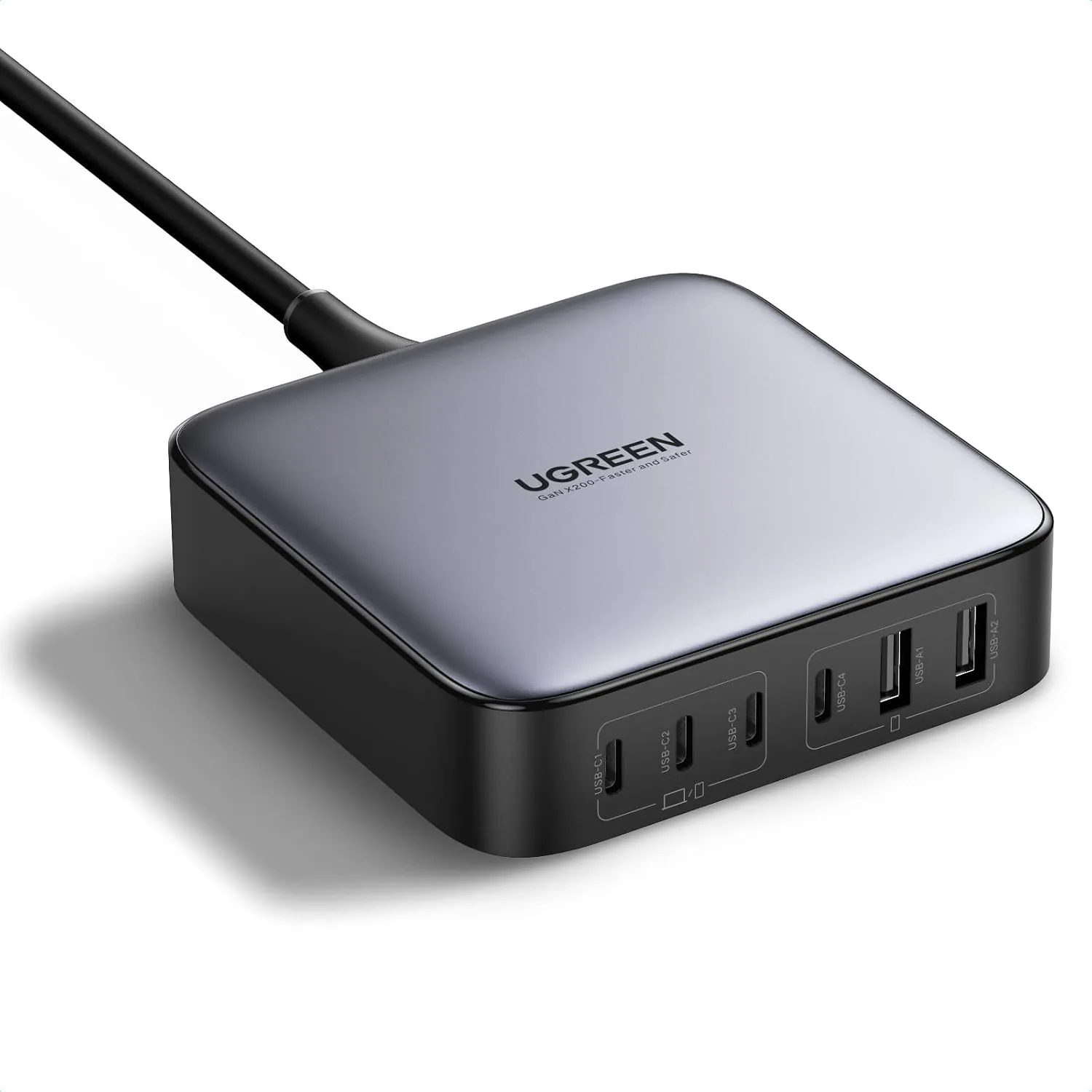 USD 52.48
UGREEN Nexode 200W GaN USB C Charging Station, 6-Port Desktop Charger for MacBook Pro/Air, iPad Pro/Air, iPhone 17/16/15 Series, Galaxy S25/S24 Ultra, Pixel 10/9, Steam Deck
High speed charging: Fully charge a 16in MacBook Pro in 1,5 hours, with the latest GaN ch…
View Details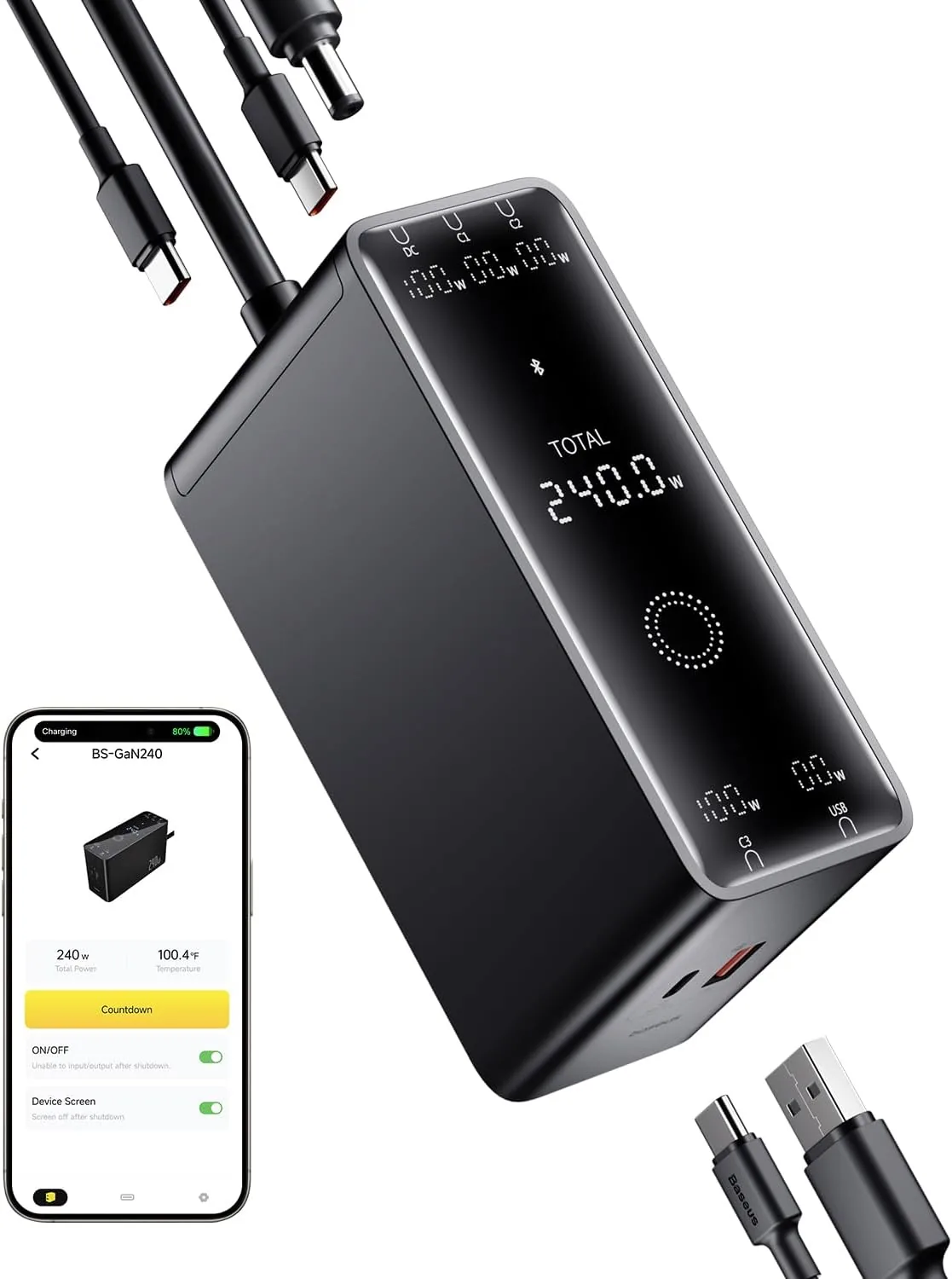 USD 52.49
Baseus 240W Smart Charging Station, 5-in-1 Desktop USB C Charger with Digital LED Display, PD 3.1 Dual Laptop Type C Fast Charging for MacBook Pro, Dell XPS, Lenovo, iPhone 16, Galaxy S24
Compact, 5-Port 240W Desktop Charger: Elevate your workspace with the industry's first 40…
View DetailsRelated Articles
- Massage Gun Display Buying Guide for Easy On-Device Control
- Anker Prime 250W 6-Port GaN Charging Station Buying Guide
- Desktop Charging Station Buying Guide for Dorm Room Device Charging
- Desktop Charging Station Buying Guide for Accessible Front-Port Charging
- Desktop Charging Station Buying Guide for Conference Room Tables
- Desktop Charging Station Buying Guide for Six-Device Charging