
Desktop Charging Station Buying Guide for Travel-to-Desk Flexibility
Finding the right portable desktop charging station means balancing power output, physical footprint, and cable management. Mid-size importers and procurement teams must weigh these factors against cost constraints and employee device policies to avoid outfitting a workforce with redundant or incompatible hardware.
Assessing Travel Needs vs. Desk Setups
Start by auditing your workforce's daily routines. A stationary desk setup has different power demands than a flight bag. If a charger lives permanently on an executive's desk, thermal mass, AC cord length, and port variety matter more than folded dimensions. Conversely, a travel desktop charger needs a compact footprint and foldable prongs to survive the rigors of a carry-on bag without snagging other items.
Consider the physical environment where the charger will be used. Hotel desks often lack outlet space, while airport lounges frequently require stretching a cable to reach a shared power source. Evaluate whether your team needs a brick that sits flat on a desk or a wall-mounted plug that supports its own weight without sagging from the outlet.
Choose a Charger That Fits Your Daily Device Mix
Every device draws a specific wattage. A modern mobile professional typically carries a laptop, a smartphone, wireless earbuds, and sometimes a tablet. You need to calculate the total simultaneous draw. For instance, a 15-inch laptop demands significantly more power than a smartphone. Attempting to fast-charge both simultaneously on an underpowered brick will result in slow, frustrating charging speeds for all connected devices.
Importers should map out the exact hardware their clients or employees use. Apple ecosystems have specific MagSafe and Qi2 requirements, while Windows and Android users often prioritize Power Delivery (PD) profiles over proprietary magnetic pads. Matching the charger's output capacity to the actual hardware prevents costly procurement mistakes.
Comparing Portable Chargers and Permanent Desktop Stations
The market splits into two distinct categories: highly portable GaN chargers designed for mobility, and stationary multi-port stations built for permanent placement. Portable options prioritize dense silicon and foldable plugs, sacrificing the convenience of an integrated power strip. Permanent stations offer massive aggregate output but usually lack the compact form factor needed for travel.
When sourcing, compare the total output, number of ports, and physical dimensions. A high-capacity GaN charger can serve as a hybrid solution, functioning as a portable desktop charging station in a hotel room and a primary power hub in a temporary meeting space.
| Product | Max Output | Ports / Configuration | Price (USD) | Best For |
|---|---|---|---|---|
| Anker Prime Charging Station, 200W 6-Port GaN Desktop Charger | 200W | 6 Ports | $69.97 | Stationary desk setups powering multiple high-draw laptops simultaneously |
| UGREEN Nexode 100W GaN USB C Charger | 100W | 4-Port Compact Foldable | $40.84 | Mobile professionals needing high-wattage laptop charging on the go |
| Belkin 3-in-1 Wireless Charger (Fast Charging Stand for Apple) | N/A | 3-in-1 (iPhone, Apple Watch, AirPods) | $108.99 | Dedicated Apple ecosystem users with permanent desk space |
| Baseus USB C Charger PowerCombo 100W | 100W | 5 Ports (Includes 2 AC Outlets) | $41.99 | Hybrid use requiring both USB device charging and standard wall outlet access |
Build a Packing List of Cables and Accessories
A charger is useless without the right cables. Procurement teams often focus entirely on the brick and forget the connectors. If you are sourcing a travel desktop charger, ensure your bulk orders include appropriate high-quality, high-amperage cables that can handle the charger's maximum output. A 100W charger paired with a low-gauge, 60W cable will bottleneck the power delivery.
- USB-C to USB-C cables: Required for modern laptops and fast-charging Android devices. Verify they support 100W or higher.
- USB-C to Lightning cables: Necessary for fast-charging Apple iPhones and AirPods cases.
- Cable organizers: Essential for travel kits to prevent cables from tangling with other desk accessories or breaking at the connectors.
Decide Whether One Charger Can Cover Work and Travel
Consolidating hardware reduces procurement costs and eases IT management. The question is whether a single unit can realistically serve dual purposes without compromising on either front. Highly portable GaN chargers, like the UGREEN Nexode 100W, often pull double duty effectively. They provide enough wattage to charge a laptop at a desk, yet remain compact enough for travel.
However, specialized setups complicate the equation. If your team relies heavily on the Apple ecosystem, a dedicated 3-in-1 wireless charging stand—like the Belkin model at $108.99 or the Anker 3-in-1 Cube at $89.99—offers an unmatched magnetic alignment experience at the desk. Forcing that same bulky, rigid stand into a travel bag is inefficient. In these scenarios, issuing two distinct products—a dedicated wireless desk station and a compact 100W GaN travel brick—often yields higher user satisfaction than forcing a single compromised solution.
Evaluate the total cost of ownership. A 6-port desktop unit like the Anker Prime 200W ($69.97) handles an entire workstation's worth of gear, but it lives on a desk. Pairing that with a highly efficient 4-port foldable option like the UGREEN Nexode ($40.84) gives an employee a complete, frictionless power architecture for both locations.
Related Products
 USD 71.15
Mophie 3-in-1 Travel Charger with MagSafe - Portable Wireless Charging Hub, Compatible w/Apple Devices, iPhone 17/16/15/14/13/12 Series, Apple Watch Series 11 to 1 & Ultra, AirPods Pro/3rd Gen, Black
MAGSAFE COMPATIBILITY: MFi Certified with a magnetic array for a secure, efficient chargi…
View Details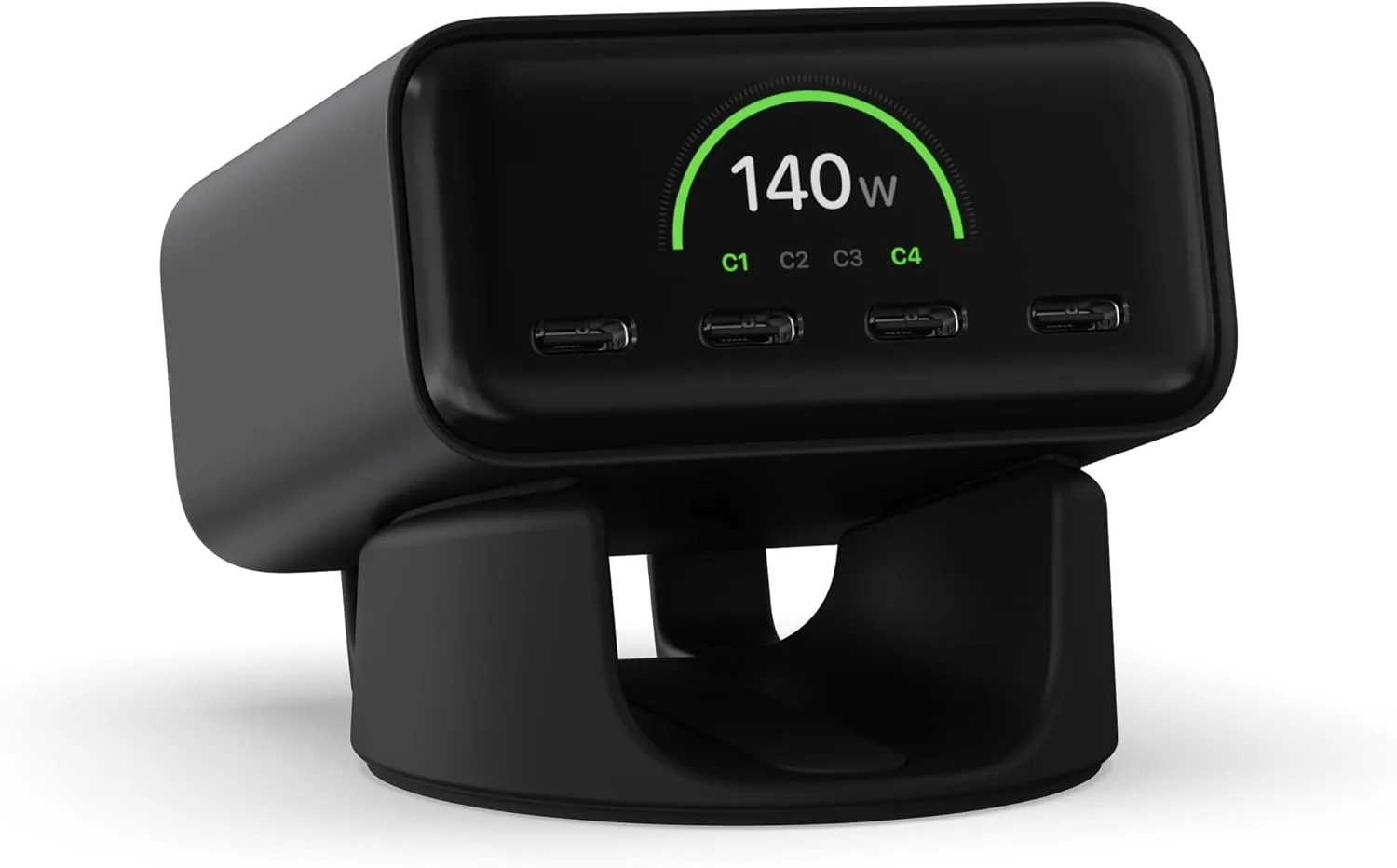 USD 74.99
Satechi ChargeView™ 140W Desktop Charger, GaN Charging Station with Live Power Display, Four USB-C Ports, Designed for Modern Workspaces, Space Black
𝗗𝗲𝘀𝗶𝗴𝗻𝗲𝗱 𝗳𝗼𝗿 𝗠𝗼𝗱𝗲𝗿𝗻 𝗪𝗼𝗿𝗸𝘀𝗽𝗮𝗰𝗲𝘀 – The Satechi ChargeView 140W Desktop Charger powers your …
View Details
USD 89.99
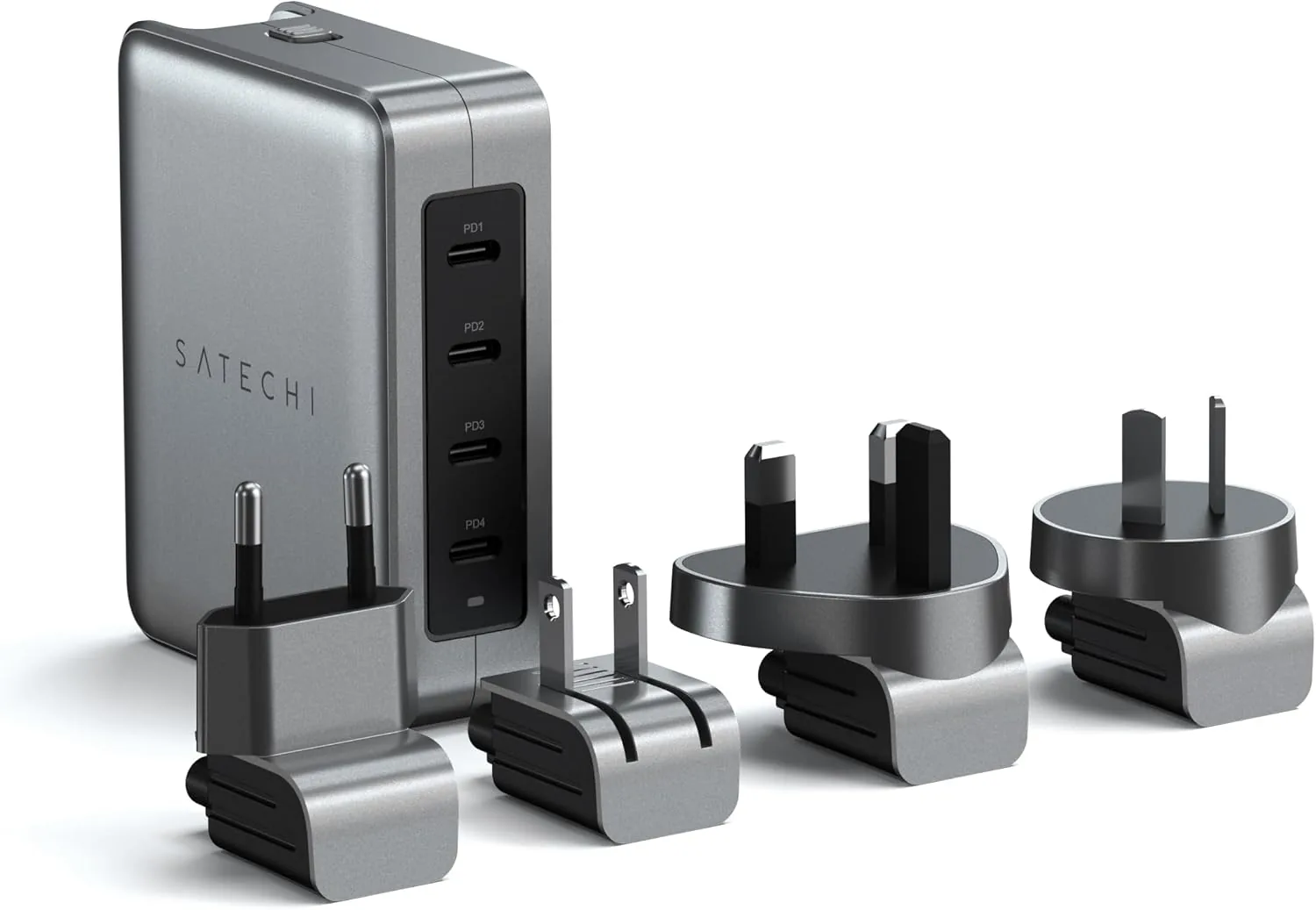
Satechi 145W GaN Travel Charger, 4-Port GaN USB C Charger, 2 USB-C PD 3.1, Fast Charging Travel Station for Laptop, for MacBook Air/Pro/Neo, iPad Air/Pro, iPhone 17 to 12 Series, Android, Windows
𝗗𝗲𝘀𝗶𝗴𝗻𝗲𝗱 𝗳𝗼𝗿 𝗧𝗿𝗮𝘃𝗲𝗹 𝗖𝗵𝗮𝗿𝗴𝗶𝗻𝗴 – A compact 145W GaN travel charger built to power laptops, …
View Details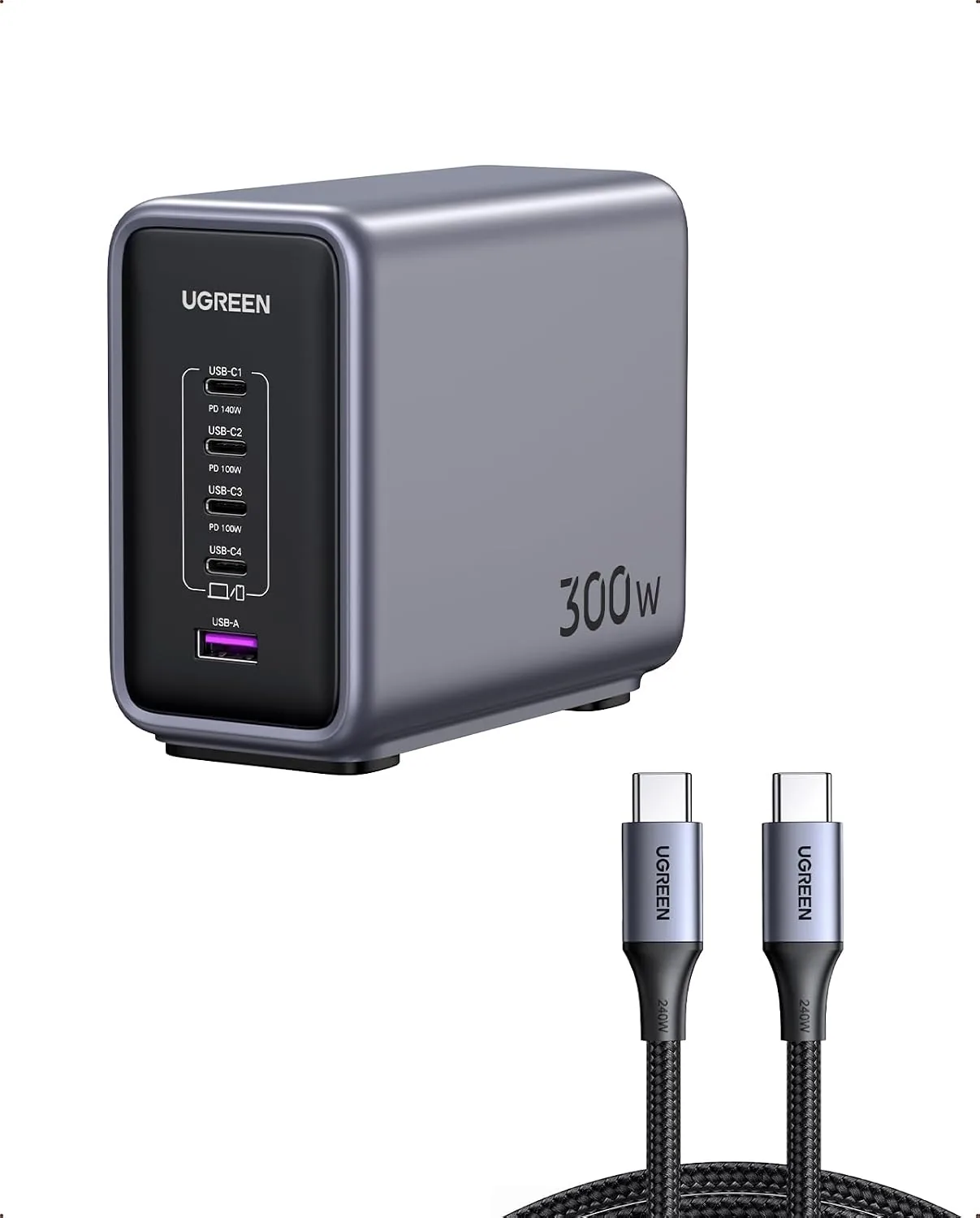 USD 104.99
UGREEN Nexode 300W GaN Charging Station, 5-Port 140W Max Desktop Charger Compatible with MacBook Pro/Air/Neo, Dell XPS, iPhone 17/16/15, Galaxy S26/S25/S24, Pixel 10/9, iPad Air/Pro, Steam Deck
Super 300W Fast Charging: This 5-Port USB C charger block packs a punch with 300W total o…
View DetailsRelated Articles
- LifePro SonicPro Buying Guide for Deep Tissue With Heat
- Massage Gun With Cold Therapy Buying Guide for Post-Workout Use
- Mophie 3-in-1 Travel Charger With MagSafe Buying Guide for Frequent Trips
- Desktop Charging Station Buying Guide for USB-C Monitor Setups
- Desktop Charging Station Buying Guide for Device Charging During Video Calls
- Desktop Charging Station Buying Guide for USB-C Power Delivery Buyers