
Desktop Charging Station Buying Guide for USB-C Power Delivery Buyers
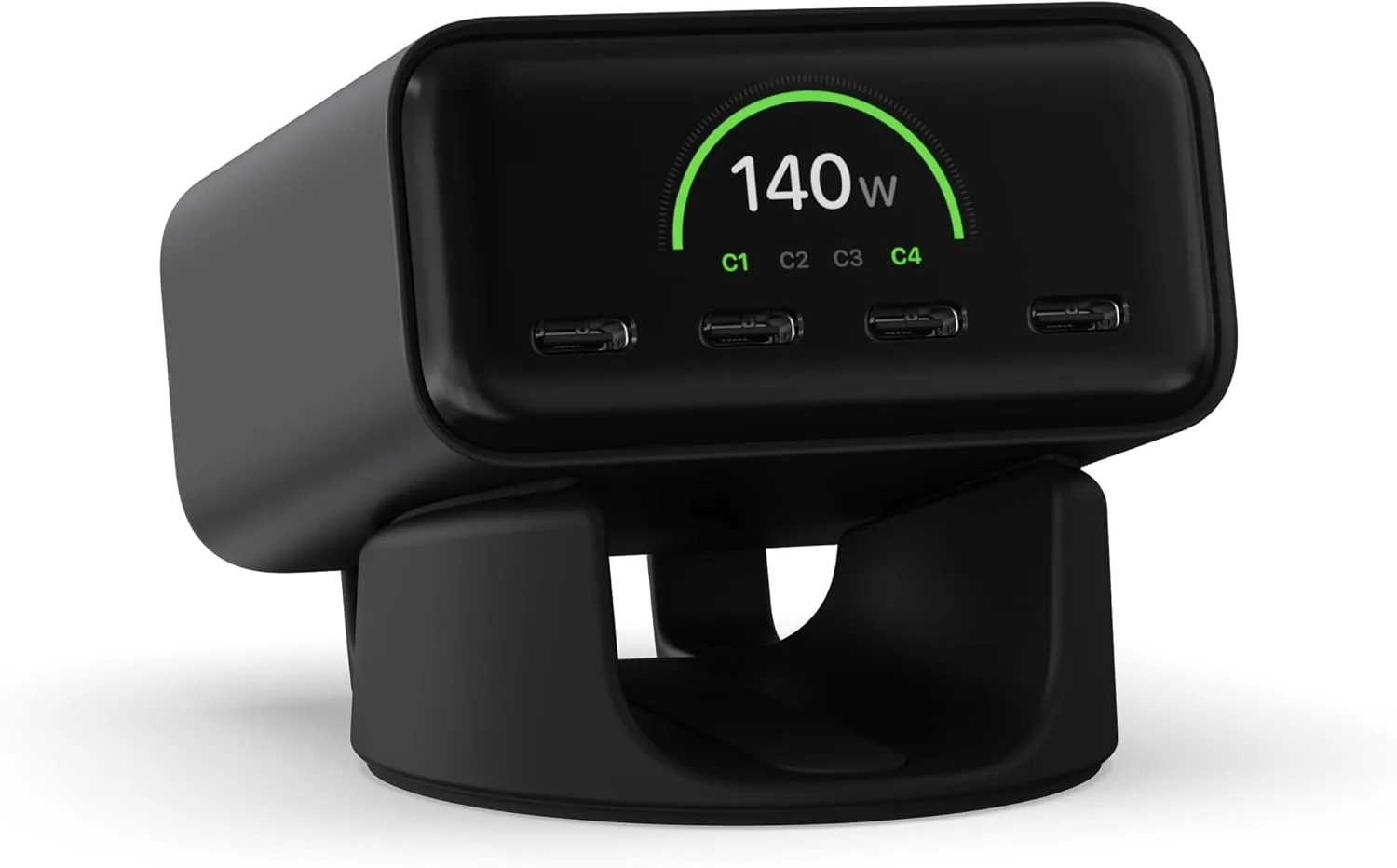
A USB-C Power Delivery desktop charging station should power everything on your desk from a single outlet without forcing you to monitor speeds or swap cables. The right model delivers enough total wattage to charge your laptop and phone simultaneously, while the wrong one leaves you waiting hours for a battery to top off. I approach these recommendations with skepticism, because too many models claim high speeds on the box while secretly throttling power the moment you plug in a second device.
What USB-C Power Delivery Means in a Desktop Charger
USB-C Power Delivery (PD) is a negotiation protocol. The charger and your device talk to each other to determine exactly how much voltage and amperage the battery can safely accept. A high-quality Power Delivery charger does not just push maximum voltage blindly; it scales its output dynamically based on what the connected hardware actually requires.
This matters immensely on a crowded desk. If you connect a device that only needs 5 volts, a compliant PD charger will never accidentally force 20 volts into it. The danger lies with unbranded, uncertified alternatives that skip these safety negotiations entirely. If a manufacturer does not explicitly list the safety protocols built into their chip, treat the hardware with suspicion.
Matching PD Output to Each Device You Own
Wattage dictates charging speed. Buying a station with high-wattage USB-C ports only matters if those ports match your specific gear. Look at the power bricks that shipped with your original electronics—that tells you exactly what your hardware needs.
Small electronics like open-ear sport headphones rarely demand heavy wattage. For instance, the Shokz OpenRun bone conduction headphones rely on standard Bluetooth connectivity and lightweight frames, meaning their battery capacities are modest and they do not require massive power draw to charge efficiently. By contrast, a 16-inch laptop might need 90 to 100 watts just to maintain its current battery percentage while you work.
If your largest device is a tablet, a 60-watt port will serve you perfectly. If you power a workstation laptop, look for a station that dedicates at least 100 watts to its primary port.
Understanding Total Output Versus Per-Port Output
Marketing teams love big numbers. A manufacturer might advertise a 150-watt charging station, but the fine print often reveals that the total combined output maxes out at 110 watts when all ports are occupied. This distinction is the most common trap buyers fall into.
Imagine a 150-watt unit with four ports. Plugging a 100-watt laptop into port one, and a 20-watt phone into port two, works flawlessly. But adding a third device might trigger internal power sharing, causing the primary port to drop from 100 watts down to 60 or 70 watts. Your laptop battery might actually drain while you use it, despite being plugged in. Always verify the power distribution chart before buying.
How Power Sharing Changes With Multiple Connections
Power sharing is an unavoidable physical limitation. A circuit can only handle so much electrical current before it overheats. Intelligent power sharing prioritizes the lowest battery device, feeding it maximum power until it reaches roughly eighty percent, before redistributing that energy to slower-charging ports.
Cheap stations split power evenly across all ports. Smart stations allocate power dynamically. You want dynamic allocation. When you drop your phone on the desk, the station should recognize it needs immediate energy, pull power from your fully charged headphones, and shift it to the phone automatically.
Choosing USB-C Cables That Support Your Power Needs
A 100-watt charging station is completely useless if you connect it to your laptop with a cheap cable rated for only 30 watts. The cable acts as a physical bottleneck. Electricity requires adequately thick copper wiring to carry high current without melting the insulation or causing voltage drop.
Check the printing on the cable jacket directly. A cable must explicitly state its wattage capacity—usually 60W or 100W. If the manufacturer prints vague phrases like "fast charging compatible" but omits the specific amperage and wattage ratings, throw that cable in a drawer and use it for low-power accessories only.
When USB-A Ports Still Add Practical Value
USB-A ports might seem like legacy hardware, but they remain highly practical. The vast majority of desk accessories—external microphones, mechanical keyboards, wired mice, and portable cooling fans—still rely on the older rectangular connector. Having two or three USB-A ports on your charging station eliminates the need for adapters.
Do not expect lightning speeds from these ports. USB-A maxes out around 12 to 18 watts on standard chargers. Reserve them for your peripherals, and dedicate your USB-C ports to your batteries.
Comparing Practical Desk Accessories for Your Setup
A clean desk requires more than just power management; it requires the right physical environment. While evaluating charging stations, you also need to consider how your other desk and outdoor gear integrates with your tech-heavy lifestyle. Below are a few highly-rated products worth comparing based on your specific budget and use case.
| Brand & Model | Key Specification | Price | Amazon Rating |
|---|---|---|---|
| Shokz OpenRun | Open-ear comfort with a featherweight, wraparound frame | $129.95 | 4.5/5 (26,719 reviews) |
| Bose Ultra Open Earbuds | Hear your surroundings while enjoying rich, private audio | $299.00 | 4.0/5 (6,239 reviews) |
| Govee RGBIC LED Strip Lights | Displays multiple colors on a single line for ambient lighting | $13.49 | 4.4/5 (25,466 reviews) |
| REDCAMP Small Camping Table | 2ft folding table with 3 adjustable heights (10", 19", 24") | $31.99 | 4.4/5 (3,961 reviews) |
Recommendations by Buyer Situation
If you prioritize a high-quality audio experience while keeping your ears open to your surroundings, the Bose Ultra Open Earbuds justify their premium price point. However, if your priority is a balance of extreme comfort and massive review validation, the Shokz OpenRun delivers a featherweight frame at less than half the cost of the Bose.
For lighting your workspace, the Govee RGBIC LED strip lights offer an incredibly low barrier to entry at $13.49. The multiple-color functionality allows you to match your desk lighting to your workflow.
Finally, if you need a portable surface to hold your charging station and devices outdoors, the REDCAMP Small Camping Table is a practical choice. Its aluminum frame folds down compactly, and the three adjustable heights mean you can set it low to the ground or high enough to use as a standing desk.
Your Desktop Power Checklist
Before you finalize your purchase, verify these factors:
- Total Combined Wattage: Does the station provide enough total juice to charge your two largest devices at full speed simultaneously?
- Primary Port Speed: Does the main USB-C port output at least 100W for laptops?
- Cable Rating: Are your USB-C cables explicitly stamped with 100W or higher capacity?
- Port Variety: Does the unit include at least two USB-A ports for legacy desk peripherals?
- Safety Certifications: Are over-current and over-voltage protections explicitly listed in the technical specifications?
Measure your actual power needs first. Check your device chargers, add up their wattage, and buy a station that exceeds that number by at least twenty percent. That margin ensures your charger runs cool, extends its lifespan, and keeps your batteries healthy over the long haul.
Related Resources
Related Products
 USD 28.49
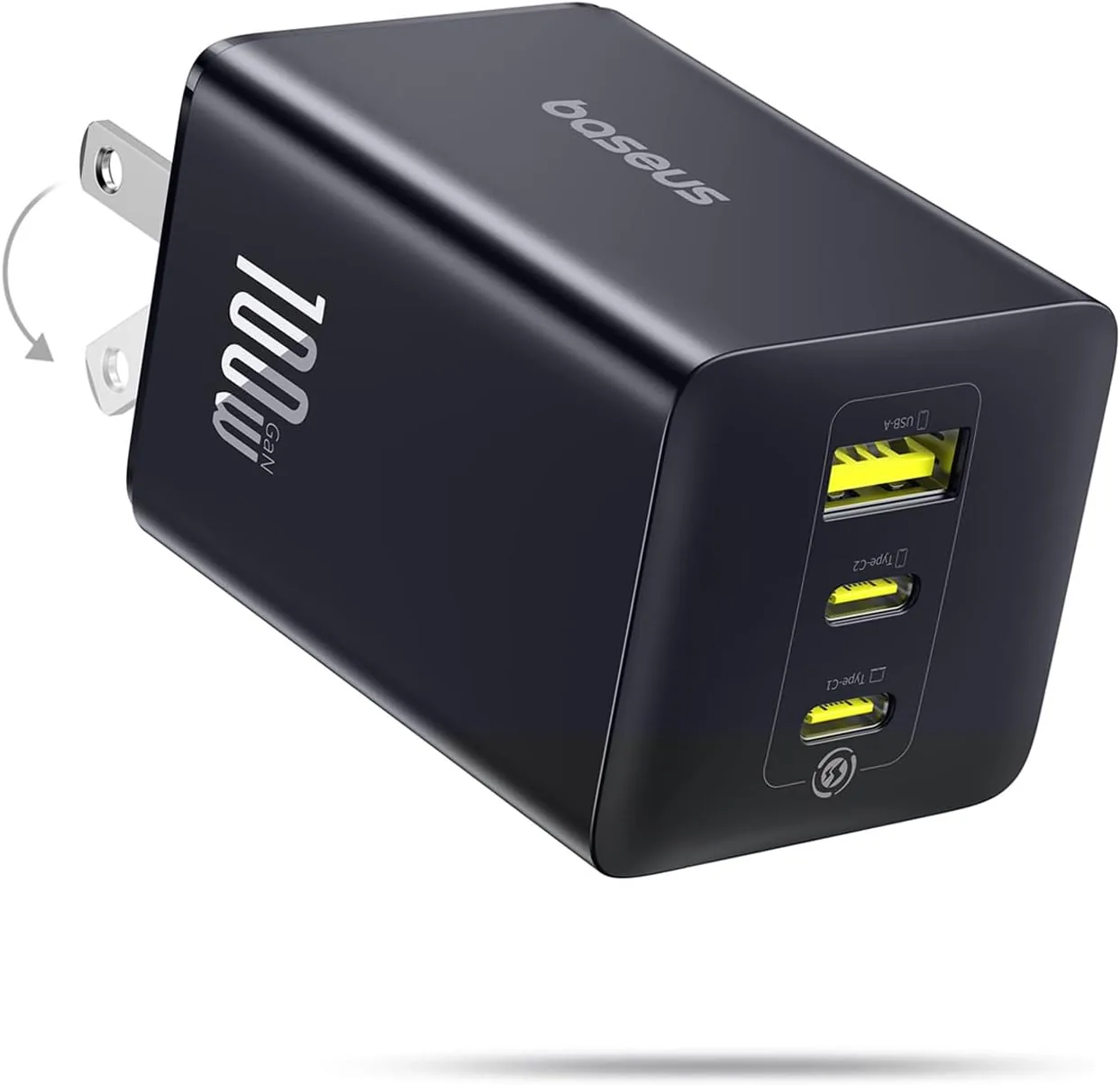
Baseus 100W USB C Charger Block, 3-Port Foldable Compact PPS Wall Charger, Fast Charging Power Adapter for MacBook Pro/Air, iPad, iPhone 17 Pro Max/Air, Galaxy S24, Steam Deck & More
100W Ultra-Fast Charging: This product delivers a peak power output of 100W. Under optima…
View Details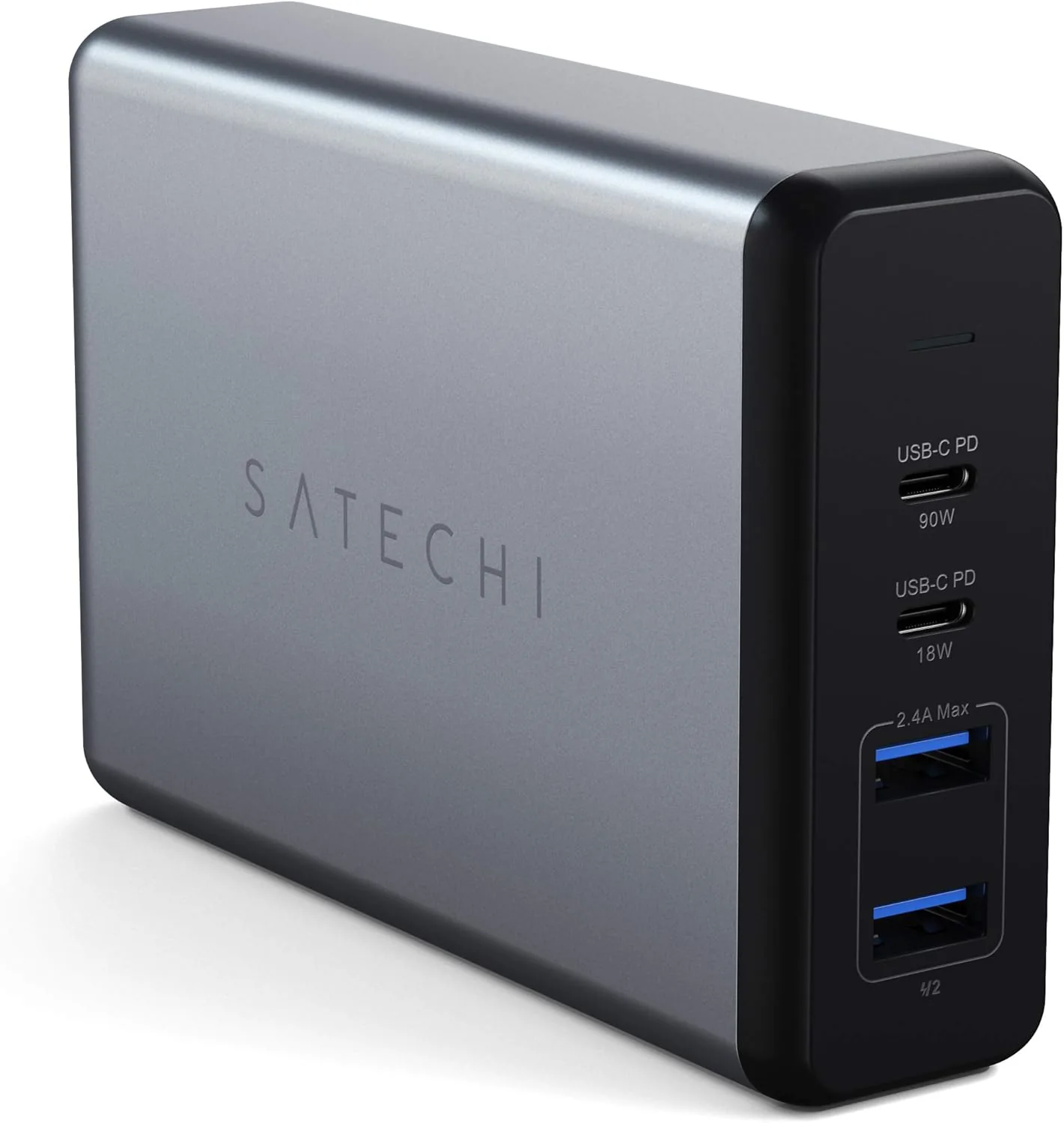 USD 37.49
Satechi 108W Pro USB C PD Desktop Charging Station – 2 USBC PD & 2 USB A Ports, Compatible with 2025/2020/2019 MacBook Pro, 2020/2018 MacBook Air, M5/M1 iPad Pro/Air, iPhone 16 (Pro/Pro Max/Plus - US)
Professional Grade Power - Equipped with two enhanced USB C PD ports (90W, 18W) to effici…
View Details USD 40.49
Anker Prime Charging Station, 250W 6-Port GaN USB C Charger, 2.26" LCD Smart Display Control, Compatible with iPhone, Galaxy, MacBook, Dell for Home Office, Gaming Desk Accessories
Super Fast 250W Output: Experience the convenience of high-capacity charging with this 25…
View Details
USD 74.99
Satechi ChargeView™ 140W Desktop Charger, GaN Charging Station with Live Power Display, Four USB-C Ports, Designed for Modern Workspaces, Space Black
𝗗𝗲𝘀𝗶𝗴𝗻𝗲𝗱 𝗳𝗼𝗿 𝗠𝗼𝗱𝗲𝗿𝗻 𝗪𝗼𝗿𝗸𝘀𝗽𝗮𝗰𝗲𝘀 – The Satechi ChargeView 140W Desktop Charger powers your …
View DetailsRelated Articles
- Achedaway Pro Buying Guide for 16mm Amplitude Deep-Tissue Recovery
- Ergonomic Massage Gun Buying Guide for Reaching Your Back
- Desktop Charging Station Buying Guide for Device Charging During Video Calls
- Desktop Charging Station Buying Guide for USB-C Monitor Setups
- Desktop Charging Station Buying Guide for Clear Power Readouts
- Desktop Charging Station Buying Guide for Creative Workstations