
Anker 737 GaNPrime 120W Charger Buying Guide for One-Bag Work Kits
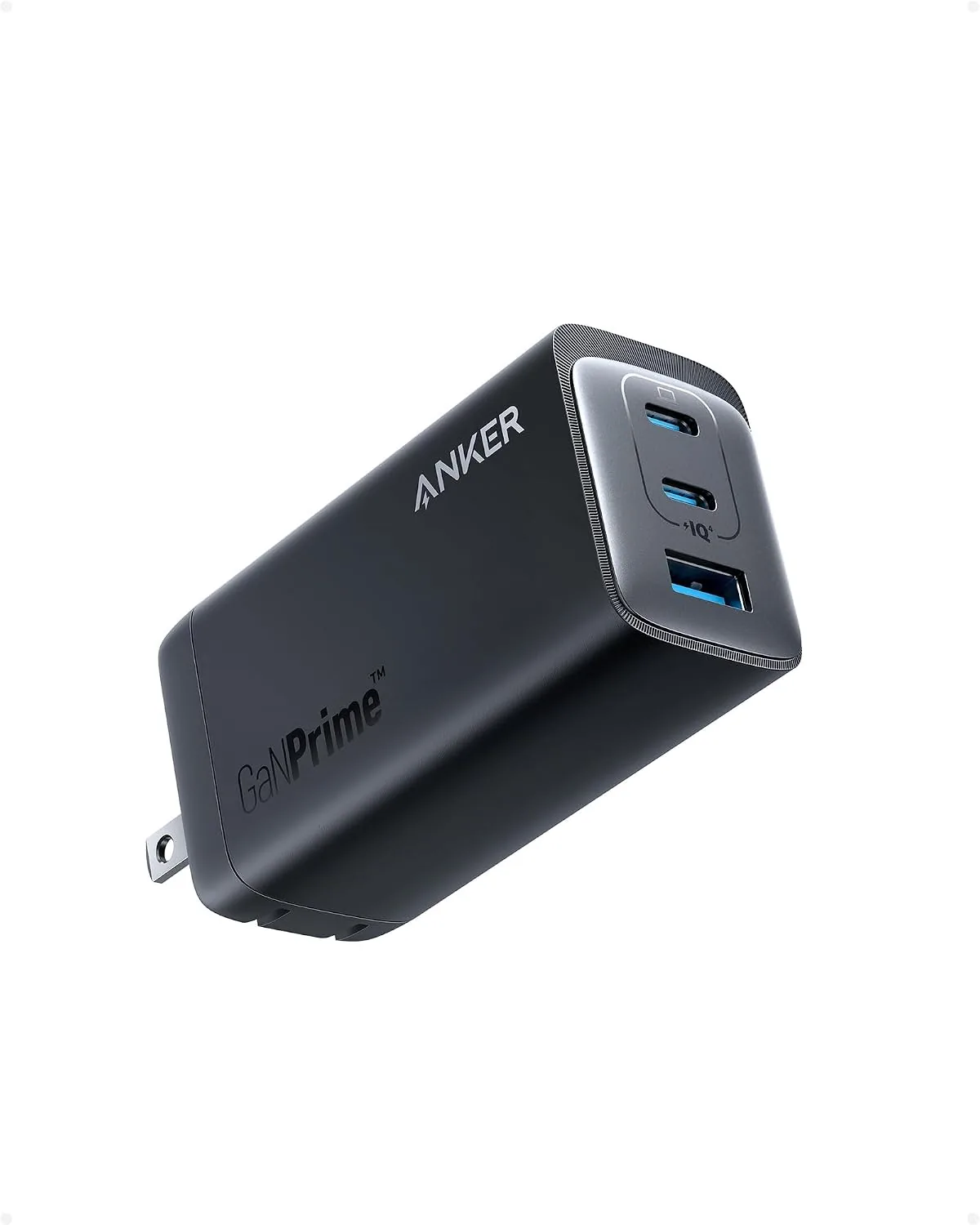
The Anker 737 GaNPrime 120W charger can make a one-bag work kit simpler if you regularly carry several USB-charged devices and want to replace a collection of single-device power adapters. Buy it only after confirming that its available ports, charging profiles, plug style, and included accessories match the devices and outlets you use most.
The number in a charger name is not a promise that every connected device will receive that amount of power at once. A 120W GaN charger is a compact power source designed around a total power budget, so the practical buying question is not simply “Is 120W enough?” It is “What will I connect at the same time, and which device needs priority?”
Who Should Buy the Anker 737 GaNPrime 120W Charger
This charger is most useful for people building a deliberate work kit: a laptop user who also travels with a phone, headphones, a tablet, or another USB-powered accessory. It also suits desk-hoppers who move among home, office, client sites, and hotels and would rather pack one primary charger than several separate bricks.
It is less compelling for a minimal kit with only one low-power device. In that situation, a smaller adapter may be easier to pack and easier to replace. It may also be the wrong choice for anyone who needs charging through a permanently installed desktop setup, where cable management and stable access matter more than reducing the number of adapters in a bag.
A common buying mistake: shopping by the biggest number
“120W” describes the charger’s stated capacity, but it does not identify the power requirement of your laptop, phone, or accessories. Before purchasing, list the items you expect to charge together and check each device maker’s charging requirements. Then review the Anker 737 charger’s current product listing for its port count, power allocation rules, supported charging standards, and cable requirements.
That check prevents two frustrating outcomes: a laptop that charges more slowly than expected and a setup that changes behavior each time another device is plugged in.
Device Combinations It Can Simplify
A one-bag kit works best when every item has a defined role. The charger is the hub; cables and devices are the spokes. Start with the device that is hardest to operate without—often a work laptop—then add the items that need overnight charging or quick top-ups between meetings.
- Workday kit: laptop, phone, and open-ear headphones for calls or commuting.
- Travel kit: laptop, phone, headphones, and a compact spare cable kept in the same pouch.
- Shared outlet kit: your primary work device plus one personal device, with the primary device assigned first priority.
Open-ear headphones can be a sensible companion device because they support awareness of surrounding sounds during walks, commutes, or office transitions. The catalog includes several choices at different budgets, but their presence in a kit should not be mistaken for proof of compatibility with any particular charger or cable. Check each product’s charging connection and documentation before packing.
Companion products to consider for a work kit
| Product | Listed type or feature | Listed price | Best fit |
|---|---|---|---|
| Soundcore C30i by Anker | Open-ear, clip-on headphones | $69.99 | Budget-conscious buyers who prefer a clip-on open-ear design. |
| Shokz OpenMove | Open-ear Bluetooth sport headphones with bone conduction | $79.95 | Buyers seeking an open-ear sport headphone from Shokz at a lower listed price than OpenRun. |
| Soundcore AeroFit 2 by Anker | Open-ear headphones designed for all-day comfort | $129.99 | Workday listeners who place comfort at the center of their purchase decision. |
| Shokz OpenRun | Open-ear Bluetooth sport headphones with a lightweight wraparound frame | $129.95 | Active users who prefer a wraparound sport-oriented design. |
For the lowest listed price among these four, the Soundcore C30i is the straightforward starting point. Choose Shokz OpenMove for a lower-priced Shokz bone-conduction option. The Soundcore AeroFit 2 and Shokz OpenRun sit close together in listed price, so design preference is the more useful deciding factor: all-day open-ear comfort for the AeroFit 2, or a lightweight wraparound frame for the OpenRun.
Ports, Power Sharing, and Charging Priorities
Ports are the physical connections on a charger. Power sharing is what happens when more than one port is in use: the charger divides its available output among connected devices according to its design. This is why a charger can feel different with one device attached than it does with a laptop, phone, and accessory all connected.
Do not assume that every port performs the same job. On a multiport charger, a port may be better suited to a higher-demand device, while another may be intended for an accessory. The current Anker 737 GaNPrime 120W charger documentation should identify the port layout and the applicable power-sharing combinations. Read that information before assigning a laptop to a specific port.
- Connect the device with the greatest work impact first, typically your laptop.
- Add your phone next if it must be available during the day.
- Charge accessories, such as headphones, after the essentials are connected.
- If charging slows after adding a device, review the charger’s stated allocation chart rather than assuming the charger has failed.
This order solves a common one-bag mistake: treating every device as equally urgent. A phone can often wait; a laptop that cannot support a meeting usually cannot.
What “GaN” and “foldable wall charger” mean
GaN is short for gallium nitride, a material used in certain charging hardware. In a product name, it identifies the charger technology family, not a complete description of size, heat behavior, ports, or compatibility. Those details must come from the product listing and instructions.
A foldable wall charger generally refers to a wall-plug design whose prongs can fold for packing. Do not assume the Anker 737 charger has that feature just because foldable wall charger is a useful search term. Confirm the plug design, especially if the charger will share space with delicate items in a crowded pouch.
What to Pack Alongside a 120W Charger
A capable charger cannot compensate for the wrong cable. Build the pouch around known needs, not convenience-store guesses. Use the cable recommended or approved for each device, and inspect it regularly for bent connectors, fraying, or loose fittings.
- The charger and its required power connection, based on the product package and documentation.
- A dedicated cable for the laptop or highest-priority device.
- A second cable for a phone or accessory.
- A small cable organizer or pouch to keep connectors from rubbing against other gear.
- Any travel adapter required for the destinations and outlets you will use.
Avoid packing duplicate cables “just in case” without a purpose. Extra cables add bulk quickly and make it harder to identify the one that actually supports your primary device. Labeling or color-coding can help, but the simplest system is often one assigned cable per device category.
Using the Anker 737 Charger at Home, Work, and in Hotels
At home, place the charger where cables can reach your work surface without being pulled tight. At work, avoid relying on a single shared outlet unless you know it will remain available; a power source across the room is not useful during a call. In a hotel, inspect the outlet location before unpacking the entire kit. Desk outlets may be easier to use than outlets behind a bed or heavy furniture.
Keep the charger accessible, not buried under clothing or pressed against items that can snag its cables. If you charge overnight, connect only what you need for the next day. That habit makes morning packing faster and reduces the chance of leaving a critical cable in the room.
Reasons to Select a Desktop Charger Instead
A desktop charger is often the better choice for a fixed workspace with several devices connected for long periods. It can keep the power source on the desk rather than hanging from an outlet, which may make cables easier to reach and organize.
Select a desktop model if your priorities are permanent cable routing, frequent access to multiple charging connections, or a charger that stays in one place. Select the Anker 737 GaNPrime 120W charger style of solution if reducing bag clutter and carrying a primary charger between locations matters more than maintaining a dedicated desk station.
Ready-to-Pack Checklist
- List every device you plan to charge simultaneously.
- Verify each device’s charging requirements and cable type.
- Confirm the Anker 737 charger’s ports and power-sharing chart on its current product page.
- Assign the highest-priority port and cable to your laptop or primary work device.
- Test the complete setup at home before relying on it during travel or an important workday.
- Choose a desktop charger instead if the charger will rarely leave one workstation.
Related Resources
Related Products
 USD 19.94
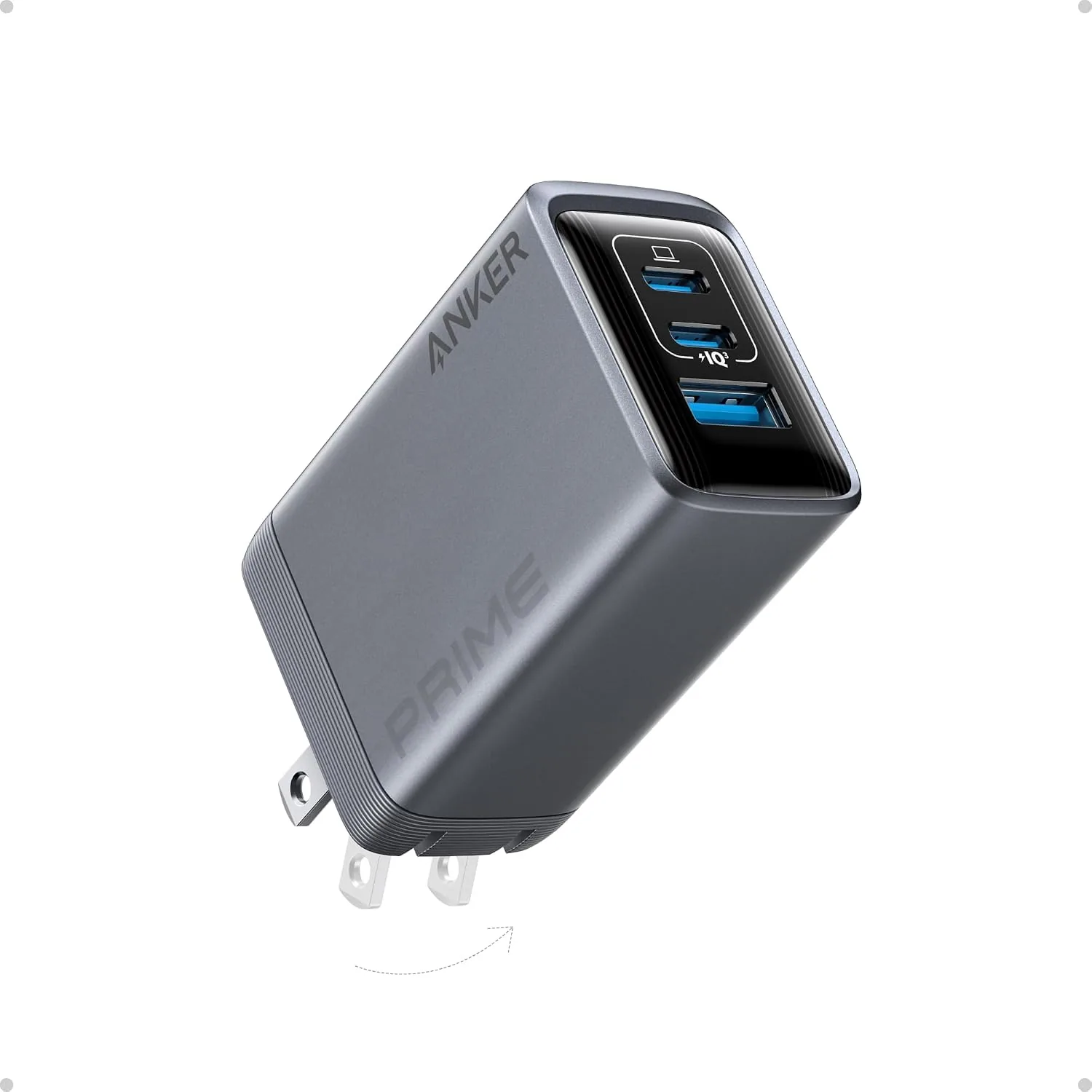
ANKER Prime 100W 3-Port GaN USB C Charger Block, Fast Foldable Wall Charger | Fast Charging Wall Charger, Foldable and Compact for MacBook, iPad, iPhone 17 Series, Galaxy S24/S23, and More
100W Multi-Device Fast Charger: Power up three devices simultaneously with a total of 100…
View Details
USD 22.49
Anker 737 GaNPrime, 120W USB C Charger, PPS 3-Port Fast Compact Foldable Wall Charger for MacBook Pro/Air, iPad Pro, iPhone 16/Pro, Galaxy S22/S21, Dell XPS 13, Note 20/10+, and More Devices
Charge Multiple Devices Simultaneously: With two USB-C ports and one USB-A port, this cha…
View Details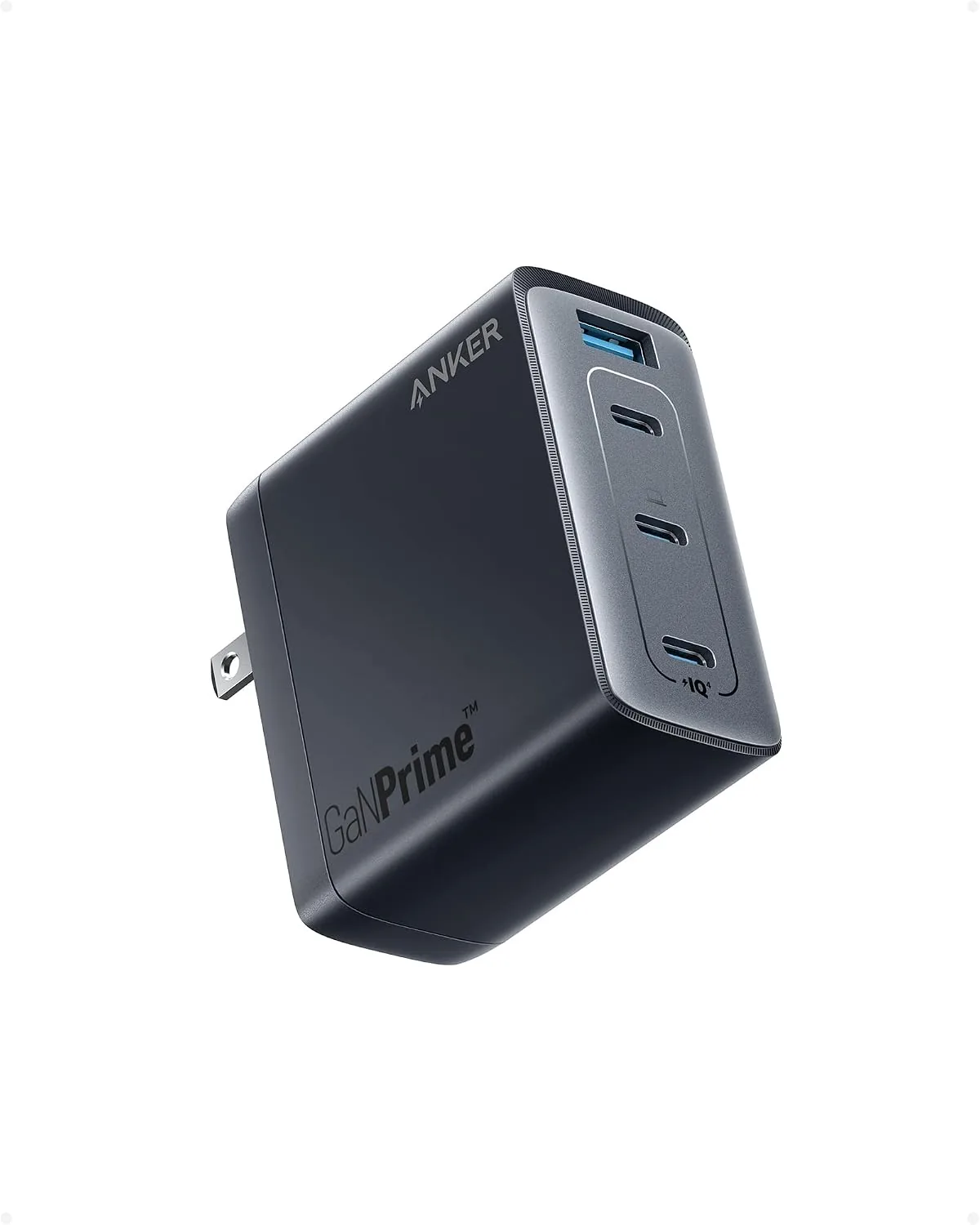 USD 22.49
Anker 150W Max USB C Charger Block, 4-Port Compact Foldable GaN Charger for MacBook Pro/Air, iPhone 17/16 and More Series, Dell and More
Unleash Maximum Charging Power: Experience the convenience of high-speed charging for two…
View Details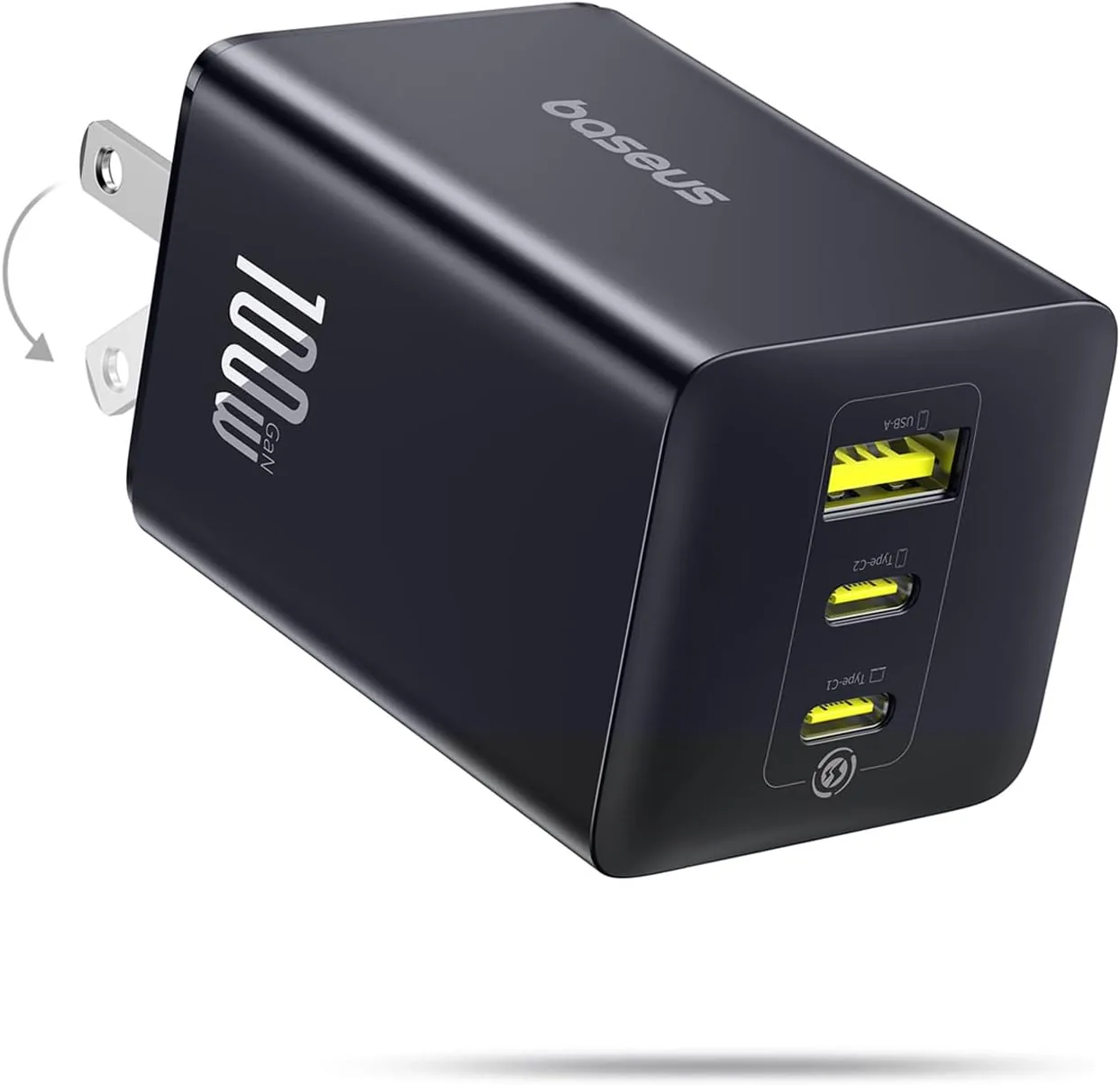 USD 28.49
Baseus 100W USB C Charger Block, 3-Port Foldable Compact PPS Wall Charger, Fast Charging Power Adapter for MacBook Pro/Air, iPad, iPhone 17 Pro Max/Air, Galaxy S24, Steam Deck & More
100W Ultra-Fast Charging: This product delivers a peak power output of 100W. Under optima…
View DetailsRelated Articles
- Hyperice Hypervolt Go 2 Buying Guide for Compact Quiet Recovery
- Ekrin Athletics Bantam Mini Buying Guide for Compact Deep-Tissue Care
- Desktop Charging Station Buying Guide for USB-C Power Delivery Buyers
- Desktop Charging Station Buying Guide for Device Charging During Video Calls
- Anker 3-in-1 Cube Wireless Charger Buying Guide for Small Spaces
- Desktop Charging Station Buying Guide for Minimalist Desk Setups