
Desktop Charging Station Buying Guide for Minimalist Desk Setups

What a Desktop Charging Station for a Minimalist Desk Actually Is
A desktop charging station for a minimalist desk is a single, right-sized charging unit that replaces the tangle of individual adapters most desks accumulate — not a docking monster with every port ever made. The goal: one device, one cable run to the wall, a clear surface. If your charger is the most visually complex object on your desk, it is working against the setup, not for it.
Minimalism here is a procurement decision, not an aesthetic preference. Every extra port, LED, and detachable stand is another thing that can break, another accessory to track, and another element competing for attention. Buy the smallest unit that covers the devices you actually use each day — and nothing more.
Start With the Fewest Ports That Meet Your Needs
Count what actually charges at your desk on a typical day. For most people that is two or three items: a phone, a laptop, and maybe earbuds or a watch. A compact charging station sized to that count looks cleaner and costs less than a six- or eight-port unit you only fully use once a month.
There is a useful discipline from the outdoor-gear world that applies directly here. The MSR PocketRocket 2 stove ($49.95, rated 4.8/5 across 4,268 reviews) is marketed explicitly as an ultralight, minimalist choice — it folds to roughly 2x2x3 inches and weighs 2.6 ounces, and it wins buyers precisely because it strips away everything nonessential. Apply the same filter to a charger: if a feature does not serve a device you own today, it is dead weight on your desk.
Port count rules of thumb
- Two ports: phone plus one accessory. The cleanest possible setup for a single-device household.
- Three to four ports: phone, laptop, earbuds. The realistic sweet spot for a work-from-home desk.
- Five or more: only justified if multiple people share the desk or you charge gear overnight in batches.
Wired, Wireless, or Hybrid: The Honest Trade-offs
Wireless pads look the cleanest — you set a phone down, it charges, no cable touches the desktop. The trade-offs are real, though: slower charging, heat buildup, and pads that only fit specific phone sizes. Wireless also fails silently; a slightly misaligned phone can sit all night without charging.
Wired remains the workhorse. It is faster, more reliable, and works with every device. The minimalist answer is not to eliminate wired charging but to contain it — short cables, routed once, in consistent positions.
A hybrid compact charging station — one or two wireless surfaces plus a couple of wired ports — suits most desks best. Wireless handles the phone that lives on the desk; wired ports handle the laptop and everything else. That mix keeps visible cables to a minimum without betting everything on pad alignment.
Clean Desk Cable Management That Stays Usable
The most common mistake is hiding cables so thoroughly that they become unusable. If you have to fish a cable out from behind the monitor every time you want to top up your earbuds, the system will be abandoned within a month.
Practical clean desk cable management follows three rules:
- Route once, permanently. Use an under-desk tray or adhesive clips so the main cable run from the charging station to the outlet is fixed and invisible from a seated position.
- Keep the last six inches accessible. Cables should emerge exactly where devices rest — a short, taut loop at the edge of the station, not a coiled pile.
- Match cable length to reach. Excess cable is the enemy. Buy or trim to length rather than bundling slack with velcro.
Positioning matters as much as hardware. A charging station placed at the rear corner of the desk, angled toward your seat, hides its own cables behind the monitor stand while keeping every port within arm's reach. Center placement looks tidy in photos and fails in practice, because cables end up crossing your entire workspace.
Match the Charger's Size and Finish to Your Desk
A minimalist desk charger should disappear into the desk, not decorate it. Matte black works on nearly every surface and hides fingerprints. White and light gray suit pale wood and white laminate but show scuffing sooner. Metal finishes age better than glossy plastic, which collects fine scratches that catch light.
Size is a footprint question. Measure the spot before buying — a station that overhangs the desk edge or blocks a drawer defeats the purpose. Slim, low-profile units slide under a monitor stand; taller multi-tier stands claim vertical space but read as a separate object on the desk. If your desk is under 40 inches wide, favor the low-profile option.
Avoid Overbuilt Features That Add Visual Clutter
Some features sound useful in a listing and hurt on a desk:
- Digital displays showing wattage per port — a glowing screen on a minimalist desk is a contradiction.
- Detachable watch stands and phone holders that turn one object into four.
- Excess ports you will never populate; empty sockets collect dust and read as clutter.
- Bright status LEDs with no off switch, especially in a bedroom-adjacent workspace.
The market rewards restraint when restraint is done well. Therabody's Prime massage gun ($319.99, 4.7/5 from 5,563 reviews) is built around exactly this idea — the company describes it as prioritizing essential features and simplifying the experience, and buyers pay a premium for the subtraction. The same logic applies to charging gear: pay for build quality and the right port mix, not for features you will spend years looking at without using.
Comparing the Design Philosophies Side by Side
To make the trade-offs concrete, here is how three well-reviewed products from our catalog embody different approaches to the compact-versus-capable question — a useful mental model before you shop for a charger in the same spirit:
| Product | Price | Rating | Design Philosophy | Best For |
|---|---|---|---|---|
| MSR PocketRocket 2 | $49.95 | 4.8/5 (4,268 reviews) | Ultralight, folds to 2x2x3 in, 2.6 oz — maximum reduction | Buyers who value the absolute minimum footprint |
| Hyperice Hypervolt Go 2 | $139.00 | 4.4/5 (2,107 reviews) | Compact and lightweight, fits in hand and bag — small but full-function | Buyers who want capability without bulk |
| Therabody Prime (4th Gen) | $319.99 | 4.7/5 (5,563 reviews) | Simplified smart experience, essential features only | Buyers who pay a premium for refined, clutter-free design |
The lesson transfers directly. The PocketRocket 2 buyer accepts limits for the smallest possible object. The Hypervolt Go 2 buyer pays more to keep capability at a modest size. The Prime buyer pays the most to have complexity removed for them. Know which of those three buyers you are before you compare a single charger spec sheet.
Verdict by Buyer Type
The strict minimalist
You own one phone and one laptop. Buy a two-port unit, wired, matte black, mounted at the rear corner. Spend the savings on good short cables and under-desk routing. Total visible footprint: smaller than a coffee mug.
The practical hybrid user
You charge a phone, laptop, and earbuds daily. A hybrid station with one wireless pad and two or three wired ports is worth the extra cost. Accept that one cable will be visible at the point of use — that is a feature, not a failure.
The multi-device professional or shared desk
Four-plus ports are justified, but choose a vertical or tiered design so the footprint stays small even as capacity grows. Insist on a matte finish and no display; larger stations are where visual clutter compounds fastest.
Actionable Takeaways
- Count the devices you charge daily and buy exactly that many ports, plus one.
- Prefer hybrid over pure wireless — reliability still matters more than the last inch of cable freedom.
- Route the main cable run permanently under the desk; keep only the final six inches of each cable visible.
- Choose matte finishes in a color matched to your desk, and measure the footprint before ordering.
- Skip digital displays, bright LEDs, and detachable accessories — every one of them is clutter you paid for.
Related Resources
Related Products
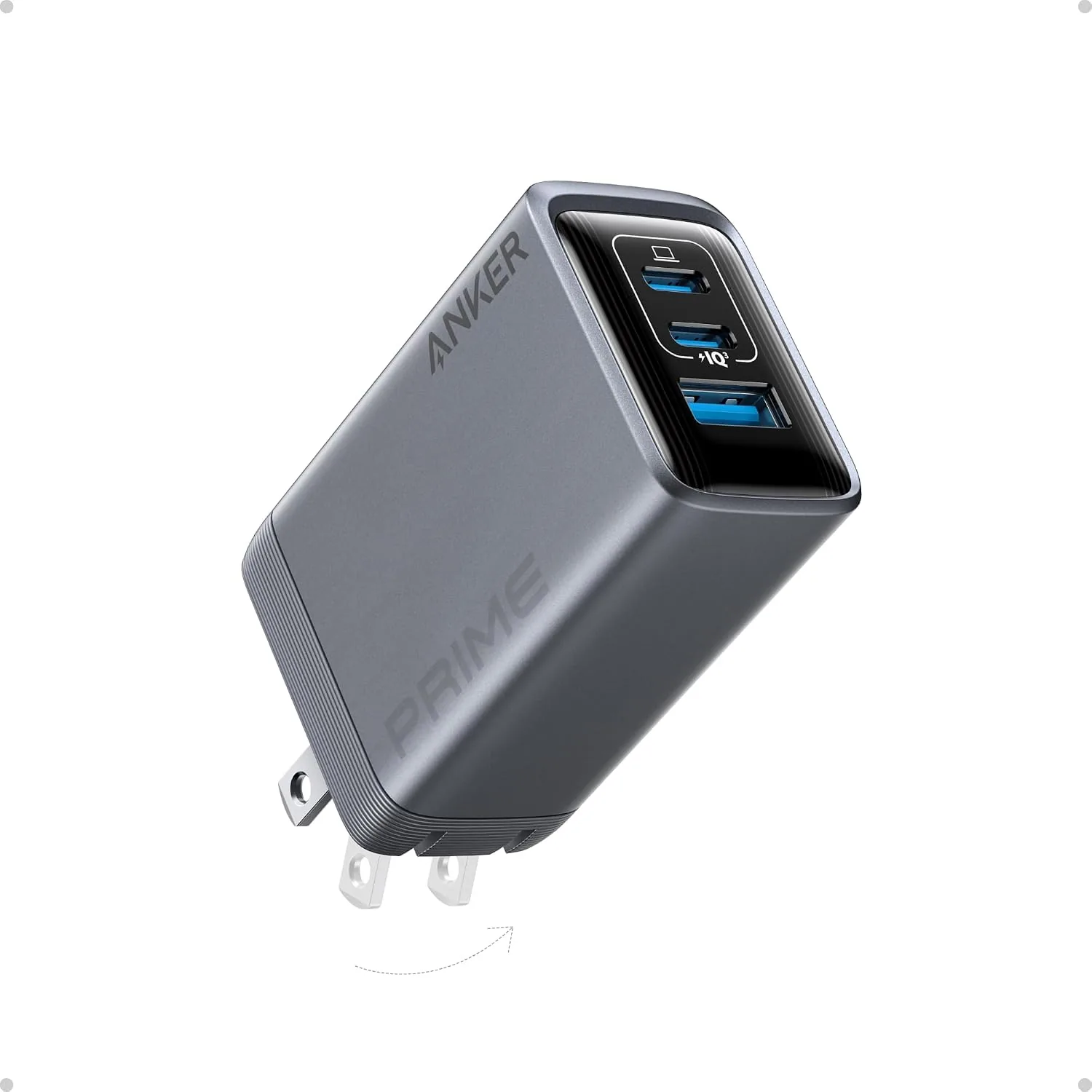 USD 19.94
ANKER Prime 100W 3-Port GaN USB C Charger Block, Fast Foldable Wall Charger | Fast Charging Wall Charger, Foldable and Compact for MacBook, iPad, iPhone 17 Series, Galaxy S24/S23, and More
100W Multi-Device Fast Charger: Power up three devices simultaneously with a total of 100…
View Details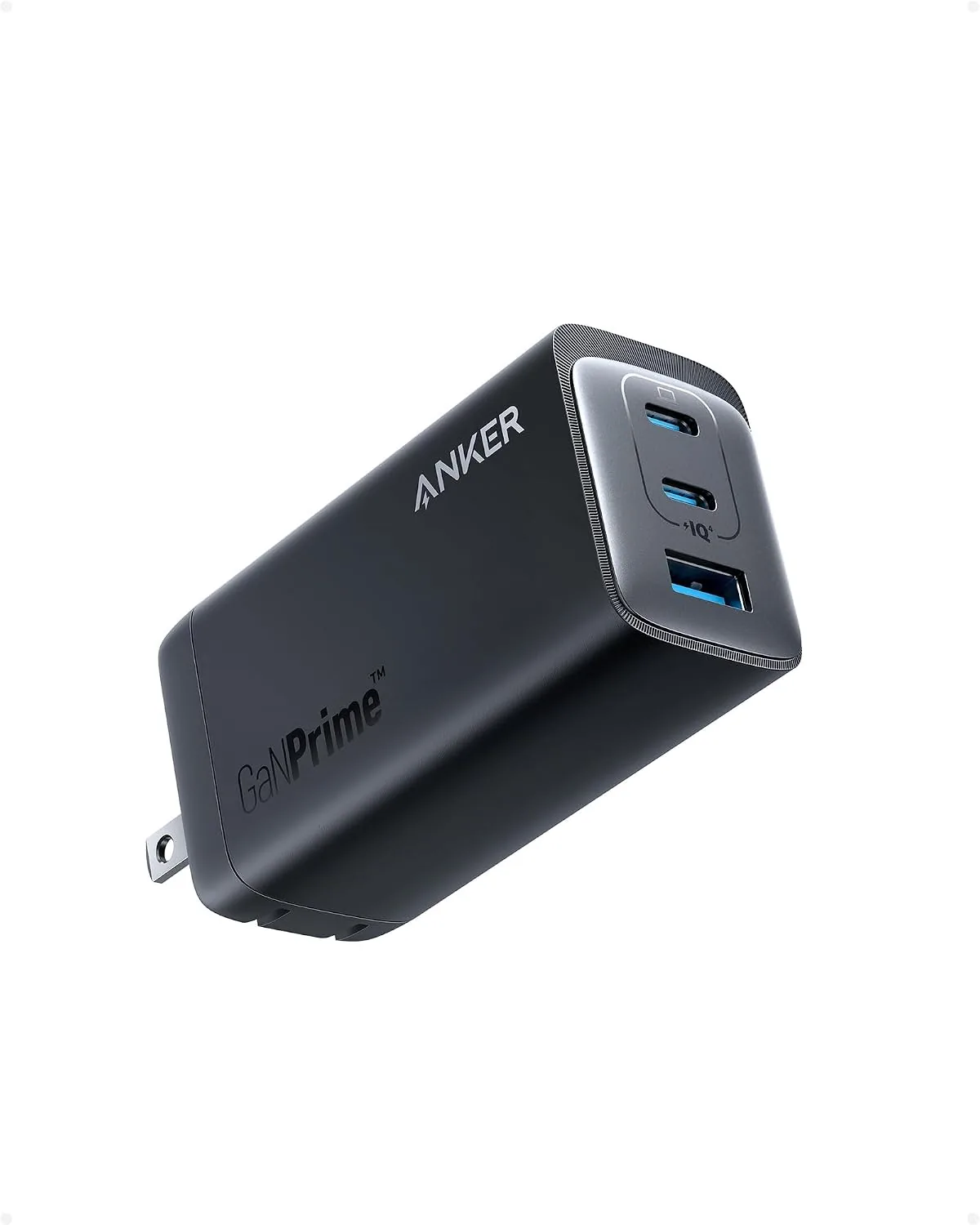 USD 22.49
Anker 737 GaNPrime, 120W USB C Charger, PPS 3-Port Fast Compact Foldable Wall Charger for MacBook Pro/Air, iPad Pro, iPhone 16/Pro, Galaxy S22/S21, Dell XPS 13, Note 20/10+, and More Devices
Charge Multiple Devices Simultaneously: With two USB-C ports and one USB-A port, this cha…
View Details
USD 40.49
Anker Prime Charging Station, 250W 6-Port GaN USB C Charger, 2.26" LCD Smart Display Control, Compatible with iPhone, Galaxy, MacBook, Dell for Home Office, Gaming Desk Accessories
Super Fast 250W Output: Experience the convenience of high-capacity charging with this 25…
View Details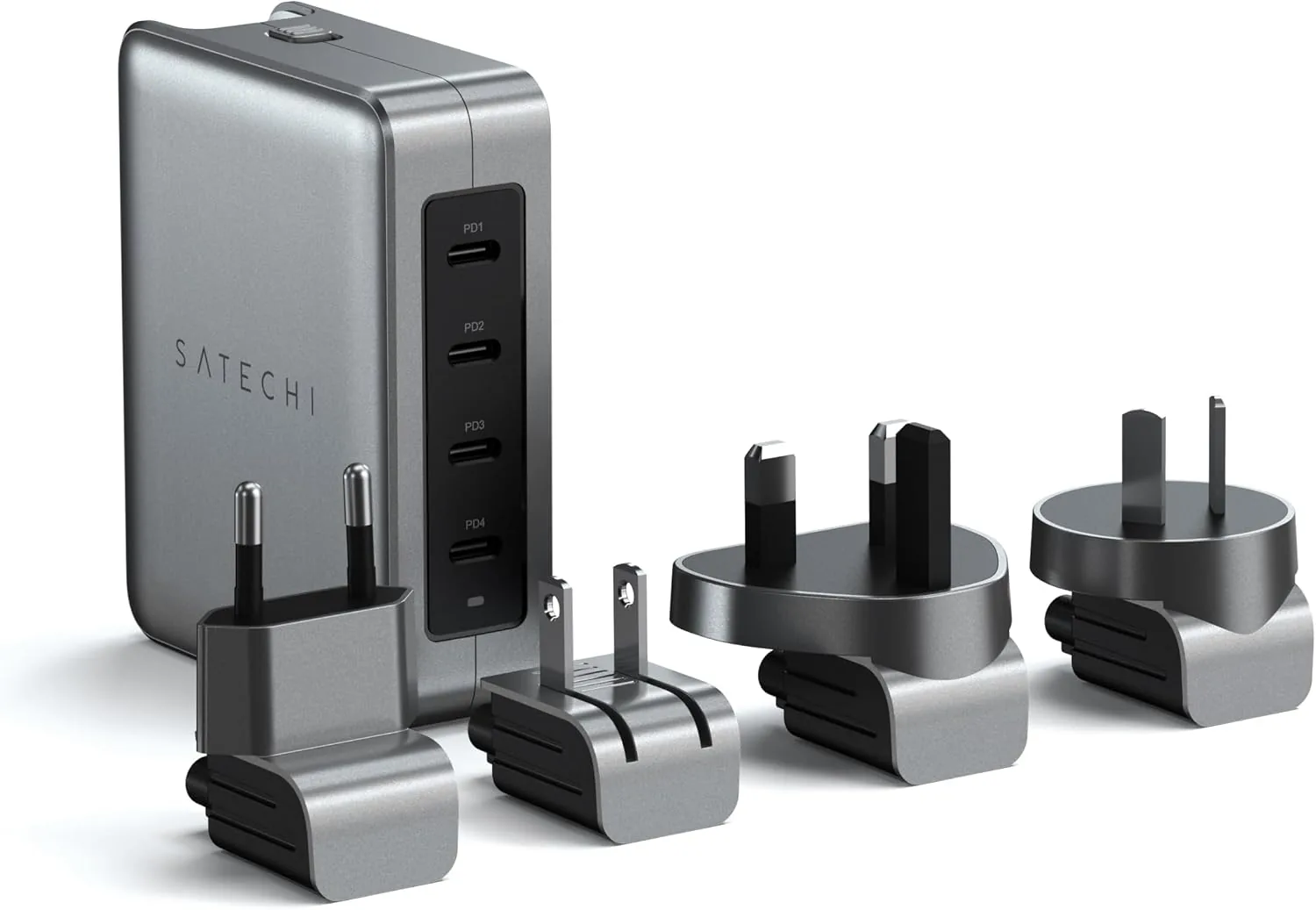 USD 89.99
Satechi 145W GaN Travel Charger, 4-Port GaN USB C Charger, 2 USB-C PD 3.1, Fast Charging Travel Station for Laptop, for MacBook Air/Pro/Neo, iPad Air/Pro, iPhone 17 to 12 Series, Android, Windows
𝗗𝗲𝘀𝗶𝗴𝗻𝗲𝗱 𝗳𝗼𝗿 𝗧𝗿𝗮𝘃𝗲𝗹 𝗖𝗵𝗮𝗿𝗴𝗶𝗻𝗴 – A compact 145W GaN travel charger built to power laptops, …
View DetailsRelated Articles
- Massage Gun Buying Guide for First-Time Percussion Therapy Buyers
- Massage Gun Buying Guide for Desk Workers With Tight Shoulders
- Desktop Charging Station Buying Guide for Dorm Room Device Charging
- Desktop Charging Station Buying Guide for Creative Workstations
- Desktop Charging Station Buying Guide for Heat-Conscious Buyers
- Desktop Charging Station Buying Guide for Outlet-Limited Workspaces