
Desktop Charging Station Buying Guide for Creative Workstations

A desktop charging station for creative workstations pays for itself the first time a deadline survives a dead battery on the one device you forgot to plug in. The right station replaces a drawer full of wall adapters, keeps a multi-device creator desk running from a single outlet, and cuts the cable chaos that slows down edits, shoots, and client calls.
Most creators still buy the wrong one first. They undersize it, scatter ports across the desk, or pick a station that can't feed a power-hungry laptop while topping up a phone. Here's how to get it right the first time — and what each mistake costs.
Start With an Inventory of Your Creative Workflow
Start with an inventory, not a product page. Before comparing chargers, write down every device that touches power during a working week. A typical multi-device creator desk includes:
- A primary laptop or desktop-replacement machine
- A tablet for drawing, markup, or client review
- A smartphone used for shooting, tethering, or approvals
- Wireless earbuds, a smartwatch, or a wireless mouse
- Camera batteries, external SSDs, and portable drives that recharge over USB
Counting devices isn't enough — count charging events. A phone that tops up twice a day and a tablet that charges overnight place very different demands on the same station. Once you know what needs power and when, you can size the station to your real day instead of your imagined one.
Prioritize Laptop-First Power Distribution
Not all ports are equal, and this is where cheap stations fail. A high-power USB-C charger with power delivery is non-negotiable if a laptop anchors your workflow. A station full of low-wattage ports will keep a phone happy while your notebook slowly drains. Rank devices by consequence: the laptop running your timeline comes first, the tablet second, everything else after.
Look for a station that dedicates real wattage to at least one USB-C port and treats the rest as supporting cast. That single decision protects you from the most common failure mode: a station that charges five small devices beautifully but chokes the moment a laptop plugs in.
For creators who live on Apple gear, magnetic pad charging deserves a separate look. The Belkin MagSafe-compatible 3-in-1 Magnetic Charging stand in this catalog supports fast charging with Qi2 technology, handling a phone, watch, and earbuds from one footprint. It works well as a companion to a larger station rather than a replacement, since it won't power a laptop.
Choose Port Capacity for Your Busiest Project Days
Buy for your busiest day, not your average one. On a heavy production day, the number of simultaneously charging devices can double: camera batteries topping up between setups, a client's phone borrowing a port, backup drives spinning while the laptop charges. A station sized for a quiet Tuesday becomes a bottleneck on the day you can least afford one.
A practical rule: take your simultaneous-charge peak and add two ports. Headroom is cheap at purchase and expensive later, because the fix for an undersized station is buying a second one — which reintroduces the clutter you were trying to eliminate. Ports you don't use cost nothing; ports you don't have cost afternoons.
Keep Charging Cables Clear of Cameras, Drives, and Displays
Cable management is half the value of a desktop charging station, and it's the half buyers ignore until the gear arrives. A station only works if it lives where the devices live: place it within reach of your main seating position, route cables behind or beneath the desk, and keep the charging zone physically separated from the working zone.
Three fixes solve most desk-cable problems:
- Consolidate to one outlet. Every wall adapter you retire is one fewer cable crossing your workspace and one fewer trip hazard underfoot.
- Separate power from data. Charging cables belong on the station; drive and display cables belong on your hub or dock. Mixing them turns every grab into a tangle audit.
- Use short, right-angle cables at the station. Long cables on a fixed desktop station just relocate the mess.
Done well, the charging corner stays self-contained and your camera, drives, and reference display stay untouched. That separation protects gear, too — a yanked charging cable should never be able to drag a drive off the desk with it.
When a Higher-Capacity Station Is Worth It
Stations in this catalog run from $24.99 to $139.98, and the gap maps cleanly to workflow complexity. A small magnetic stand like the Belkin 3-in-1 suits a phone-centric setup or serves as a tidy satellite beside a monitor. A full multi-port tower makes sense when a laptop, tablet, and three or four accessories all need simultaneous power.
The upgrade question comes down to downtime math. If an underpowered station costs you even one interrupted work session a month — a laptop that won't charge while rendering, a tablet dead before a client review — the price gap between a basic unit and a higher-capacity one is repaid quickly in recovered hours. If your devices charge in tidy shifts and never collide, the smaller station is the smarter buy. The Anker Prime charging station line sits at the premium end of this catalog and is the kind of full-capability unit worth shortlisting once your device count justifies it; Belkin, Baseus, Satechi, UGREEN, and mophie round out the range at lower price points.
How the Options Compare
| Product | Best for | Key capability | Price | Rating |
|---|---|---|---|---|
| Belkin MagSafe-compatible 3-in-1 Magnetic Charging stand | Phone-centric creators; Apple watch/earbuds/phone users | Fast charging with Qi2 technology; charges three devices from one stand | Within catalog range ($24.99–$139.98) | See product page |
| Anker Prime charging station | Full multi-device creator desks with a laptop at the center | Premium multi-port desktop station from a leading charging brand | Upper end of catalog range | See product page |
Recommendation by situation: if your desk is dominated by an iPhone, watch, and earbuds and your laptop charges elsewhere, the Belkin 3-in-1 is the tidy, budget-friendly pick. If a power-hungry laptop plus a rotating cast of tablets, phones, batteries, and accessories all compete for ports, spend up for a higher-capacity station like the Anker Prime line — total cost of ownership favors it within weeks.
Actionable Takeaways
- Inventory your charging events for one real work week before you shop — buy for the peak, not the average.
- Require a genuine high-power USB-C port for the laptop; treat everything else as secondary.
- Add two spare ports to your simultaneous-charge count as headroom.
- Plan the physical placement now: one outlet, cables routed away from cameras, drives, and displays.
- Match spend to stakes — a compact magnetic stand for light phone-centric setups, a full-capacity station when a laptop anchors the desk.
Get these five decisions right and the station you buy will still be the right one two device upgrades from now.
Related Products
 USD 19.94
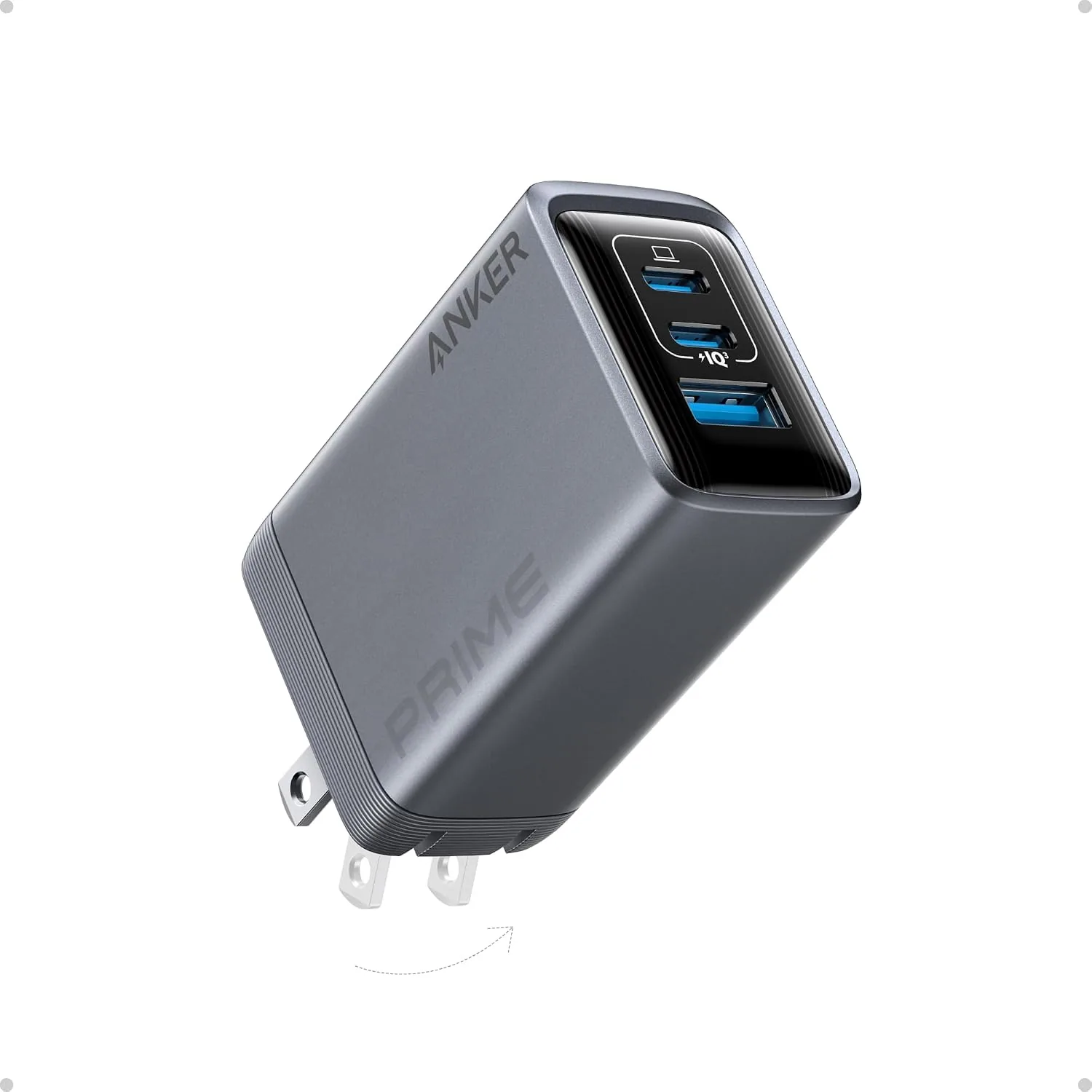
ANKER Prime 100W 3-Port GaN USB C Charger Block, Fast Foldable Wall Charger | Fast Charging Wall Charger, Foldable and Compact for MacBook, iPad, iPhone 17 Series, Galaxy S24/S23, and More
100W Multi-Device Fast Charger: Power up three devices simultaneously with a total of 100…
View Details
USD 40.49
Anker Prime Charging Station, 250W 6-Port GaN USB C Charger, 2.26" LCD Smart Display Control, Compatible with iPhone, Galaxy, MacBook, Dell for Home Office, Gaming Desk Accessories
Super Fast 250W Output: Experience the convenience of high-capacity charging with this 25…
View Details USD 52.48
Anker Prime Charging Station, 200W 6-Port GaN Desktop Charger | Fast Charging USB C Charger for Multiple Devices, Compatible with iPhone, Galaxy, MacBook, Dell and More
Ultra-Powerful Charging Station: Experience the convenience of powering six devices at on…
View Details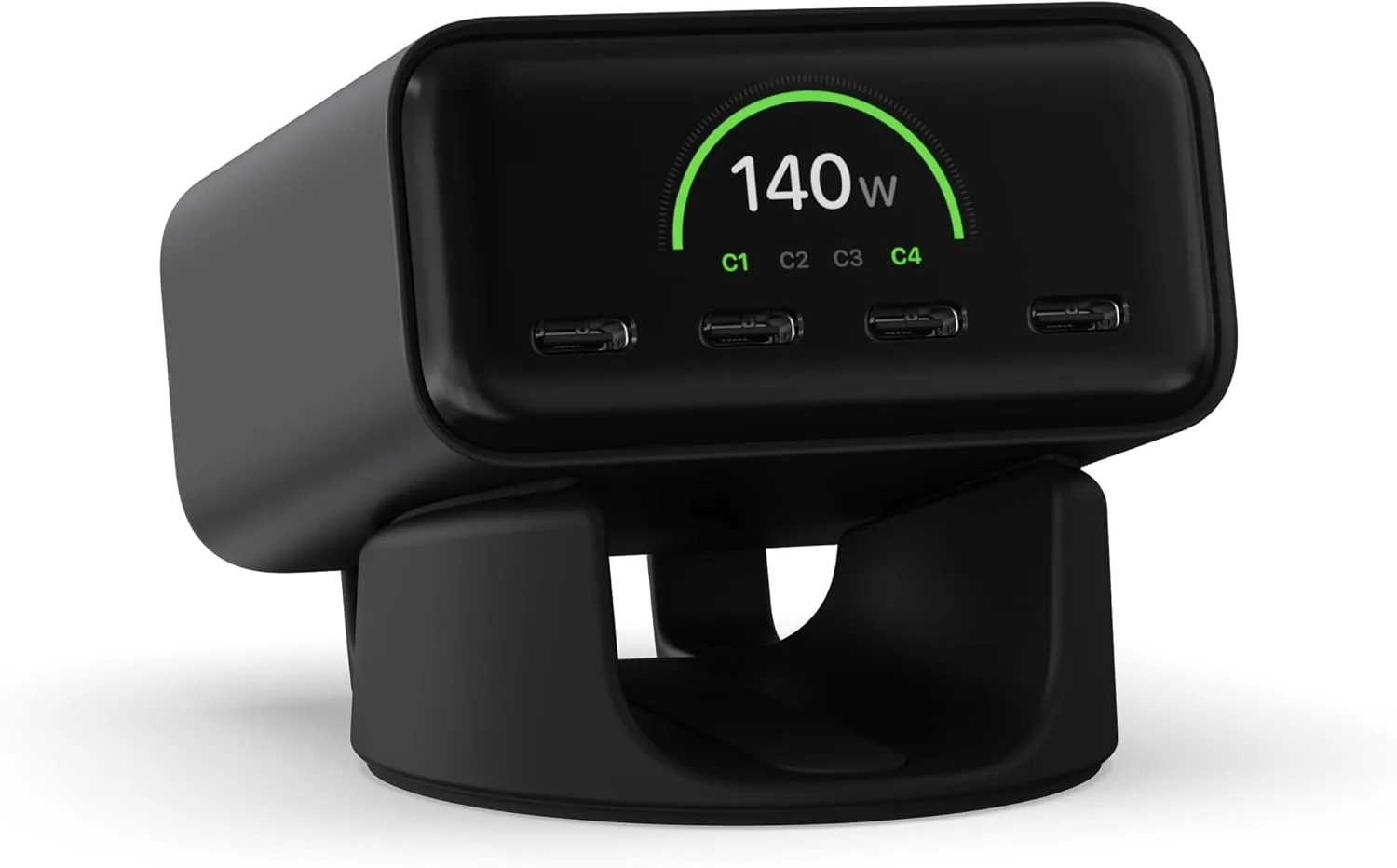 USD 74.99
Satechi ChargeView™ 140W Desktop Charger, GaN Charging Station with Live Power Display, Four USB-C Ports, Designed for Modern Workspaces, Space Black
𝗗𝗲𝘀𝗶𝗴𝗻𝗲𝗱 𝗳𝗼𝗿 𝗠𝗼𝗱𝗲𝗿𝗻 𝗪𝗼𝗿𝗸𝘀𝗽𝗮𝗰𝗲𝘀 – The Satechi ChargeView 140W Desktop Charger powers your …
View DetailsRelated Articles
- Hyperice Hypervolt 2 Buying Guide for Everyday Quiet Muscle Recovery
- APHERMA Massage Gun Buying Guide for Affordable Athlete Recovery
- Desktop Charging Station Buying Guide for Dorm Room Device Charging
- Anker Prime 250W 6-Port GaN Charging Station Buying Guide
- Desktop Charging Station Buying Guide for Minimalist Desk Setups
- Anker Prime 100W 3-Port GaN Charger Buying Guide for Everyday Carry