
Anker Prime 250W 6-Port GaN Charging Station Buying Guide

A desktop charging station earns its keep by consolidating multiple power bricks into a single, intelligent hub. The Anker Prime 250W 6-port GaN charging station is built for users who need serious simultaneous output across laptops, phones, and accessories—no crawling under the desk to swap cables.
Who Should Consider the Anker Prime Charging Station?
This hub is designed for high-demand environments. If you routinely charge two laptops at once while topping off a phone, a tablet, and wireless earbuds, a standard 100W brick will bottleneck your workflow. A 250W 6-port charger reallocates power dynamically, pushing high wattage to the devices that need it most while managing lower-draw items on the same circuit.
Remote workers managing complex desk setups are the primary audience. Video editors, developers, and anyone running multiple monitors alongside a power-hungry workstation benefit from having a single, organized power source. Traveling professionals who carry several devices but set up temporary workstations in hotels or co-working spaces can also use a desktop GaN charger to replace a tangled mess of individual adapters. However, if your daily kit involves just a phone and a single laptop, a smaller, lower-wattage brick will serve you better and cost less.
Identify High-Demand Devices in Your Desk Setup
Before standardizing on a six-port hub, map out exactly what you intend to plug in. A charging station only helps if it matches your actual power draw. Large, 16-inch MacBook Pros or gaming laptops often pull 100W or more under heavy load. If your workflow requires fast-charging two of these simultaneously, you will quickly max out smaller chargers.
Next, look at the secondary devices on your desk. Tablets, phones, and portable power banks fall into a mid-tier power bracket, usually requiring 20W to 45W for optimal charging speeds. Finally, consider the low-draw accessories: wireless earbuds, smartwatches, mechanical keyboards, or a portable massage gun used for desk-bound tension relief.
For instance, the Therabody Prime (4th Generation) prioritizes essential smart percussive massage therapy features at $319.99. While its internal battery handles daily use, keeping a dedicated charging port available ensures it is always ready. Similarly, the BOB AND BRAD C2 Massage Gun, designed by physical therapists at $69.94, needs a power top-off after deep-tissue sessions. A high-capacity charging station easily accommodates these wellness devices alongside your core computing gear.
Plan a Six-Port Charging Layout
The value of a 250W 6-port charger lies in intelligent power distribution. When you plug in multiple devices, the built-in controller divides the available wattage based on what each device requests. Planning your layout ensures you never trip over the station's limitations.
Designate your primary ports for laptops. Even with two high-power computers drawing maximum wattage, a 250W total capacity leaves enough overhead to fast-charge a tablet or phone on the remaining ports. Reserve the lower-priority ports for overnight accessories. If you have a portable speaker, a headlamp for evening tasks, or a battery-powered camping light that needs charging, these devices require minimal wattage and can easily share the remaining power budget.
Take the Mr Beams MB990 300 Lumen LED UltraBright Wireless Battery Powered light, which features a clean, modern design. It requires minimal power to recharge its batteries compared to a laptop. By grouping your devices by power priority—primary computers first, secondary screens and tablets next, then small battery-powered accessories—you maximize the hub's efficiency.
| Device Category | Typical Power Demand | Charging Priority | Port Allocation Strategy |
|---|---|---|---|
| Large Laptops (16-inch) | High (90W - 100W+) | Primary | Reserve primary USB-C ports for immediate power delivery |
| Tablets / Small Laptops | Medium (30W - 65W) | Secondary | Use secondary ports; power scales down automatically |
| Smartphones | Low to Medium (20W - 30W) | Variable | Share remaining capacity with other small devices |
| Accessories (Earbuds, Lights, Massage Guns) | Low (5W - 15W) | Low / Overnight | Fill remaining ports; minimal impact on total output |
Evaluate Display Preferences and Desk Visibility
A charging station lives on your desk, meaning its physical design directly impacts your workspace aesthetic. The Anker Prime charging station incorporates a smart display that shows real-time power output for connected devices. This feature helps you verify that your laptop is actually pulling 100W rather than settling for a trickle charge.
Consider how visible LEDs and screens affect your environment. If your desk faces a camera or sits in a bedroom-adjacent home office, bright status lights can become a distraction. Monitoring power output per port helps troubleshoot slow charging issues, but you must decide if a constantly updating numeric display fits your workspace preference. Some users prefer a clean, minimalist desk where the charger hides behind a monitor stand, making the display a secondary concern. Others want the data front and center to monitor their power load.
Think about your physical setup. A heavy, six-port GaN charger stays firmly planted on the desk, resisting cable tug. Compact chargers often get pulled to the floor by heavy-gauge cables. A substantial desktop unit doubles as an inadvertent cable management anchor.
Determine if a Premium Charging Hub Fits Your Buying Priorities
Buying a high-capacity desktop GaN charger requires an honest evaluation of your budget and workflow needs. A single, powerful charging hub costs more upfront than a collection of individual 20W and 45W bricks, but it replaces clutter, frees up wall outlets, and provides power distribution intelligence that basic adapters lack.
If your daily routine involves moving between an office, a living room, and a co-working space, moving a multi-port station requires effort. However, if you operate from a single, dedicated desk, consolidating your power delivery into one hub streamlines your setup permanently.
| Buyer Profile | Recommendation | Key Reasoning |
|---|---|---|
| Heavy workstation user (2 laptops + accessories) | Invest in the Anker Prime 250W 6-port GaN charging station | Provides necessary overhead for simultaneous high-wattage output |
| Minimalist worker (1 laptop + 1 phone) | Stick to a smaller 65W or 100W GaN charger | Avoid paying for unused ports and capacity |
| Wellness and tech enthusiast (laptop + multiple battery devices) | Invest in the Anker Prime 250W 6-port GaN charging station | Easily handles laptops alongside devices like the Theragun Prime or BOB AND BRAD C2 |
To make the right purchasing decision, audit your current cable situation. Count the devices you charge daily, note their maximum wattage requirements, and decide if a single intelligent hub will clear the clutter from your workspace.
Related Resources
Related Products
 USD 19.94
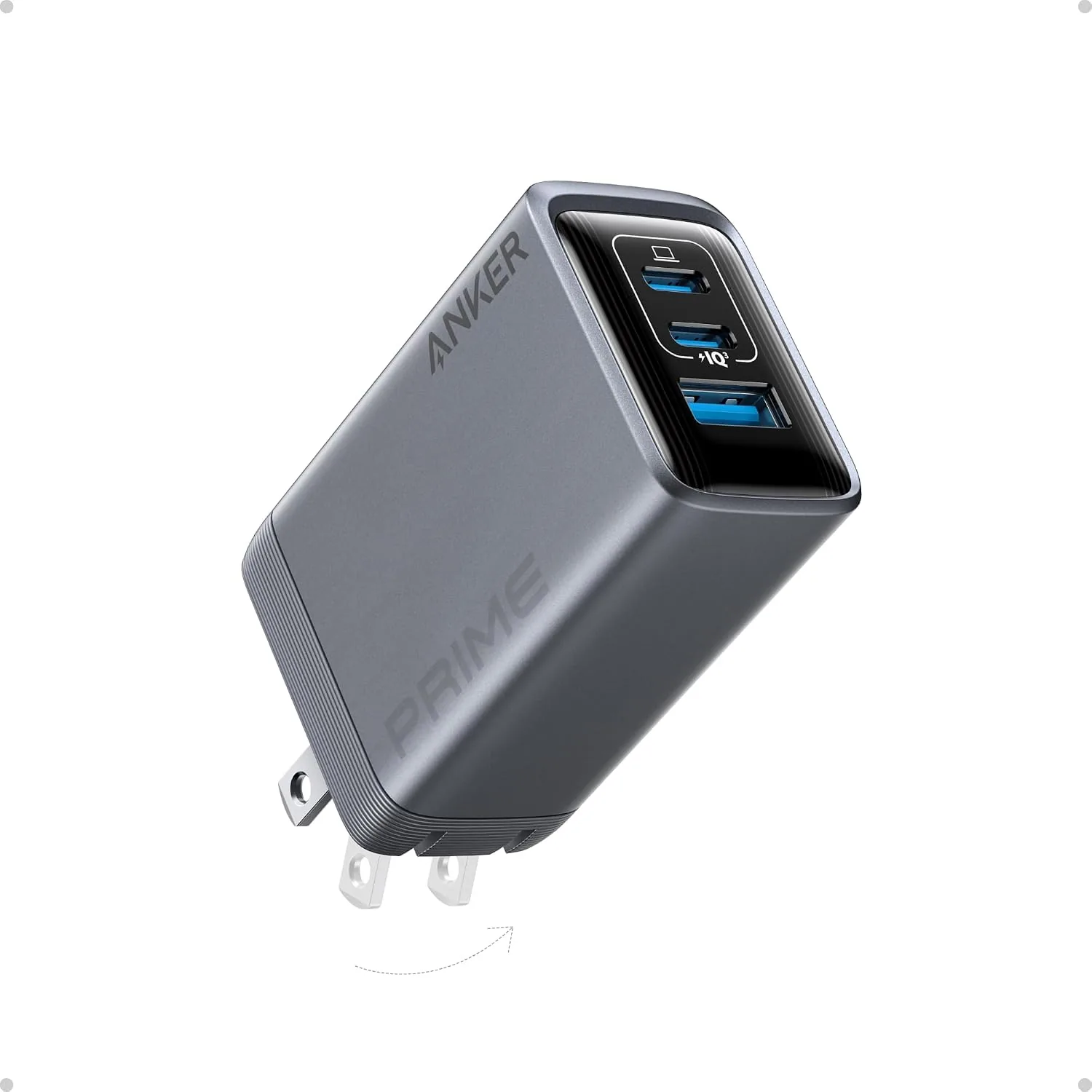
ANKER Prime 100W 3-Port GaN USB C Charger Block, Fast Foldable Wall Charger | Fast Charging Wall Charger, Foldable and Compact for MacBook, iPad, iPhone 17 Series, Galaxy S24/S23, and More
100W Multi-Device Fast Charger: Power up three devices simultaneously with a total of 100…
View Details
USD 40.49
Anker Prime Charging Station, 250W 6-Port GaN USB C Charger, 2.26" LCD Smart Display Control, Compatible with iPhone, Galaxy, MacBook, Dell for Home Office, Gaming Desk Accessories
Super Fast 250W Output: Experience the convenience of high-capacity charging with this 25…
View Details USD 52.48
Anker Prime Charging Station, 200W 6-Port GaN Desktop Charger | Fast Charging USB C Charger for Multiple Devices, Compatible with iPhone, Galaxy, MacBook, Dell and More
Ultra-Powerful Charging Station: Experience the convenience of powering six devices at on…
View Details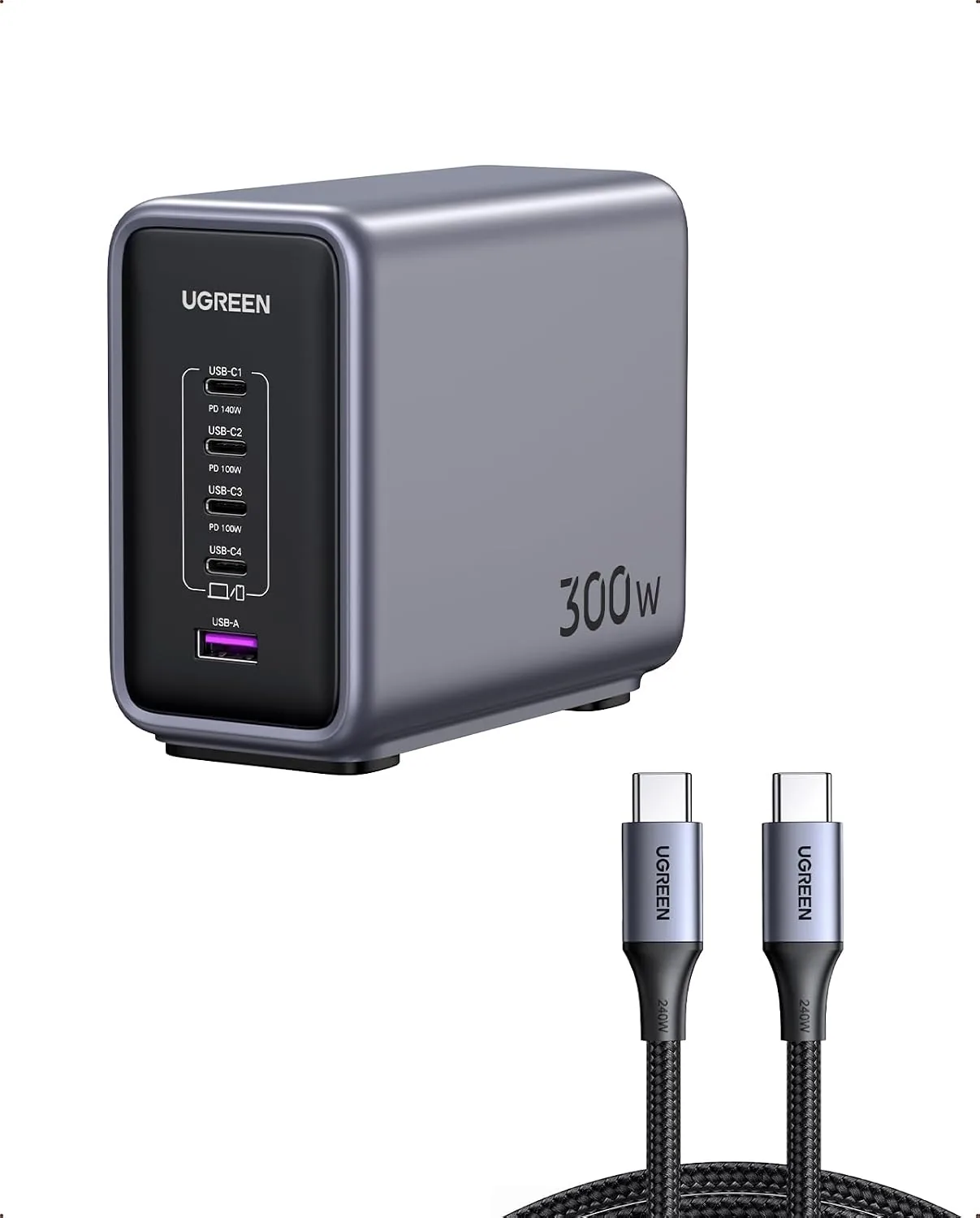 USD 104.99
UGREEN Nexode 300W GaN Charging Station, 5-Port 140W Max Desktop Charger Compatible with MacBook Pro/Air/Neo, Dell XPS, iPhone 17/16/15, Galaxy S26/S25/S24, Pixel 10/9, iPad Air/Pro, Steam Deck
Super 300W Fast Charging: This 5-Port USB C charger block packs a punch with 300W total o…
View DetailsRelated Articles
- Desktop Charging Station Buying Guide for VR Headset Accessories
- Bluetooth Massage Gun Buying Guide for App-Guided Recovery Routines
- Desktop Charging Station Buying Guide for Creative Workstations
- Desktop Charging Station Buying Guide for Six-Device Charging
- Desktop Charging Station Buying Guide for Dorm Room Device Charging
- Anker Prime 100W 3-Port GaN Charger Buying Guide for Everyday Carry