
Desktop Charging Station Buying Guide for Dorm Room Device Charging

A desktop charging station for dorm room use solves one simple problem: the average student brings a phone, a laptop, a tablet, and at least two charged accessories to a desk roughly two feet wide, served by a single wall outlet. One well-chosen multi-port USB-C charger replaces a tangle of individual adapters, frees up space on the power strip, and keeps every device within arm's reach during late-night study sessions. The trick is matching the station to what you actually own — not to the port count on the box.
Dorm Charging Needs: Phone, Laptop, Tablet, and Accessories
Start by listing every device you'll charge at your desk, because that list drives every other decision. A typical setup looks like this:
- Phone — daily top-ups, often twice a day during heavy use
- Laptop — the power-hungry device; if it charges over USB-C, it dictates the wattage you need
- Tablet or e-reader — usually charged overnight
- Accessories — earbuds, a smartwatch, a wireless mouse
Accessories deserve more attention than students give them. If you train with open-ear sport headphones, for example, they're constantly in your charging rotation. The Shokz OpenRun bone conduction headphones ($129.95, rated 4.5/5 across 26,719 reviews) and the lighter-duty Shokz OpenMove ($79.95, 4.4/5 from 23,695 reviews) both top up over USB, and both tend to live on the desk between gym sessions and walks to class. Budget buyers often land on the PSIER Bone Conduction Headphones ($36.99, 4.0/5 from 2,737 reviews) — same charging habit, lower stakes. Whatever the brand, headphones like these draw from the same USB-A or USB-C ports as everything else, so they simply add to your port count.
The real math is wattage, not ports. A phone is happy with 20W. Most USB-C laptops want 45–65W or more, and if two people share the station — roommates often do — simultaneous laptop charging can split the available power. Check the station's total output figure, not just its per-port maximum, and confirm it can deliver full laptop wattage on at least one port while other devices are plugged in.
Choosing a Compact Station for Limited Desk Space
Dorm desks are small, and shared surfaces are smaller still. A good college desk charger has to earn its footprint.
- Vertical or cube designs point ports upward or stack them, so cables drop off the edges instead of fanning across the work surface.
- GaN (gallium nitride) construction shrinks high-wattage chargers dramatically — a 65W GaN brick is often half the size of an older equivalent.
- Integrated cables or a detachable AC cord matter: a corded station can sit mid-desk and reach a distant outlet, while a wall-plug unit keeps the desk clear but must live near the socket.
- Non-slip base. Sounds trivial. It isn't — not the first time a fully loaded station gets dragged off the desk by six taut cables.
Avoid stations with fixed short cables for anything you'll move daily. Detachable cables survive a semester; molded ones rarely do.
Checking Outlet Access and Power-Strip Compatibility
Before buying anything, look at the wall. Many dorms offer one or two duplex outlets per resident, and fire codes frequently prohibit cheap power strips or require surge-protected ones. Ask your residence office if you're unsure — a confiscated strip in week three is a worse outcome than a slightly different charger purchase.
Practical rules:
- If the outlet sits behind the bed or desk, choose a charging station with its own AC cord rather than a wall-wart design.
- Count plugs, not just ports. A station that occupies two strip outlets to power four devices has saved you nothing.
- Check that the station's plug is slim enough not to block adjacent outlets on a strip — chunky plugs are a classic annoyance.
- Confirm the station accepts your dorm's voltage if you're an international student; most modern chargers do, but verify before you pack it.
Prioritizing Ports for Study Sessions and Overnight Charging
Think in two modes. Study mode means your laptop pulls serious wattage while your phone fast-charges during a 30-minute break — you want high-wattage USB-C ports at the front or top of the station, easy to reach without looking. Overnight mode means everything charges at once, slowly, and port placement doesn't matter — but total output does, since five devices sharing 45W will trickle rather than fill.
Assign ports deliberately: dedicate the highest-watt USB-C port to the laptop, keep one USB-C for the phone, and let accessories like headphones and a watch take the USB-A ports. Labeling cables with small tags feels fussy until 1 a.m. before an exam, when you need to know which cable is which in the dark.
Comparing Your Likely Charging Load
Here's how three common accessory choices stack up as part of a dorm room charging station setup — all three use the same desk station, but they differ in how much you've invested and how careful you'll want to be with cable handling:
| Product | Price | Amazon Rating | Charging Habit | Best For |
|---|---|---|---|---|
| PSIER Bone Conduction Headphones | $36.99 | 4.0/5 (2,737 reviews) | Frequent USB top-ups | Budget buyers; low-stakes desk charging |
| Shokz OpenMove | $79.95 | 4.4/5 (23,695 reviews) | Daily USB charging | Everyday campus and workout use |
| Shokz OpenRun | $129.95 | 4.5/5 (26,719 reviews) | Daily USB charging | Serious athletes who want the premium pick |
The pattern holds across categories: the more you've spent on your devices, the more it pays to buy a quality multi-port USB-C charger with proper power regulation rather than the cheapest hub on the market. A $300 phone and $180 headphones deserve a station that won't deliver dirty power.
Cable Management for Shared and Temporary Spaces
You can't drill, staple, or permanently mount anything in a dorm, so cable management has to be reversible and renter-friendly.
- Adhesive cable clips route cables along the desk edge; they peel off at move-out.
- A cable tray or mesh basket under the desk keeps excess slack off the floor — check whether your desk allows clipping one on.
- Velcro wraps, not zip ties. You'll reconfigure the setup three times a semester.
- Short cables. Six-foot cables on a two-foot desk create nests. Buy 1- and 3-foot lengths for desk duty.
If you share the room, agree on whose station sits where. A shared charging station on the common surface works well; two people fighting over one private station does not.
What to Take Home or Upgrade After the Semester
A dorm charging station should travel. Choose one that fits in a backpack pocket and handles home voltage without an adapter, and it will serve you through summer and into next year's room. Reassess at the end of the semester: if you constantly unplugged one device to charge another, you needed more ports or more total wattage — not more discipline. If the station never left the wall, a smaller, higher-wattage unit might serve you better next year.
And if your dorm comfort setup grows — mattress toppers, better headphones, more gear — the charging station is the piece that stays constant through all of it. Buy it right once.
Your Buying Checklist
- Total output high enough for a laptop plus 3–4 smaller devices simultaneously
- At least two USB-C ports, one rated for full laptop wattage
- Form factor that fits your actual desk footprint
- AC cord long enough to reach your real outlet situation
- Slim plug that doesn't block neighboring outlets
- Dorm-code-compliant power strip, if you need one at all
- Short cables and velcro wraps packed from day one
Match the station to your device list, verify the outlet before you order, and keep the receipt until you've lived with it for two weeks. That's the whole process.
Related Resources
Related Products
USD 40.49
Anker Prime Charging Station, 250W 6-Port GaN USB C Charger, 2.26" LCD Smart Display Control, Compatible with iPhone, Galaxy, MacBook, Dell for Home Office, Gaming Desk Accessories
Super Fast 250W Output: Experience the convenience of high-capacity charging with this 25…
View Details USD 52.48
Anker Prime Charging Station, 200W 6-Port GaN Desktop Charger | Fast Charging USB C Charger for Multiple Devices, Compatible with iPhone, Galaxy, MacBook, Dell and More
Ultra-Powerful Charging Station: Experience the convenience of powering six devices at on…
View Details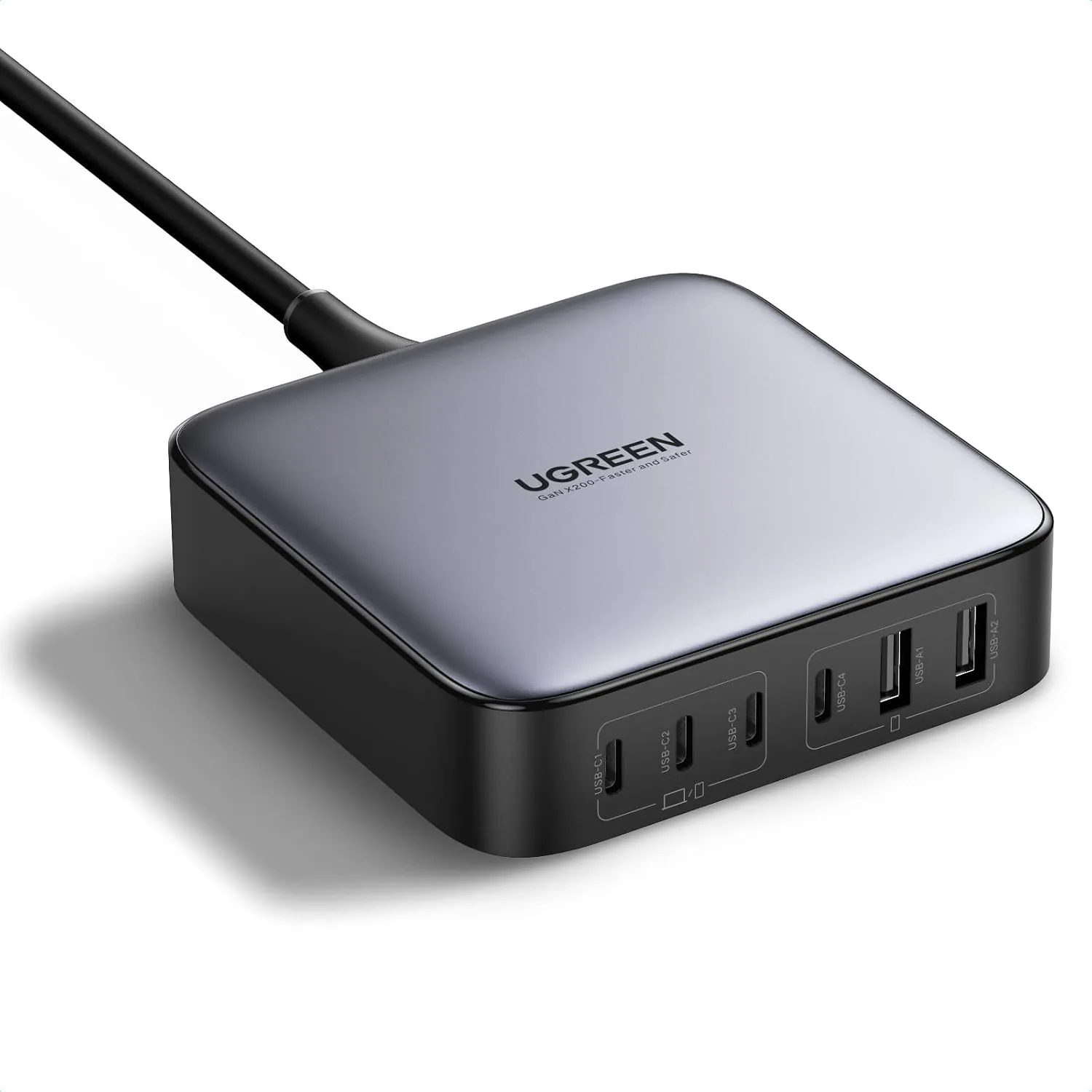 USD 52.48
UGREEN Nexode 200W GaN USB C Charging Station, 6-Port Desktop Charger for MacBook Pro/Air, iPad Pro/Air, iPhone 17/16/15 Series, Galaxy S25/S24 Ultra, Pixel 10/9, Steam Deck
High speed charging: Fully charge a 16in MacBook Pro in 1,5 hours, with the latest GaN ch…
View Details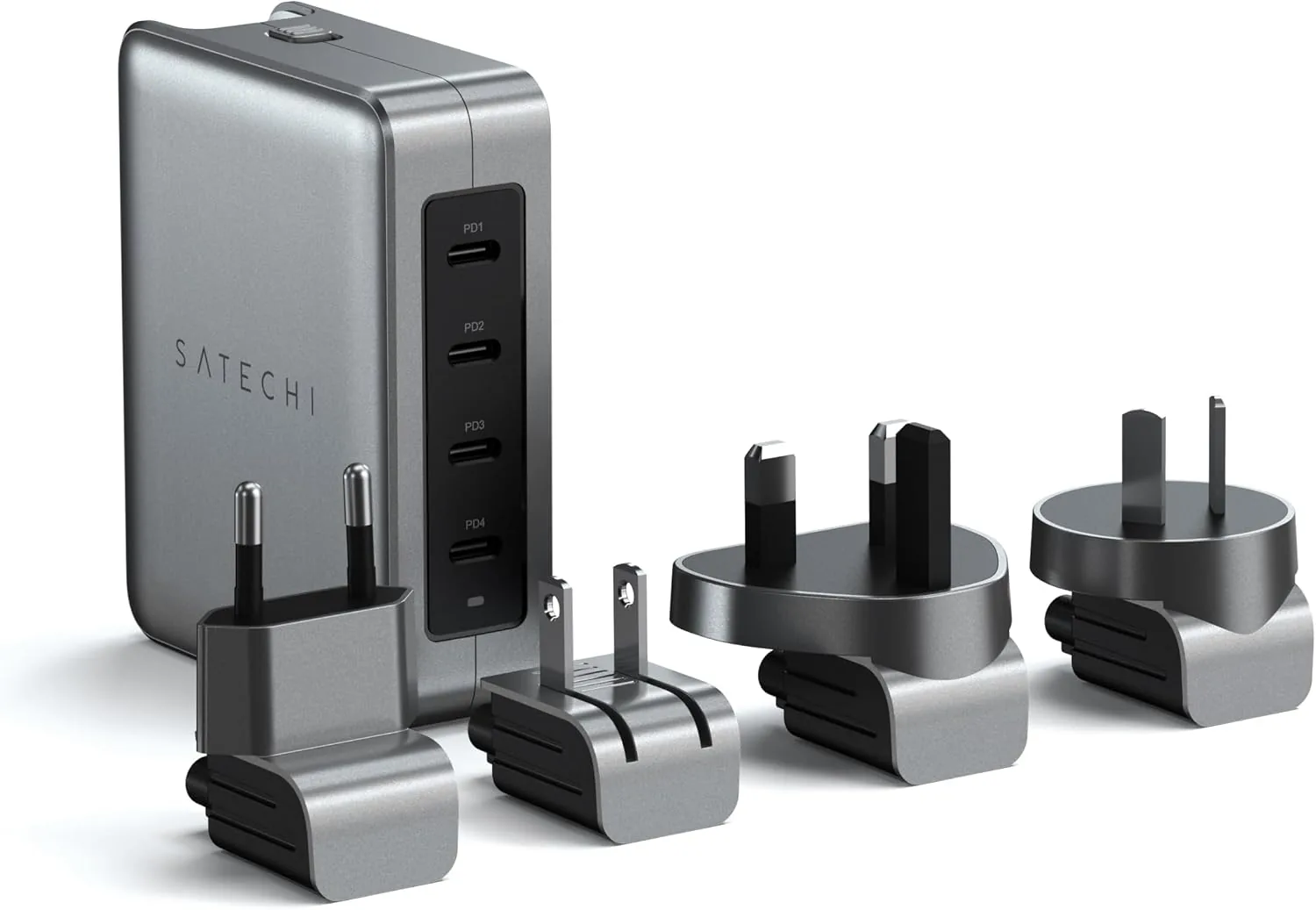 USD 89.99
Satechi 145W GaN Travel Charger, 4-Port GaN USB C Charger, 2 USB-C PD 3.1, Fast Charging Travel Station for Laptop, for MacBook Air/Pro/Neo, iPad Air/Pro, iPhone 17 to 12 Series, Android, Windows
𝗗𝗲𝘀𝗶𝗴𝗻𝗲𝗱 𝗳𝗼𝗿 𝗧𝗿𝗮𝘃𝗲𝗹 𝗖𝗵𝗮𝗿𝗴𝗶𝗻𝗴 – A compact 145W GaN travel charger built to power laptops, …
View DetailsRelated Articles
- Massage Gun Speed Settings Buying Guide for Controlled Percussion
- Garmin Watch Lines Explained: Forerunner, vívoactive, Venu, Instinct, epix and fēnix
- Desktop Charging Station Buying Guide for Creative Workstations
- Desktop Charging Station Buying Guide for Outlet-Limited Workspaces
- Desktop Charging Station Buying Guide for Minimalist Desk Setups
- Desktop Charging Station Buying Guide for Heat-Conscious Buyers