
Desktop Charging Station Buying Guide for Six-Device Charging
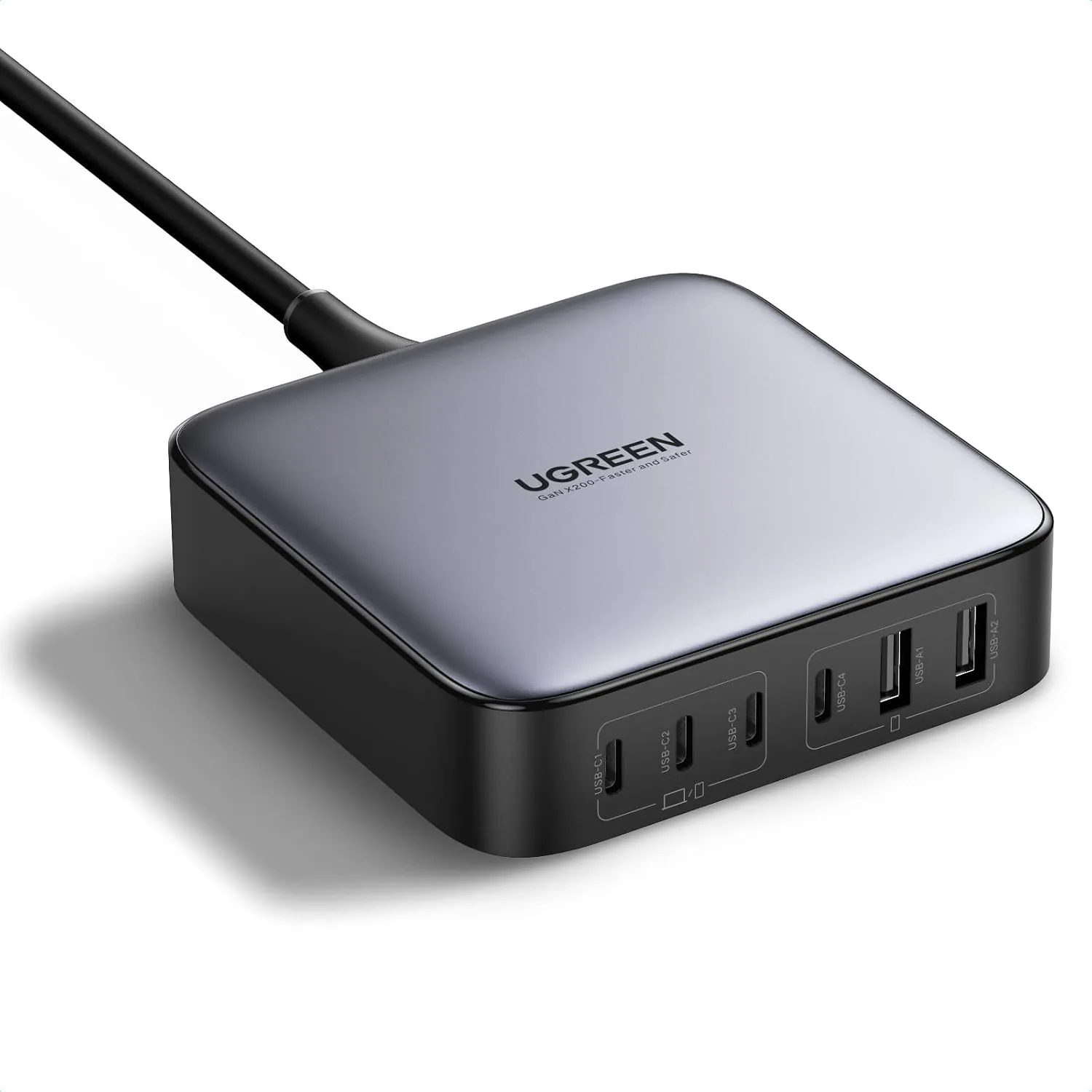
A 6-port desktop charger clears the clutter of individual power bricks by funneling all your power needs into a single hub. Instead of crawling under your desk to swap cables or fighting over the one available fast-charging block, you get a centralized six-device charging station that keeps your phone, tablet, laptop, headphones, and smartwatch fully powered.
Is a Six-Port Charger the Right Size for Your Desk?
Choosing a six-device charging station comes down to mapping your daily routine. Most professionals simultaneously manage a primary laptop, a smartphone, wireless earbuds, a smartwatch, and often a secondary device like a gaming handheld. A six-port configuration covers this exact footprint while leaving one slot free for a visiting colleague's device or a new addition to your tech collection.
Space matters just as much as port count. You want a unit with enough weight and a grippy base to stay firmly planted when you pull on the cables. A well-designed 6-port desktop charger should sit flat on your workstation, route cables cleanly toward the back, and deliver enough total wattage to feed power-hungry laptops without starving your smaller accessories.
Match Intelligent Power Distribution to Your Hardware
Total wattage is only half the equation. The real secret to a reliable setup lies in intelligent power distribution. When you plug in a laptop that demands 100 watts alongside a smartwatch that only needs 5, the charger must dynamically route the correct current to each device. Overloading a single port by expecting desktop-level speeds from a shared, lower-wattage outlet leads to frustratingly slow top-ups.
Before making a purchase, assign a specific port to every device you plan to connect. Check the power requirements of your largest laptop and match them to a port rated for that exact ceiling. High-end models like the UGREEN Nexode 200W and the Anker Prime 250W use advanced thermal management and smart distribution chips to handle these mixed loads safely, ensuring your hardware never overheats even when all six slots are occupied.
Compare Six-Port Models by Your Device Priorities
Not all multi-port stations handle heavy loads the same way. Both the UGREEN Nexode 200W and the Anker Prime 250W are widely recognized as top-tier options designed specifically for high-capacity, multi-device environments. When evaluating these heavyweights, compare them against your specific hardware priorities, such as the maximum wattage required by your most power-hungry laptop.
To illustrate how different product categories demand varying levels of power management and daily durability, it helps to look at the specifications buyers prioritize. The same attention to detail you use when selecting high-end electronics applies to choosing your charging gear.
| Product Category | Brand / Model | Key Specs | Price |
|---|---|---|---|
| Pickleball Paddles | JOOLA Ben Johns Perseus | Charged Surface technology, carbon fiber face | $249.95 |
| Pickleball Bags | Franklin Sports Sling Bag | Holds up to 4 paddles, ergonomic strap | $38.16 |
| Sport Headphones | AfterShokz Open-Ear | Bone conduction, lightweight, sweat-resistant build | $36.99+ |
Just as an athlete relies on the specialized build of the JOOLA Ben Johns Perseus paddle—priced at $249.95—for peak competitive performance, a tech-reliant professional relies on a premium charger to keep their gear running. Conversely, budget-conscious buyers might select the Franklin Sports Sling Bag at $38.16 for its sheer carrying utility, much like how a casual user might opt for a standard charging hub rather than a premium 200W model if they only need to power a smartphone and earbuds.
Account for Cables, Adapters, and Device Locations
The best charger in the world is useless without the right cabling. High-wattage charging requires robust cables rated to carry 100W or more. Standard, thin phone cables will physically throttle the power delivery, leaving your laptop battery crawling even when plugged into a 250W station.
From a maintenance standpoint, how you route those cables dictates how long your setup lasts. Avoid sharp bends at the connector tips, as constant strain causes internal wire fractures. Use simple cable clips to elevate the ends of the cables off your desk, keeping them from getting crushed under the weight of a chair wheel or a heavy monitor base. Give yourself two to three inches of slack so the connector rests naturally in the device port without downward pressure.
Prevent Port Shortages as Your Setup Grows
Future-proofing your desk means anticipating the hardware you will add over the next three years. Wireless earbuds, mechanical keyboards, and portable gaming consoles all fight for outlet space. Buying a hub with six available slots gives you the necessary overhead to expand without rewiring your entire room.
Keep the unit clean to ensure a long lifespan. Blowing compressed air directly into the ports clears out pocket lint and dust that can otherwise cause poor connections or short circuits. Check the power brick periodically for swelling or unusual heat, and always ensure it sits on a hard, flat surface rather than carpet to allow for proper airflow.
Frequently Asked Questions
Will all six ports output their maximum speed simultaneously?
No. Total wattage is shared across all connected devices. Premium chargers use intelligent power routing to prioritize the devices that need the most power, automatically scaling back the current to fully charged or smaller accessories to keep the entire system stable.
Can I use shorter cables to reduce desk clutter?
Yes. Using 1-foot or 2-foot cables keeps your desk looking incredibly clean, provided your devices sit close to the station. Just ensure the cables are specifically rated for the high wattage your laptop or tablet requires.
Actionable Takeaways for Your Setup
- Map out your exact device count before buying; six ports easily covers a laptop, phone, tablet, and audio gear with room to spare.
- Invest in high-quality, high-wattage cables to prevent bottlenecking the power delivery from premium models like the UGREEN Nexode 200W.
- Place your station on a hard, flat surface and dust the ports regularly to prevent thermal throttling and connection issues.
- Route cables with intentional slack to protect the connector tips from everyday wear and tear.
Related Products
 USD 40.49
Anker Prime Charging Station, 250W 6-Port GaN USB C Charger, 2.26" LCD Smart Display Control, Compatible with iPhone, Galaxy, MacBook, Dell for Home Office, Gaming Desk Accessories
Super Fast 250W Output: Experience the convenience of high-capacity charging with this 25…
View Details USD 52.48
Anker Prime Charging Station, 200W 6-Port GaN Desktop Charger | Fast Charging USB C Charger for Multiple Devices, Compatible with iPhone, Galaxy, MacBook, Dell and More
Ultra-Powerful Charging Station: Experience the convenience of powering six devices at on…
View Details
USD 52.48
UGREEN Nexode 200W GaN USB C Charging Station, 6-Port Desktop Charger for MacBook Pro/Air, iPad Pro/Air, iPhone 17/16/15 Series, Galaxy S25/S24 Ultra, Pixel 10/9, Steam Deck
High speed charging: Fully charge a 16in MacBook Pro in 1,5 hours, with the latest GaN ch…
View Details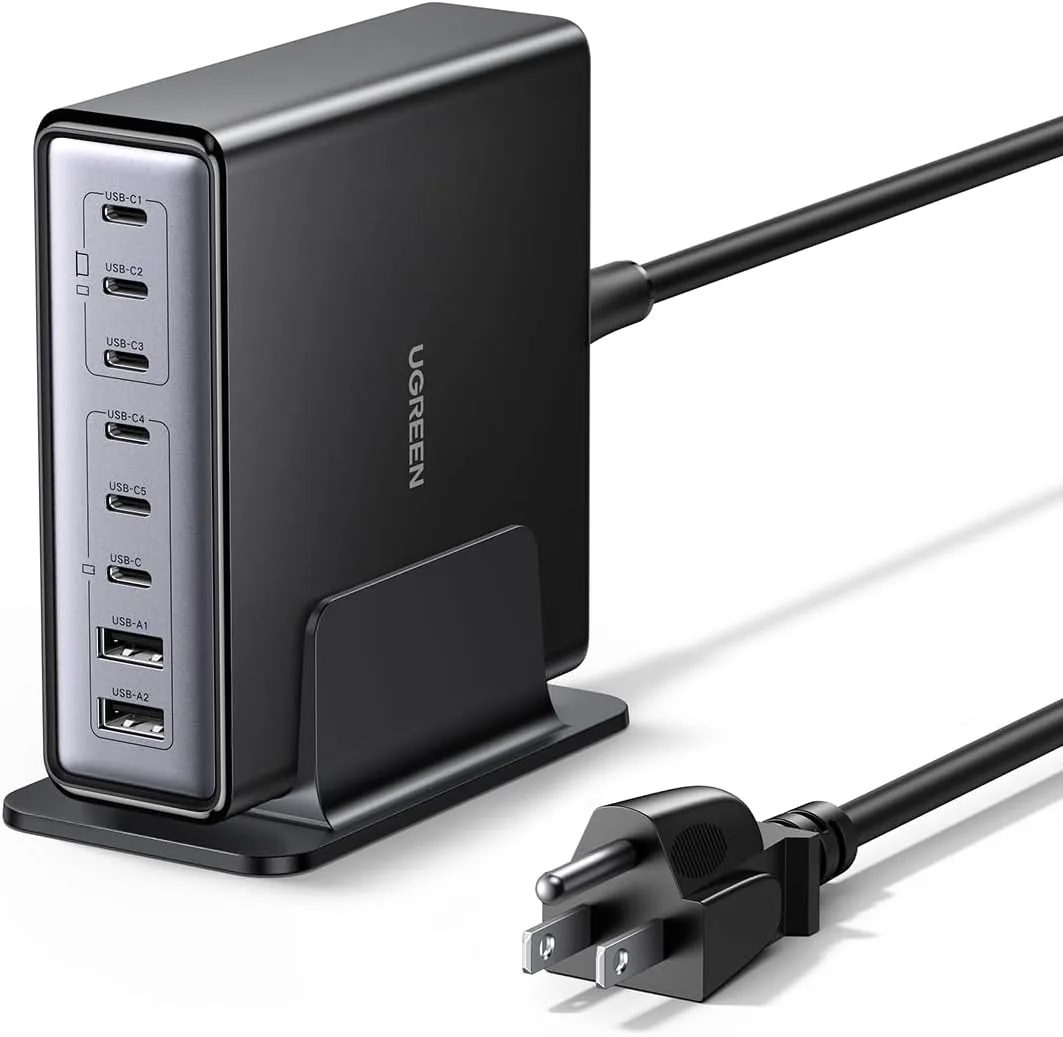 USD 52.48
UGREEN Nexode 200W GaN USB C Charging Station, 8-Port Desktop Charger with PD 100W for MacBook Pro 16"/Air, Dell XPS, iPad Pro, iPhone 17/16/15, Galaxy S25/S24, Pixel 10/9
Powerful 200W Output: This 4-port USB C charger delivers power up to 200W with a single-p…
View DetailsRelated Articles
- Massage Gun Buying Guide for Calves and Feet
- Hyperice Hypervolt 2 Pro Buying Guide for Powerful Quiet-Glide Percussion
- Anker Prime 250W 6-Port GaN Charging Station Buying Guide
- Desktop Charging Station Buying Guide for Outlet-Limited Workspaces
- Desktop Charging Station Buying Guide for Accessible Front-Port Charging
- Desktop Charging Station Buying Guide for Creative Workstations