
Desktop Charging Station Buying Guide for Outlet-Limited Workspaces

A desktop charging station for limited outlets can turn one wall receptacle into a practical, organized power hub for your desk. The right setup lets you run the devices you actually use without constant cable swapping, unsafe daisy-chaining, or a cluttered work surface.
Audit the Devices Competing for Limited Outlets
Most desk power problems start with a bad device count. Before you buy anything, list the gear you need to power at the same time—not every device you own.
Split that list into two groups: devices that need continuous power and devices that only need periodic charging. A laptop, external monitor, and dock usually belong in the first group. A phone, wireless earbuds, and a backup battery usually belong in the second.
That distinction matters. A desk that charges small accessories such as Shokz OpenRun bone-conduction headphones has very different needs from a desk that also has to support a high-wattage laptop. A quick audit helps you avoid buying a unit that works fine for accessories but falls short when your main computer needs full charging power.
Desktop Charging Station for Limited Outlets: Pick the Right Type
Buyers often treat all charging products as if they do the same job. They do not.
A multi-port charging solution converts power internally and distributes it through USB ports. A desk outlet extender or single-outlet charging station expands the number of AC receptacles so you can plug in power bricks and standard cables.
Check the plugs your devices use. If your laptop and monitor still rely on standard AC cables or large power adapters, you need outlet expansion. If most of your accessories charge directly by USB, a dedicated multi-port charger is usually the cleaner option.
For smaller accessories, USB is often enough. Devices such as Bose Ultra Open Earbuds or Sony LinkBuds can usually share a USB charger without issue, since they do not demand the same power as a laptop or display.
Quick Comparison: What Type of Setup Fits Your Desk?
| Need | Best Fit | Works Best For |
|---|---|---|
| More places to plug in AC power cords and bricks | Desk outlet extender | Laptops, monitors, docks, and other AC-powered hardware |
| More USB charging ports from one receptacle | Multi-port charging solution | Phones, earbuds, battery packs, and other USB-charged accessories |
| A mix of AC-powered gear and USB accessories | Single-outlet charging station with both outlet expansion and USB charging | Desks with one wall receptacle and several device types |
Product Comparison: Audio Accessories on a Single Receptacle
If your extra ports are mainly for smaller electronics, a USB-focused setup may be enough. This comparison shows the kind of low-draw accessories that can typically share a charger at a one-outlet desk.
| Brand & Model | Key Charging / Power Need | Price | Amazon Rating | Best For |
|---|---|---|---|---|
| Shokz SHOKZ OpenRun | Featherweight wraparound frame; standard USB charging for daily top-offs | $129.95 | 4.5/5 (26,719 reviews) | Daily wear and minimal battery drain on a shared USB hub |
| Bose Ultra Open Earbuds | Bluetooth open-ear earbuds; needs a reliable USB port for the charging case | $299.00 | 4.0/5 (6,239 reviews) | Premium audio users who keep a case plugged in continuously |
| PSIER Bone Conduction Headphones | 2026 Upgrade Bluetooth 6.0; low-draw USB charging requirement | $36.99 | 4.0/5 (2,737 reviews) | Budget-conscious users who need basic USB power allocation |
Understanding the small power needs of accessories like these makes it easier to decide when a USB charger is enough and when you need AC expansion too.
Calculate the Ports You Actually Need
Count your active devices, then add two extra ports. That is a practical baseline.
If you regularly charge a phone, wireless earbuds, and a portable battery pack, you need at least five ports. The spare capacity matters because it reduces daily unplugging, cable wear, and the temptation to keep adding adapters later.
Dedicated ports also make the setup easier to manage. When each device has a consistent place to charge, your desk stays usable and your capacity plan stays intact.
Manage High-Power and Low-Power Devices Together
Running a 100-watt laptop beside a 5-watt pair of earbuds can expose the limits of a weak charger. A well-designed single-outlet charging station should handle mixed loads without dropping devices offline.
That matters most when your desk combines high-demand hardware with smaller accessories. Low-power devices such as Soundcore C30i by Anker clip-on headphones still need stable, appropriate charging, while your laptop may need much more power at the same time. The product you choose should be able to support both use cases cleanly.
Avoid Unsafe Daisy-Chaining and Overloading
The most common mistake with a one-outlet desk is plugging a surge protector into another power strip. That is daisy-chaining, and it creates unnecessary risk.
A single wall outlet on a standard 15-amp circuit provides roughly 1,800 watts of continuous power. If your combined hardware draws more than 80 percent of that capacity—around 1,440 watts—you will trip the breaker. Instead of stacking cheap strips, replace the whole chain with one unit designed to support the total load from a single plug.
Build a Cleaner One-Outlet Desk Setup
Power management is also a workspace issue. Once you have the right charger or extender, route cables under the desk with adhesive clips so they stay off the floor and out of the way of your chair.
It also helps to assign ports to specific devices. Label the port for your laptop, phone, or earbuds so you always know what belongs where. That simple step reduces clutter and keeps you from slowly overloading the setup with extra gear.
Actionable Takeaways
- List the devices you power at the same time, not every device you own.
- Separate AC-powered hardware from USB-charged accessories before you choose a charger.
- Use a desk outlet extender for standard power cords and bricks; use a multi-port charging solution for USB-heavy setups.
- Add two spare ports beyond your current needs so you are not constantly unplugging devices.
- Never daisy-chain power strips to get more receptacles from one wall outlet.
- Use cable clips and port labels to keep a one-outlet desk organized and easy to maintain.
Related Resources
Related Products
USD 40.49
Anker Prime Charging Station, 250W 6-Port GaN USB C Charger, 2.26" LCD Smart Display Control, Compatible with iPhone, Galaxy, MacBook, Dell for Home Office, Gaming Desk Accessories
Super Fast 250W Output: Experience the convenience of high-capacity charging with this 25…
View Details USD 52.48
Anker Prime Charging Station, 200W 6-Port GaN Desktop Charger | Fast Charging USB C Charger for Multiple Devices, Compatible with iPhone, Galaxy, MacBook, Dell and More
Ultra-Powerful Charging Station: Experience the convenience of powering six devices at on…
View Details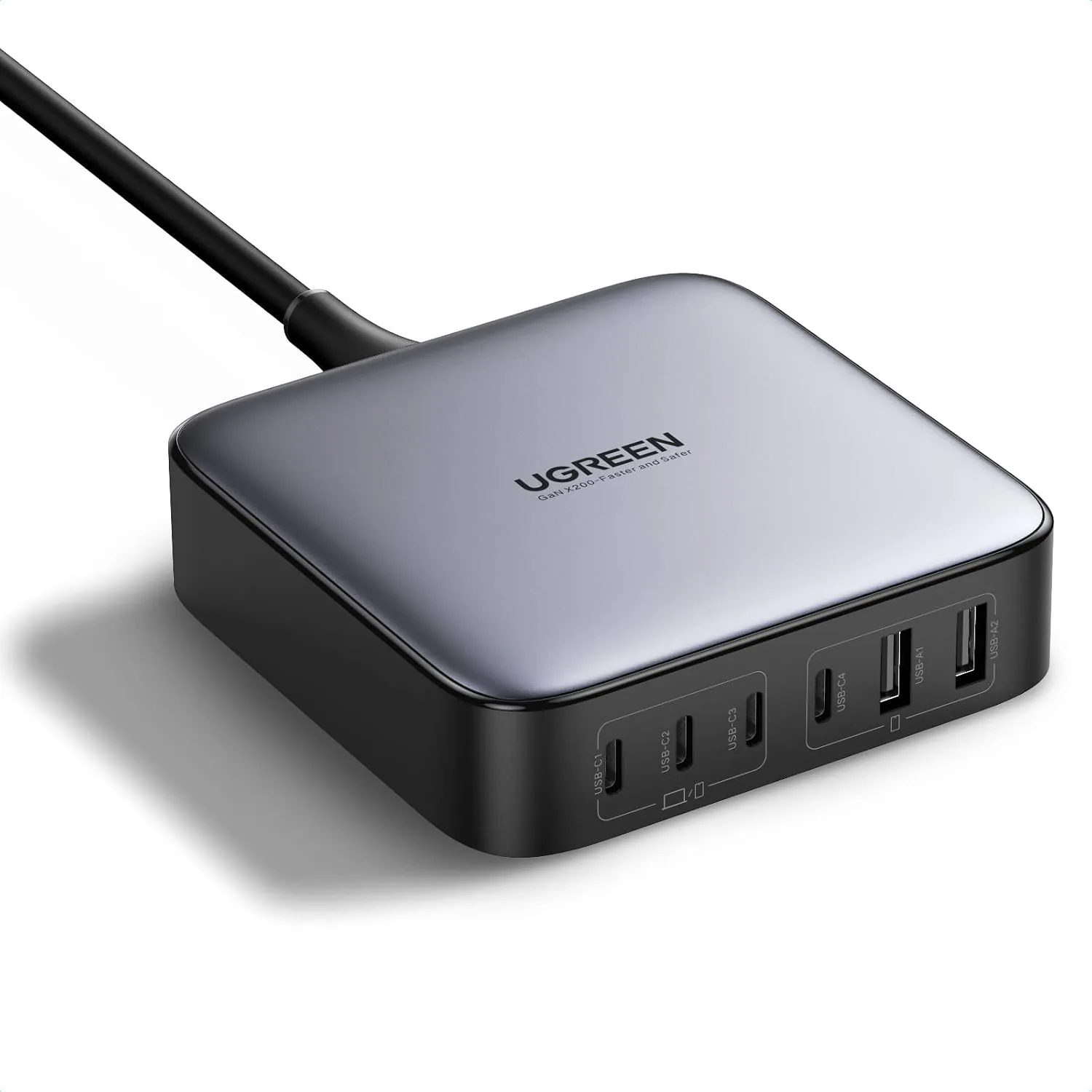 USD 52.48
UGREEN Nexode 200W GaN USB C Charging Station, 6-Port Desktop Charger for MacBook Pro/Air, iPad Pro/Air, iPhone 17/16/15 Series, Galaxy S25/S24 Ultra, Pixel 10/9, Steam Deck
High speed charging: Fully charge a 16in MacBook Pro in 1,5 hours, with the latest GaN ch…
View Details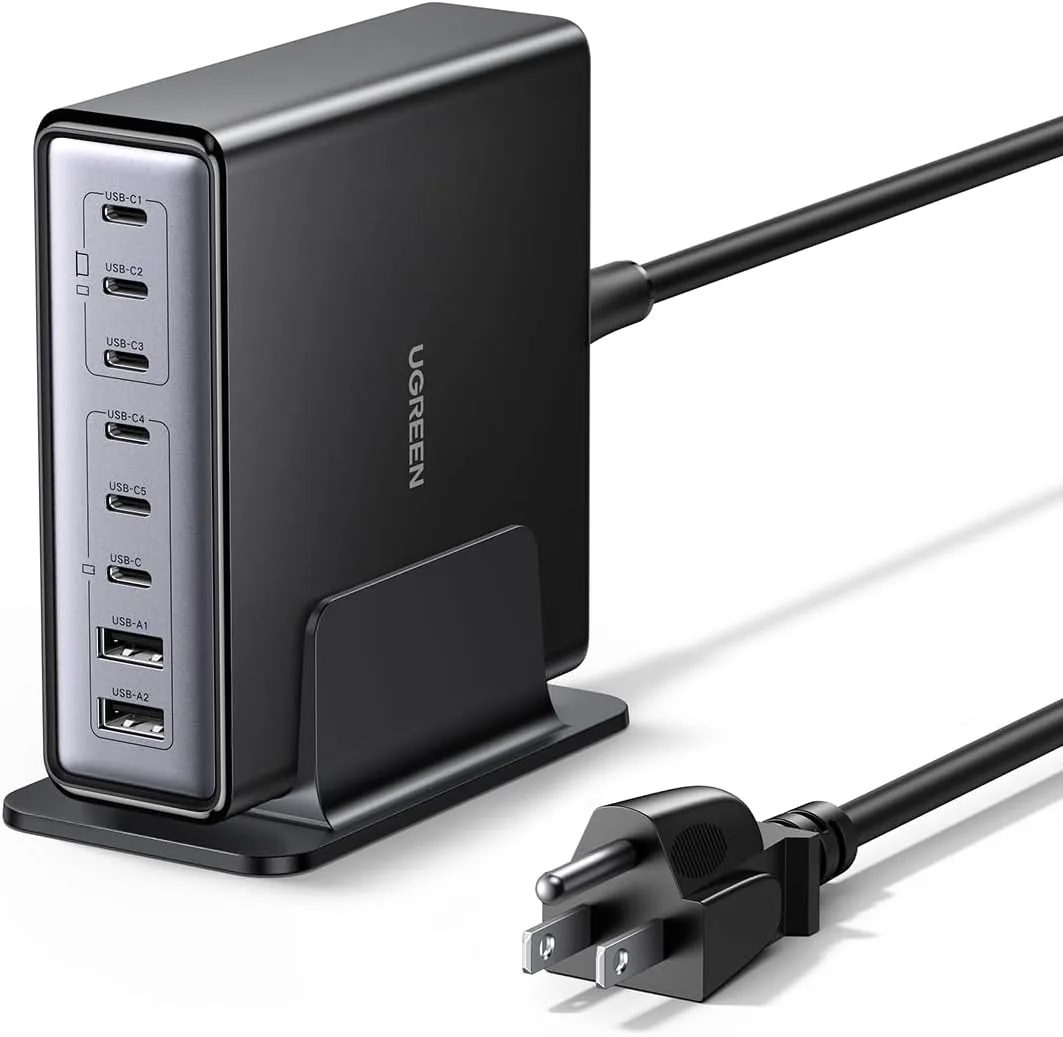 USD 52.48
UGREEN Nexode 200W GaN USB C Charging Station, 8-Port Desktop Charger with PD 100W for MacBook Pro 16"/Air, Dell XPS, iPad Pro, iPhone 17/16/15, Galaxy S25/S24, Pixel 10/9
Powerful 200W Output: This 4-port USB C charger delivers power up to 200W with a single-p…
View DetailsRelated Articles
- Lightweight Massage Gun Buying Guide for Limited Hand Strength
- Desktop Charging Station Buying Guide for Conference Room Tables
- Desktop Charging Station Buying Guide for Dorm Room Device Charging
- Desktop Charging Station Buying Guide for Six-Device Charging
- Desktop Charging Station Buying Guide for Cable-Managed Work Desks
- Desktop Charging Station Buying Guide for Heat-Conscious Buyers