
Desktop Charging Station Buying Guide for Accessible Front-Port Charging

Reaching behind a monitor or crawling under a desk to charge a device wastes time and frays cables. A front-port desktop charging station solves this by moving daily connections to a visible, easily accessible spot on your work surface. This simple upgrade reduces downtime, protects your hardware investment, and extends the lifespan of your equipment.
The Real Cost of Poorly Placed Charging Ports
Standard charging setups fail because they are designed for static environments, not active workspaces. You plug a block into a hidden wall outlet or power strip, and it stays there. In reality, office workers constantly plug and unplug devices throughout the day. This routine creates three expensive problems:
- Cable strain: Constant reaching pulls cables at awkward angles, prematurely fraying connector sleeves and damaging internal wires.
- Port damage: Blindly forcing a plug into a hidden port damages the charging block's terminals, leading to hardware failure.
- Wasted time: The seconds lost hunting for a port add up quickly across a department, draining overall productivity.
An easy-access desk charger eliminates these issues. By bringing the ports directly to the front edge of a workstation, you remove the physical strain on both the user and the hardware. Users see exactly where they are plugging in, ensuring a proper connection every time.
Who Needs a Front-Port Desktop Charging Station?
Certain work environments feel the impact of poor charging placement more than others. If your facility manages shared hardware, a front-facing USB charging station is a necessity rather than a luxury.
- Hot-desking offices: Employees arriving at a shared desk need immediate power for laptops and phones without tracing unfamiliar cables.
- High-turnover shift work: Teams that swap devices at the start and end of a shift need a reliable, centralized drop point for charging equipment.
- Reception and service counters: Staff who cannot leave their posts need power within arm's reach to keep communication devices running all day.
Evaluating Port Spacing and Power Output
Not all desktop hubs are built the same. The biggest mistake buyers make is looking only at the total number of ports. A six-port charger is useless if the ports sit so close together that you can only fit three cables without them blocking each other.
When evaluating a desktop USB-C hub charger, examine the physical layout. Look for spacing that accommodates oversized connectors and right-angled cables. Models using GaN (Gallium Nitride) technology manage heat better, allowing manufacturers to pack more power into smaller, better-spaced units without the risk of thermal throttling. Compare total output alongside physical spacing. A station might offer multiple ports, but if the total wattage is low, charging speeds drop significantly when multiple devices are connected.
| Model | Max Output | Port Count / Type | Key Feature | Price (USD) |
|---|---|---|---|---|
| Anker Prime Charging Station | 200W | 6-Port GaN | Powers six devices simultaneously | $69.97 |
| Anker Prime Charging Station | 250W | 6-Port GaN USB-C | High-capacity charging output | $53.99 |
| UGREEN Nexode GaN Charger | 100W | 4-Port Compact Foldable | Supports up to 100W on a single device | $40.84 |
Matching the Charger to Your Use Case
Choose the 250W Anker Prime ($53.99) if your team charges multiple power-hungry laptops simultaneously at a single shared station; it handles high demand without slowing down. For individual workstations where a user just needs to keep a phone, tablet, and wireless earbuds topped up alongside a laptop, the UGREEN Nexode 100W ($40.84) provides plenty of power in a compact footprint. The 200W Anker Prime ($69.97) serves as a middle ground for departmental shared spaces that need reliable, high-volume device management.
Reducing Reaching and Cable Tangles
Even the best charger fails if you place it poorly. A common setup mistake is leaving the charging block flat on the desk surface right next to the keyboard. This invites cable tangles and eats up valuable workspace.
Instead, mount the charger to the underside of a desk shelf or secure it to a monitor arm. This keeps the front-facing ports accessible while clearing the primary work surface. Route the charging cables upward or outward using simple adhesive clips. This setup prevents cables from sliding off the desk edge when unplugged, reducing the daily wear and tear that forces you to buy replacement cords.
Managing Wired Connections for Shared Devices
Devices that get unplugged daily—like shared tablets or handheld scanners—need dedicated, durable cables. Lightweight stock cables will fray at the connector collar within months.
Invest in braided or reinforced cables for your front-accessible ports, and designate specific ports for these high-traffic devices. If your team relies on Apple products, a dedicated wireless pad might reduce wired friction entirely. The Anker Prime 3-in-1 Wireless Charging Station ($89.99) uses Qi2 technology to deliver up to 25W of magnetic power, handling compatible phones, watches, and earbuds without requiring users to hunt for a cable.
Streamlining Workspace Organization
Cable clutter makes a workspace look neglected and signals poor operational management. To keep your setup clean, use a charger with a built-in power strip design that integrates the AC input directly into the unit. This eliminates the need for a separate, bulky power brick on the floor.
For example, the Baseus USB C Charger PowerCombo ($41.99) combines a multi-port USB charging station with two traditional AC outlets. This design allows you to power the charger itself and a monitor or desk lamp from the same wall connection, drastically reducing the number of cables running to the floor and keeping the front-facing ports neat and centralized.
Ergonomic Features to Compare Before Buying
Before finalizing a purchase, look at the secondary features that affect long-term usability:
- Display screens: A quality screen is essential for a front-facing setup. It should show active charging status and current output at a glance so users know their device is drawing power without having to check the device screen.
- Foldable plugs: Look for foldable plugs if the unit will ever travel between locations.
- GaN technology: Prioritize GaN technology over older silicon chips to keep the unit cool during continuous, multi-device operation, which directly extends its operational lifespan.
Actionable Takeaways
- Audit your workspace: Count how many times per day cables are blindly plugged and unplugged to identify the need for accessible front ports.
- Calculate total power needs: Ensure your next charger offers enough total wattage to handle all connected devices at once without dropping speeds.
- Upgrade stock cables: Use reinforced, braided options on your most frequently used ports to delay replacement cycles.
- Consolidate power: Choose a desktop station that combines USB ports and AC outlets to eliminate floor-level power bricks and reduce trip hazards.
Related Products
USD 40.49
Anker Prime Charging Station, 250W 6-Port GaN USB C Charger, 2.26" LCD Smart Display Control, Compatible with iPhone, Galaxy, MacBook, Dell for Home Office, Gaming Desk Accessories
Super Fast 250W Output: Experience the convenience of high-capacity charging with this 25…
View Details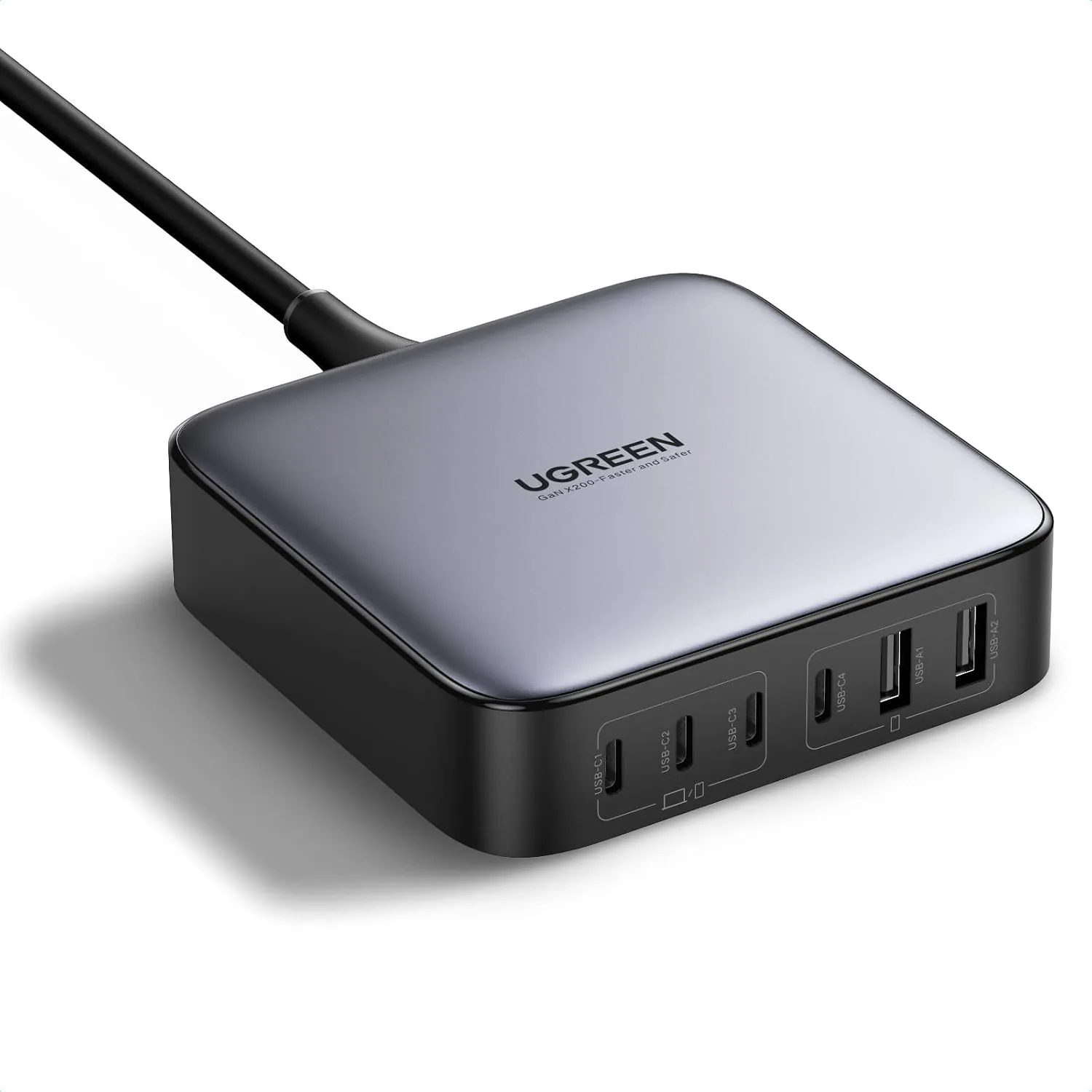 USD 52.48
UGREEN Nexode 200W GaN USB C Charging Station, 6-Port Desktop Charger for MacBook Pro/Air, iPad Pro/Air, iPhone 17/16/15 Series, Galaxy S25/S24 Ultra, Pixel 10/9, Steam Deck
High speed charging: Fully charge a 16in MacBook Pro in 1,5 hours, with the latest GaN ch…
View Details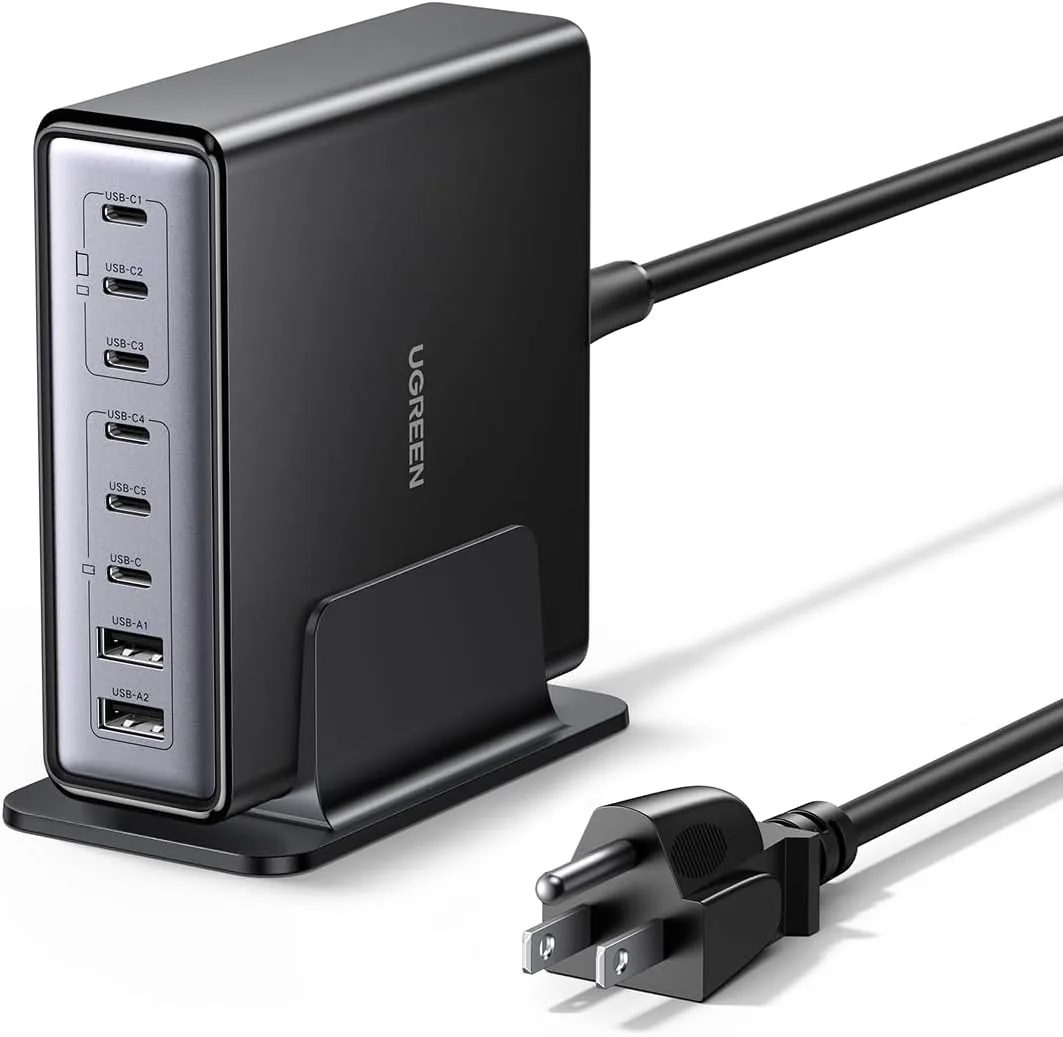 USD 52.48
UGREEN Nexode 200W GaN USB C Charging Station, 8-Port Desktop Charger with PD 100W for MacBook Pro 16"/Air, Dell XPS, iPad Pro, iPhone 17/16/15, Galaxy S25/S24, Pixel 10/9
Powerful 200W Output: This 4-port USB C charger delivers power up to 200W with a single-p…
View Details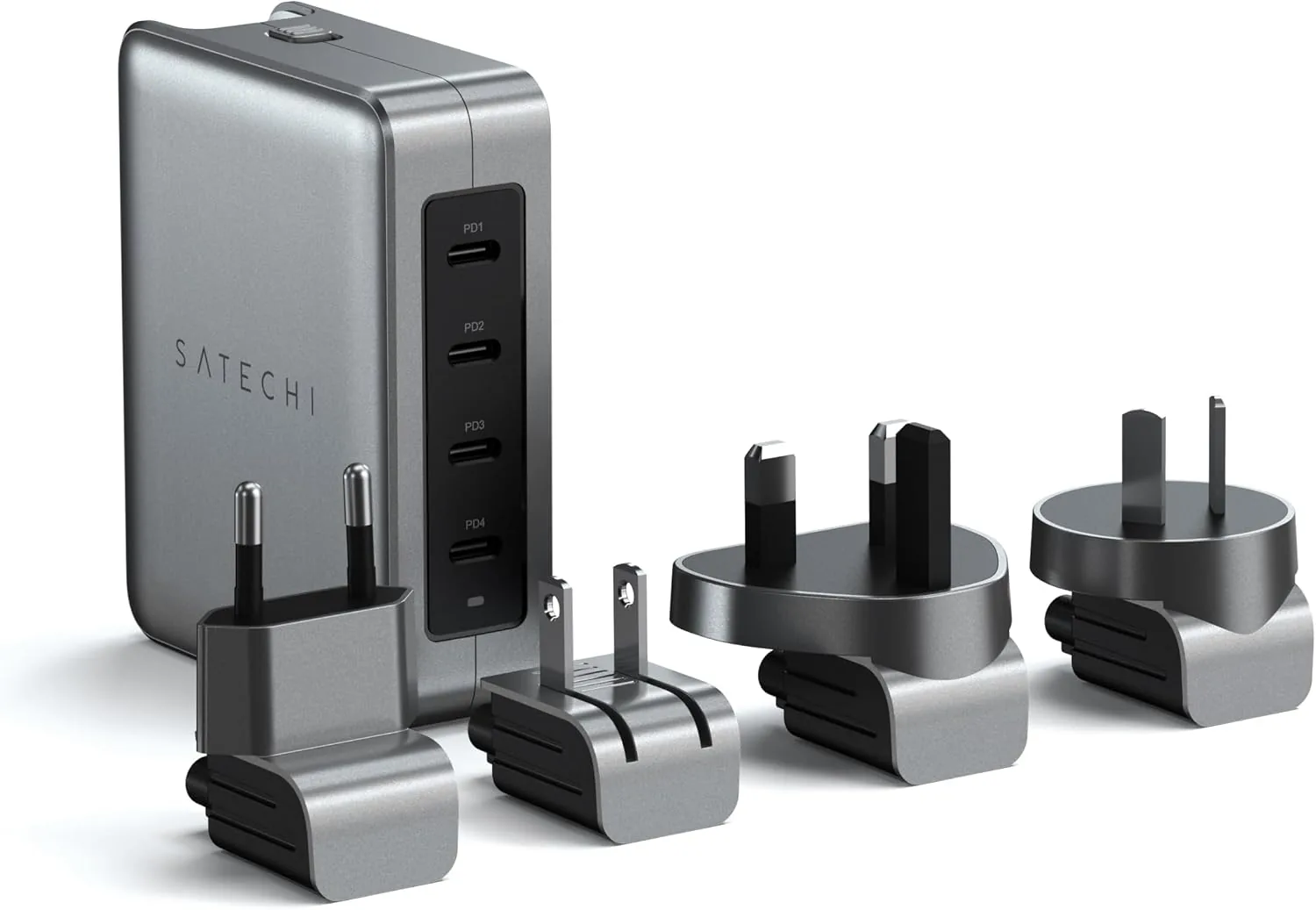 USD 89.99
Satechi 145W GaN Travel Charger, 4-Port GaN USB C Charger, 2 USB-C PD 3.1, Fast Charging Travel Station for Laptop, for MacBook Air/Pro/Neo, iPad Air/Pro, iPhone 17 to 12 Series, Android, Windows
𝗗𝗲𝘀𝗶𝗴𝗻𝗲𝗱 𝗳𝗼𝗿 𝗧𝗿𝗮𝘃𝗲𝗹 𝗖𝗵𝗮𝗿𝗴𝗶𝗻𝗴 – A compact 145W GaN travel charger built to power laptops, …
View DetailsRelated Articles
- Massage Gun Warranty Buying Guide for Long-Term Ownership
- Massage Gun Buying Guide for Forearm Recovery and Hand-Intensive Work
- Desktop Charging Station Buying Guide for Dorm Room Device Charging
- Desktop Charging Station Buying Guide for Six-Device Charging
- Desktop Charging Station Buying Guide for VR Headset Accessories
- Desktop Charging Station Buying Guide for USB-C Monitor Setups