
Baseus PowerCombo 100W Buying Guide for Desk and Outlet Charging
Who Should Buy the Baseus PowerCombo 100W
The Baseus PowerCombo 100W is built for one specific buyer: the person whose desk has become a tangle of wall adapters, power bricks, and dangling cables, and who wants a single hub to replace all of it. If you charge a laptop, a phone, earbuds, and maybe a tablet or handheld console from the same spot every day, a combined power strip and multi-port USB-C charger consolidates everything into one device with one wall plug.
It is less compelling for travelers who need a pocket-sized adapter, or for someone who charges only a phone overnight. This is a desk-first product. You buy it once, mount it where you work, and stop cycling through individual chargers as they fail or disappear into a coworker's bag. That consolidation is the whole point: fewer adapters to lose, fewer wall warts blocking adjacent outlets, and one cable-management problem instead of six.
Consider what typically crowds a modern workstation. Noise-cancelling headphones like the Anker Soundcore Life Q30 ($59.99) need a top-up after long listening sessions. A compact massage gun such as the Hyperice Hypervolt Go 2 ($139.00) still needs a charging home between uses, even if it is designed to travel. Add a phone, a laptop, and a desk lamp, and the case for a single 100W hub makes itself.
Do You Need AC Outlets Alongside USB Charging?
Before you buy any desktop power strip charger, answer one question honestly: do you still use AC-powered devices at your desk? If yes — a monitor, powered speakers, a lamp, a shredder — then a hybrid unit like the Baseus PowerCombo 100W is the right category. A pure multi-port USB-C charger, no matter how good, will leave those devices fighting over wall outlets anyway.
If everything you own charges over USB, the math changes. A dedicated GaN charging station may be cheaper and smaller. But most real desks are hybrids. Even people who have gone fully USB-C for computing usually keep at least one AC device within arm's reach, and a hybrid hub means you never choose between powering your monitor and fast-charging your laptop.
Ask yourself:
- How many AC devices sit on or under my desk today?
- Do I expect that number to grow — a second monitor, a powered USB hub, an amplifier?
- Am I currently swapping plugs because I've run out of outlets?
If you answered yes to any of these, outlets plus USB in one unit is the practical choice.
Map Your Desk Devices to the Available Charging Connections
Take ten minutes and inventory every device you charge at your desk in a typical week. Note the connector each one uses — USB-C, USB-A, or AC — and roughly how much power it draws. This audit tells you whether a Baseus USB-C charger PowerCombo 100W configuration fits your real load, not the load you imagine.
A typical inventory looks like this:
- Laptop — USB-C, the hungriest device; it should claim the highest-wattage port.
- Phone — USB-C or USB-A, modest draw.
- Wireless earbuds or headphones — usually USB-C, very low draw. Over-ear models like the Beats Solo 4 ($199.99), with up to 50 hours of battery per charge, need only occasional top-ups, so a low-priority port is fine.
- Accessory — a massage gun, a rechargeable mouse, a handheld console. Devices like the BOB AND BRAD C2 ($69.94) or the budget-friendly TOLOCO deep-tissue model ($39.99) are classic desk-drawer residents that always seem dead when you want them; a permanent port solves that.
The key principle: assign your laptop to the top-wattage USB-C port and let small devices share the rest. A 100W-class hub is sized so the laptop gets priority power while phones and accessories sip from the remaining ports — but check how the unit splits wattage when multiple ports are in use, because shared-budget behavior varies between models and matters more than the headline number.
Devices you might charge from it
| Device | Price | Charging need at the desk | Buyer profile it fits |
|---|---|---|---|
| Anker Soundcore Life Q30 headphones | $59.99 | Occasional USB top-up; long battery life means low demand | Budget-conscious listener who wants ANC value |
| Hyperice Hypervolt Go 2 | $139.00 | Regular recharge between sessions; compact enough to live on a desk | Recovery-focused buyer who trains often |
| Beats Solo 4 | $199.99 | Infrequent charging; fast-charge support rewards a higher-watt port | Style- and battery-first listener |
| BOB AND BRAD C2 massage gun | $69.94 | Trickle charging from any spare port | Physio-guided recovery on a mid-range budget |
None of these devices demands heroics from a charger. That is exactly the argument for a hub: one capable device covers the laptop and the small stuff, so nothing in the drawer is ever dead.
Plan a Cleaner Cable Layout Around One Power Hub
A hub only pays off if you route cables deliberately. Place the unit where its USB ports face you — usually the front or side edge of the desk — so charging cables hang naturally instead of stretching behind the monitor. Route AC cords for the monitor and lamp behind or beneath the desk, on the outlet side of the unit. The goal: a visible charging zone for USB, a hidden zone for everything else.
Practical steps that take under an hour:
- Label or color-code USB cables by device family so a borrowed cord goes back to the right port.
- Use the shortest cables that reach; excess length is what makes desks look chaotic.
- Leave one port empty as a guest port for visiting devices.
- Velcro-wrap the AC runs under the desk so the hub stays the only visible hardware.
Done well, this layout saves real time. You stop hunting for the right brick, stop unplugging one thing to charge another, and reduce the connector wear that comes from constant replugging — a quiet contributor to how long both cables and ports last.
Baseus PowerCombo 100W vs. a Dedicated USB Charging Station
Both categories solve cable clutter; they differ in scope. A dedicated multi-port USB-C charger is typically smaller, cheaper, and travel-friendly, but it abandons your AC devices. A hybrid like the Baseus PowerCombo 100W costs more up front yet replaces two products — a power strip and a charging station — and frees wall outlets for things that genuinely need them.
Choose the hybrid if your desk mixes AC and USB devices, if you want one purchase to settle the problem for years, or if a shared workspace means the hub will serve multiple people. Choose a dedicated USB station only if you own zero AC desk devices and expect that to stay true. An honest audit will tell you quickly — and most desks fail that test.
Actionable Takeaways
- Audit your desk today: list every device, its connector, and whether it needs AC or USB.
- Reserve the highest-watt USB-C port for your laptop; let phones and accessories share the rest.
- Buy the hybrid only if you have at least one or two AC devices — otherwise a plain charging station is enough.
- Spend an hour on cable routing after setup; it is the difference between owning a hub and benefiting from one.
- Think in replacement cost: one consolidated hub means fewer individual chargers to lose, replace, or untangle over its life.
Related Products
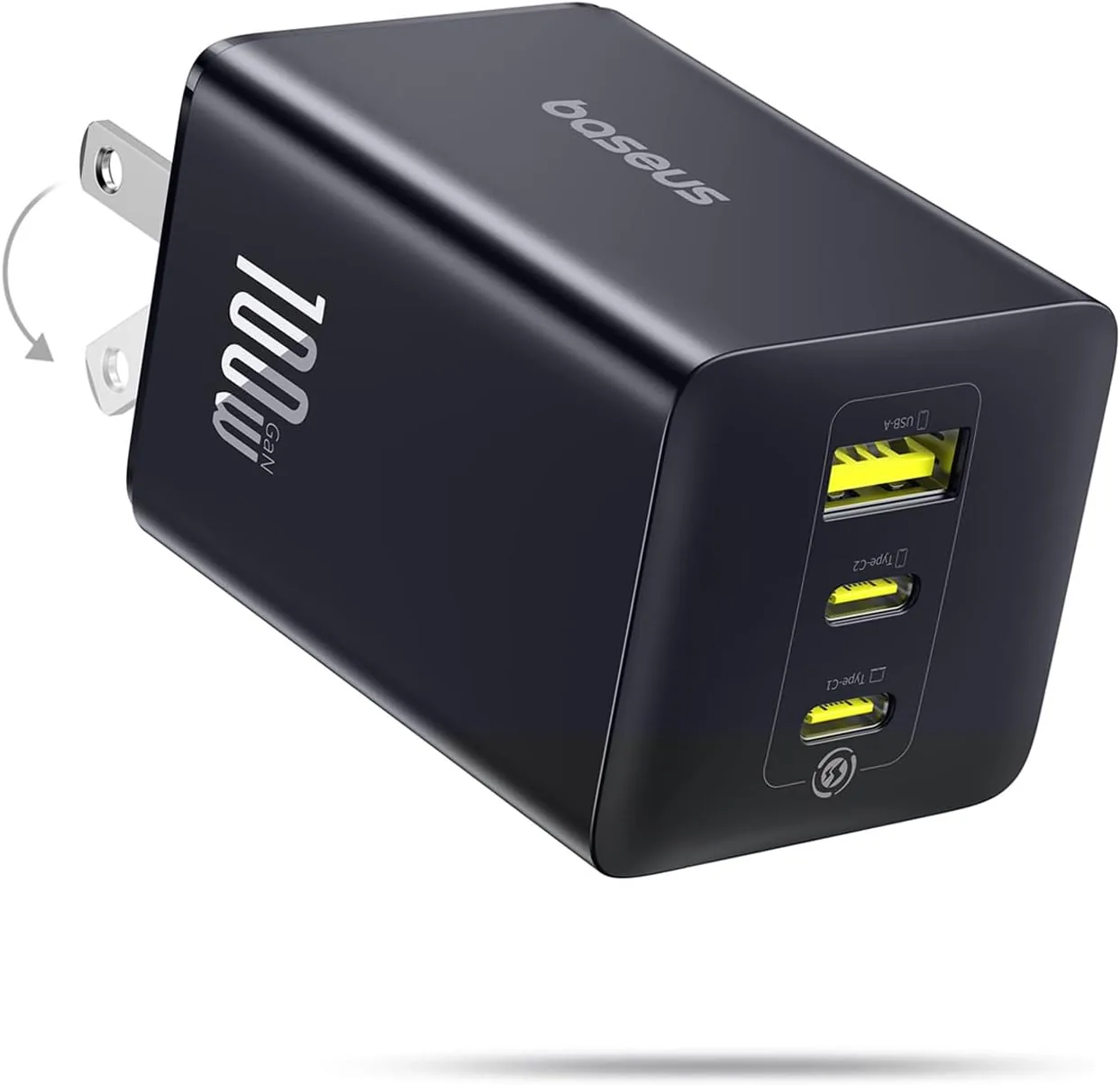
USD 28.49
Baseus 100W USB C Charger Block, 3-Port Foldable Compact PPS Wall Charger, Fast Charging Power Adapter for MacBook Pro/Air, iPad, iPhone 17 Pro Max/Air, Galaxy S24, Steam Deck & More
100W Ultra-Fast Charging: This product delivers a peak power output of 100W. Under optima…
View Details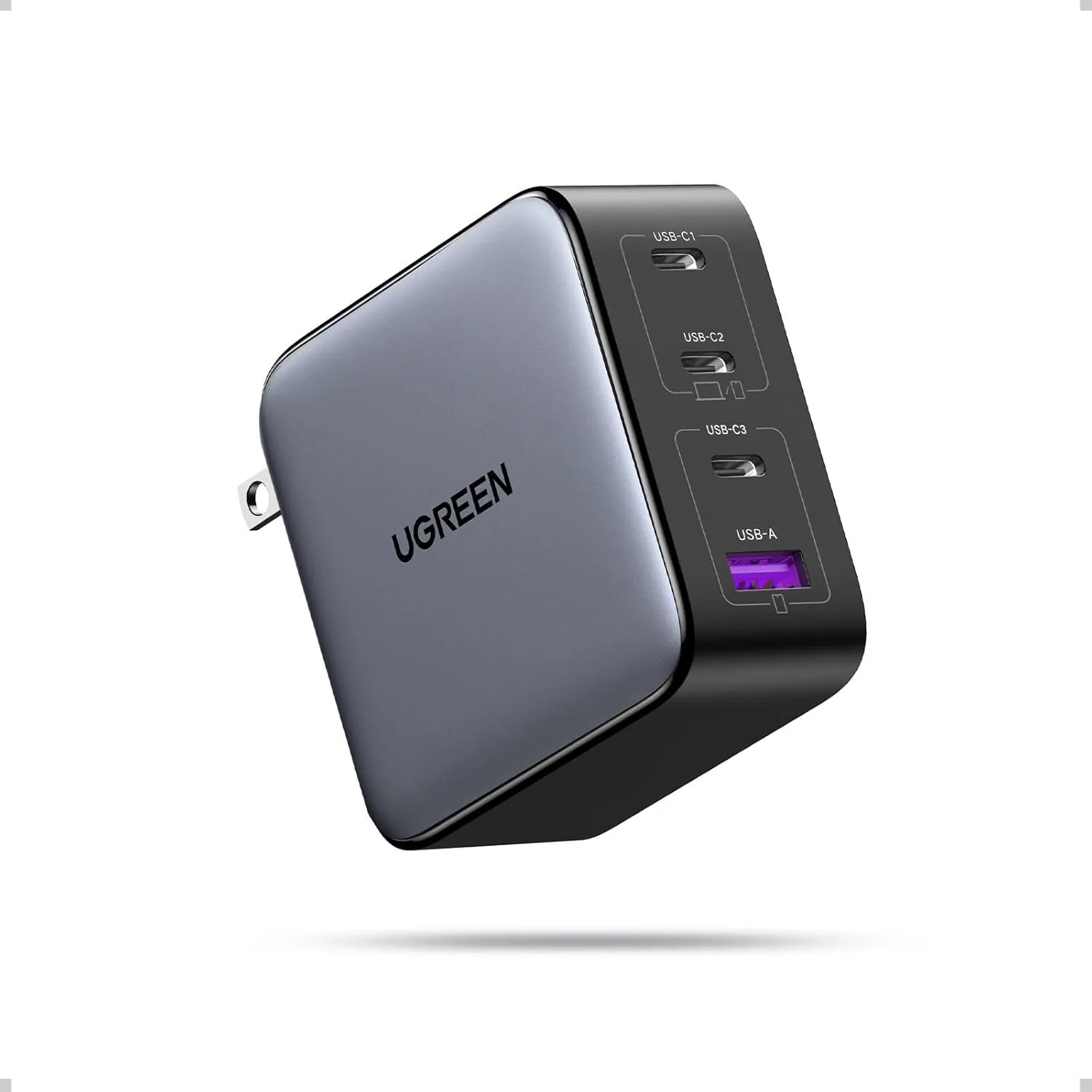 USD 30.63
UGREEN Nexode 100W GaN USB C Charger, 4-Port Compact Foldable Fast Laptop Charger Power Adapter for MacBook Pro/Air, iPad Pro, iPhone 17/16/15 Series, Galaxy S25/S24, Pixel 10/9, Steam Deck, Pixelbook
100W Max fast charge: Connect a single USB C device for up to 100W of power, maximum supp…
View Details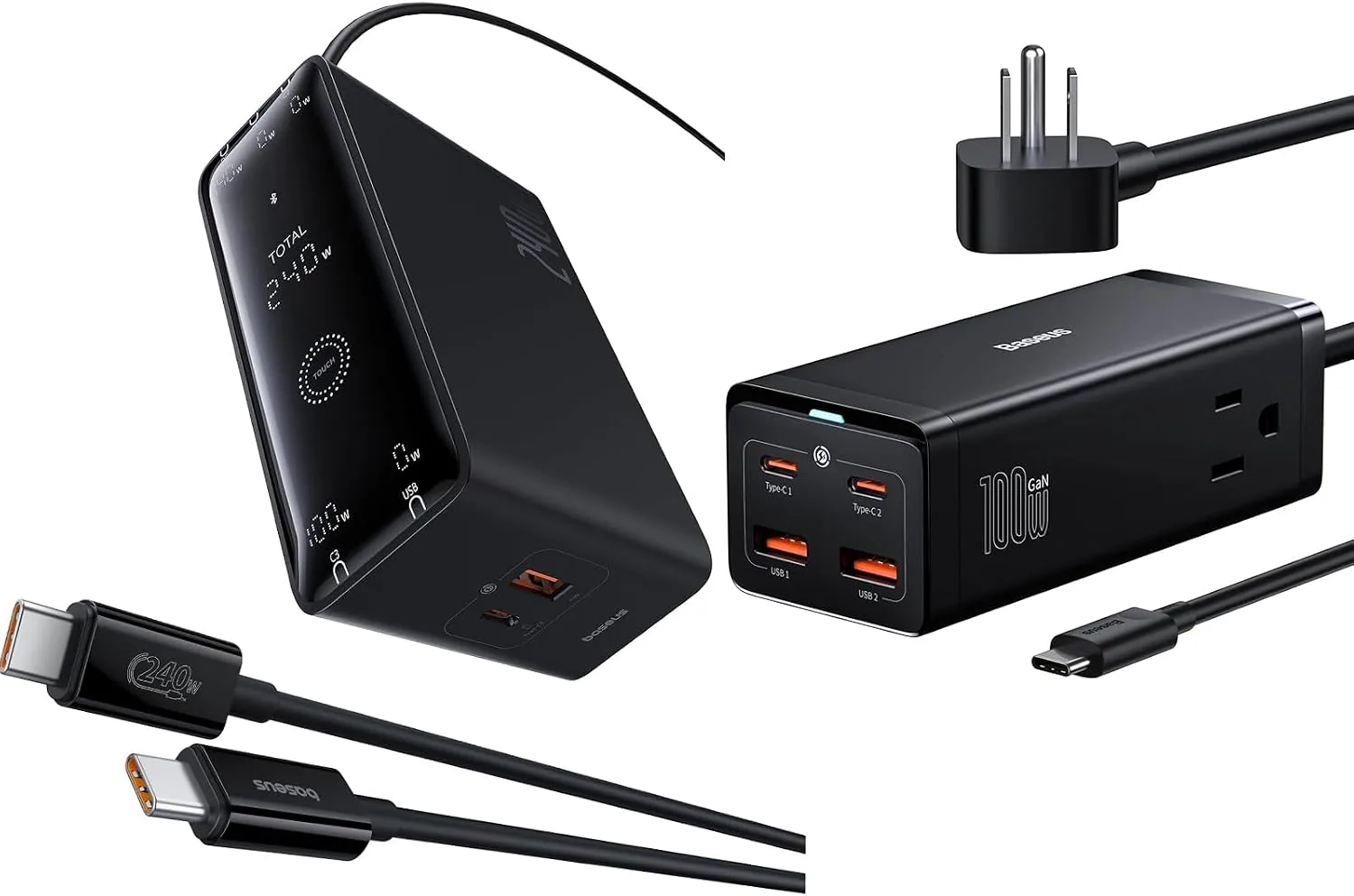 USD 31.49
Baseus USB C Charger PowerCombo 100W & 240W Smart 5 Ports USB C Charger with Digital LED Display
Product 1: USB Charging Station for Multiple Devices: with 2-Outlets, this power strip ha…
View Details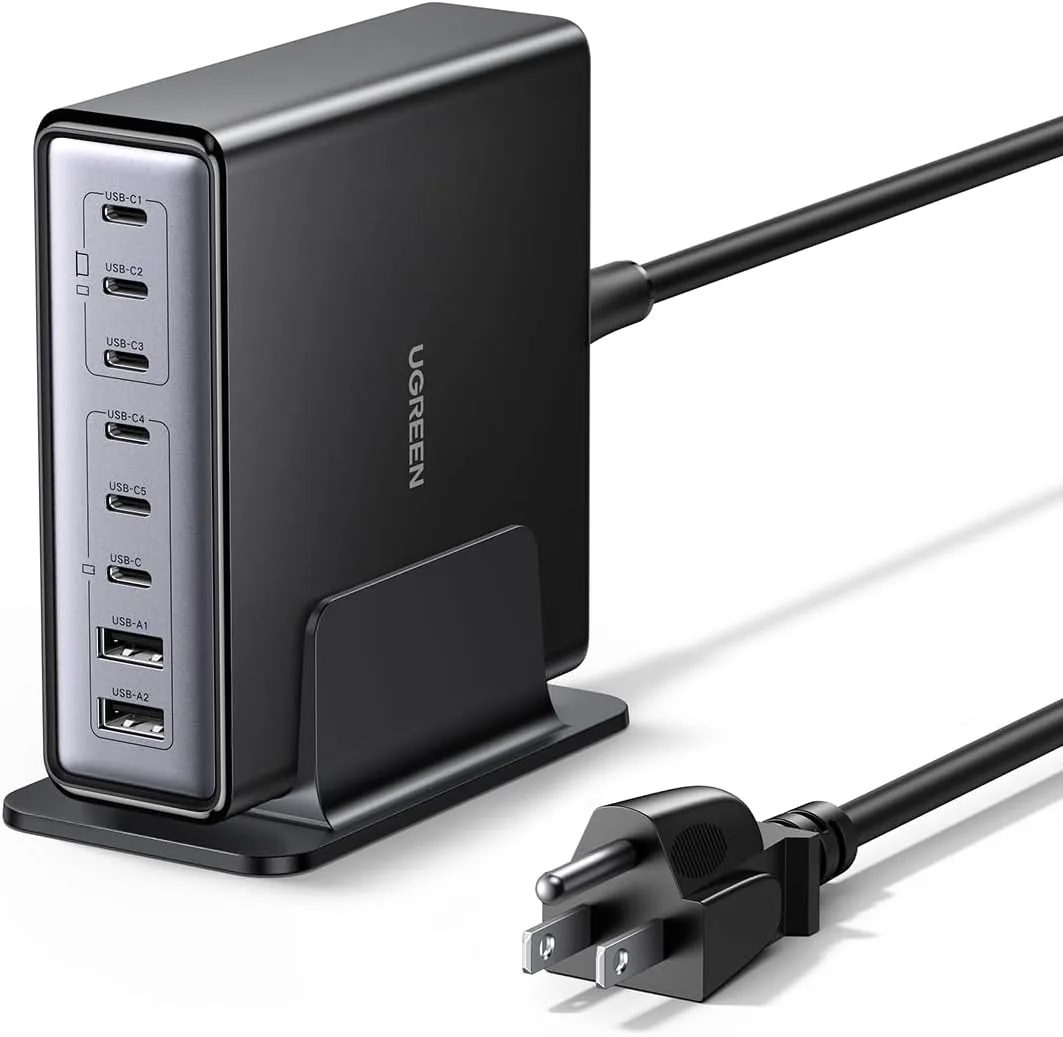 USD 52.48
UGREEN Nexode 200W GaN USB C Charging Station, 8-Port Desktop Charger with PD 100W for MacBook Pro 16"/Air, Dell XPS, iPad Pro, iPhone 17/16/15, Galaxy S25/S24, Pixel 10/9
Powerful 200W Output: This 4-port USB C charger delivers power up to 200W with a single-p…
View DetailsRelated Articles
- Massage Gun Amplitude Buying Guide for Deep Muscle Reach
- Mophie 3-in-1 Travel Charger With MagSafe Buying Guide for Frequent Trips
- Desktop Charging Station Buying Guide for Clear Power Readouts
- Desktop Charging Station Buying Guide for Accessible Front-Port Charging
- Desktop Charging Station Buying Guide for Outlet-Limited Workspaces
- Desktop Charging Station Buying Guide for Dorm Room Device Charging