
Desktop Charging Station Buying Guide for Photographers and Camera Gear

A desktop charging station for camera gear should fit the kit you actually use, not the one you imagine. Count every battery, every USB-powered accessory, and every device that ends up on your desk after a shoot. That is how you avoid buying a hub with plenty of ports but the wrong ones.
Photographers run into the same problem again and again: a station looks neat in theory, then becomes frustrating in daily use because camera batteries, lights, phones, tablets, and wireless accessories all charge differently. The practical fix is to start with your battery types, then add USB capacity for everything else.
Start by inventorying the gear that really needs power
The fastest way to choose the wrong camera battery charging station is to shop by brand, shape, or total port count before listing your devices. A desk setup for one mirrorless body and two batteries is very different from a setup that supports two camera systems, an LED light kit, a phone, a tablet, a mic receiver, and a laptop dock.
Make three short lists:
Camera-specific power: body batteries, battery grips, proprietary chargers, and any dummy battery or AC adapter you use for long sessions.
USB-powered creator gear: phones, tablets, wireless mics, transmitters, on-camera lights, portable monitors, SSDs, and headphones.
General desk electronics: keyboard, mouse, watch, speaker, and anything else that competes for outlets.
Then sort each item into one of two groups: devices that charge directly by USB, and devices that still rely on a dedicated battery charger. That distinction matters more than most buyers expect.
Understand USB charging versus dedicated battery chargers
A common mistake is assuming a USB station can replace every OEM battery charger. Sometimes it can, and sometimes it cannot. Many cameras and accessories now accept USB-C charging, but many interchangeable-lens camera batteries still charge most reliably in a dedicated cradle or manufacturer charger.
A photography desk charger works best as the center of a mixed system, not always as the only charger in the room. In practice, that usually means:
Use dedicated chargers for batteries that require them or that you prefer to charge outside the camera.
Use USB ports for devices designed to charge directly, such as phones, tablets, microphones, lights, and some newer cameras.
Keep one or two ports free for overflow, because a full shoot day always seems to add one more device.
If your cameras can charge by USB-C, a USB-C charger for cameras can reduce clutter and cut down on wall adapters. If your batteries still depend on proprietary docks, the station still helps, but mostly by powering those docks and handling everything else around them.
Choose port types based on your devices, not just the total count
Port count sells charging stations. Port mix is what makes them usable. A desk full of USB-A ports can feel outdated quickly if your camera, phone, or tablet has already moved to USB-C. At the same time, a station with mostly USB-C may still leave you hunting for adapters for older accessories.
For most photographers, the best buying sequence looks like this:
Count how many devices charge by USB-C today.
Count how many still use USB-A cables.
Identify any battery chargers that need a standard AC outlet instead of a USB port.
Leave room for one future device, because your setup rarely stays fixed for long.
If you shoot both photo and video, lean toward more USB-C capacity. Video accessories, mobile monitors, and newer creator tools increasingly expect it. If your kit includes older flashes, action cameras, or accessories you have owned for years, a mixed layout is usually the safer choice.
The biggest buying mistake here is chasing the highest advertised total without thinking about which devices need the fastest or most stable charging. Your main camera, phone, and tablet should not all have to compete for the same premium port.
Plan a safe, repeatable charging area
A charging station is only half the system. The desk layout around it determines how safe and convenient it feels after a long day in the field.
Keep the charging area dry, ventilated, and easy to inspect at a glance. Do not bury battery chargers under papers, soft cases, or clothing. Batteries, adapters, and coiled cables can trap heat when they are stacked carelessly. A clear surface and open airflow do more for reliability than many buyers realize.
Set up your desk so charging follows a simple routine:
One zone for depleted batteries and devices
One zone for chargers and cables
One zone for charged, ready-to-pack gear
That separation helps prevent the classic mistake of grabbing the wrong battery before a shoot. It also makes cable problems easier to spot because you are not tracing wires through a pile of straps, lens caps, and card readers.
Cable length matters too. If a cable is too short, it strains ports and tips devices over. If it is too long, it becomes desk clutter that snags on tripods, bags, or your chair. Use only the lengths your workspace actually needs.
Desktop charging station for camera gear: travel vs. studio workflow
Your best desktop charging station for camera gear may not be the best option for travel. Many buyers try to make one product handle both jobs, and that is where frustration starts.
A permanent studio setup should prioritize stability, cable management, and room for dedicated battery chargers. It can be larger because it stays put. A travel setup should prioritize compact packing, fewer loose accessories, and support for only the devices you truly need on assignment.
The more mixed your loadout becomes, the more selective your travel charging kit needs to be. Portability is rarely about one item. It is about how every item fits together, from chargers and cables to batteries and the bag space they consume.
| Workflow | Main priority | Best charging approach | Common mistake |
|---|---|---|---|
| Studio | Stability and full-capacity charging | Choose a setup with room for dedicated battery chargers, USB devices, and clear cable management | Buying a compact travel-style station that cannot support your full desk load |
| Travel | Compact packing and fewer accessories | Build around mission-critical devices and keep the kit as simple as possible | Trying to pack the entire studio charging setup into a bag |
How to avoid the wrong port mix
Many returns happen because buyers realize too late that the station does not match the real cable map on their desk. Check these issues before you buy:
Too many legacy ports
If your newer devices have moved to USB-C, a station heavy on older connectors will age badly. Keep enough support for older accessories, but do not build tomorrow's desk around yesterday's cable standard.
Too few AC outlets
Many photographers still rely on dedicated battery cradles. If your battery chargers use wall plugs, a USB-only hub will not solve the problem on its own.
No room for simultaneous charging
Think about your busiest return-from-shoot moment. Can the station charge camera batteries, your phone, and a light at the same time without forcing you to rotate devices through the night?
No overflow capacity
One spare port sounds excessive until you add a second body, a wireless transmitter, or a client phone you need to top off on set.
Actionable takeaways for buying today
List every device that lands on your desk after a shoot, then separate USB-charging devices from batteries that need dedicated chargers.
Choose port mix before port count, with USB-C for newer cameras and creator devices and enough legacy support for older accessories.
Do not expect one station to replace every OEM battery charger unless your gear is built around direct USB charging.
Create a simple desk routine with separate zones for depleted gear, charging gear, and ready gear.
If you travel often, consider a second, smaller charging kit instead of forcing your studio setup into a bag.
Leave one spare connection available. It becomes useful faster than most people expect.
The best desktop charging station for camera gear is the one that matches your battery types, cable standards, and shooting routine without daily workarounds. Buy for the way you actually finish a shoot, and your desk will stay cleaner, faster, and easier to trust.
Related Resources
Related Products
USD 40.49
Anker Prime Charging Station, 250W 6-Port GaN USB C Charger, 2.26" LCD Smart Display Control, Compatible with iPhone, Galaxy, MacBook, Dell for Home Office, Gaming Desk Accessories
Super Fast 250W Output: Experience the convenience of high-capacity charging with this 25…
View Details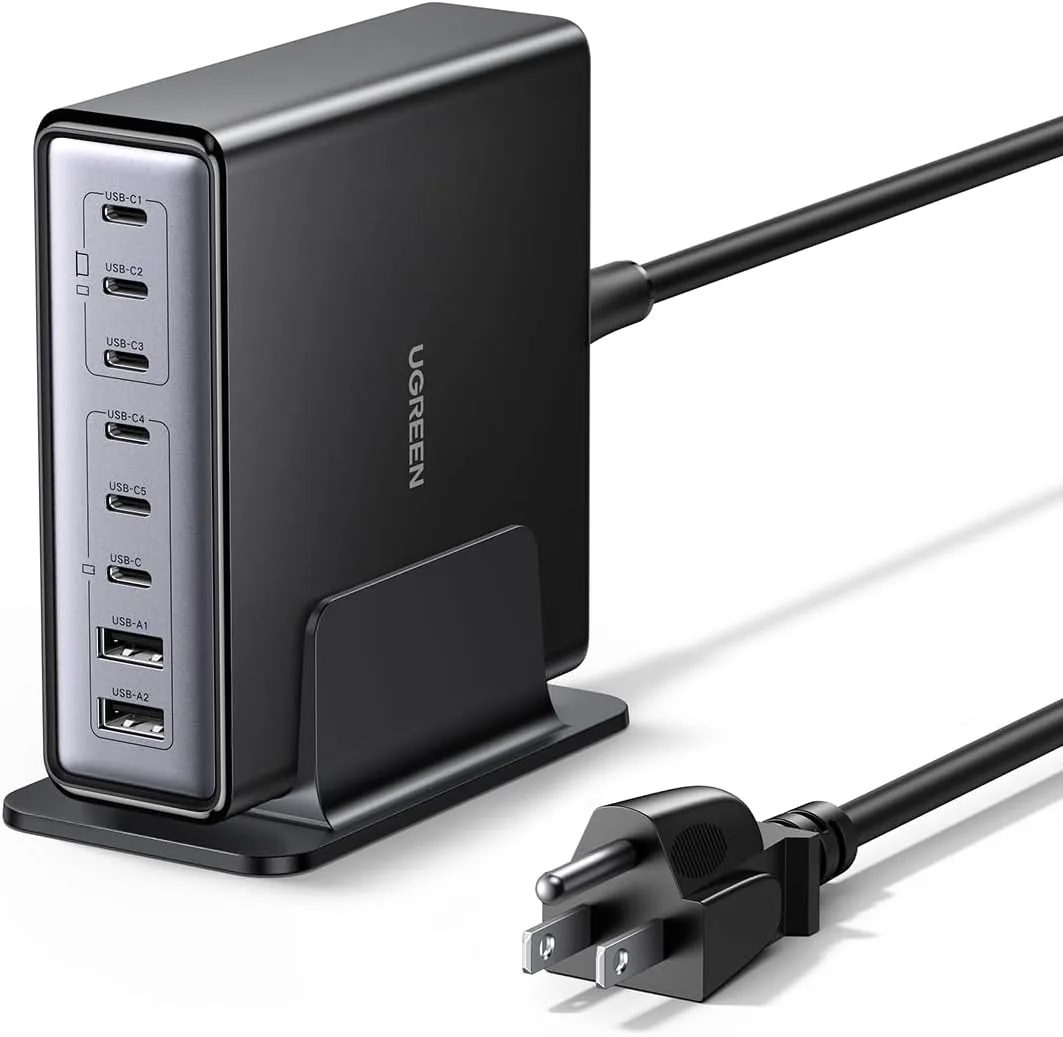 USD 52.48
UGREEN Nexode 200W GaN USB C Charging Station, 8-Port Desktop Charger with PD 100W for MacBook Pro 16"/Air, Dell XPS, iPad Pro, iPhone 17/16/15, Galaxy S25/S24, Pixel 10/9
Powerful 200W Output: This 4-port USB C charger delivers power up to 200W with a single-p…
View Details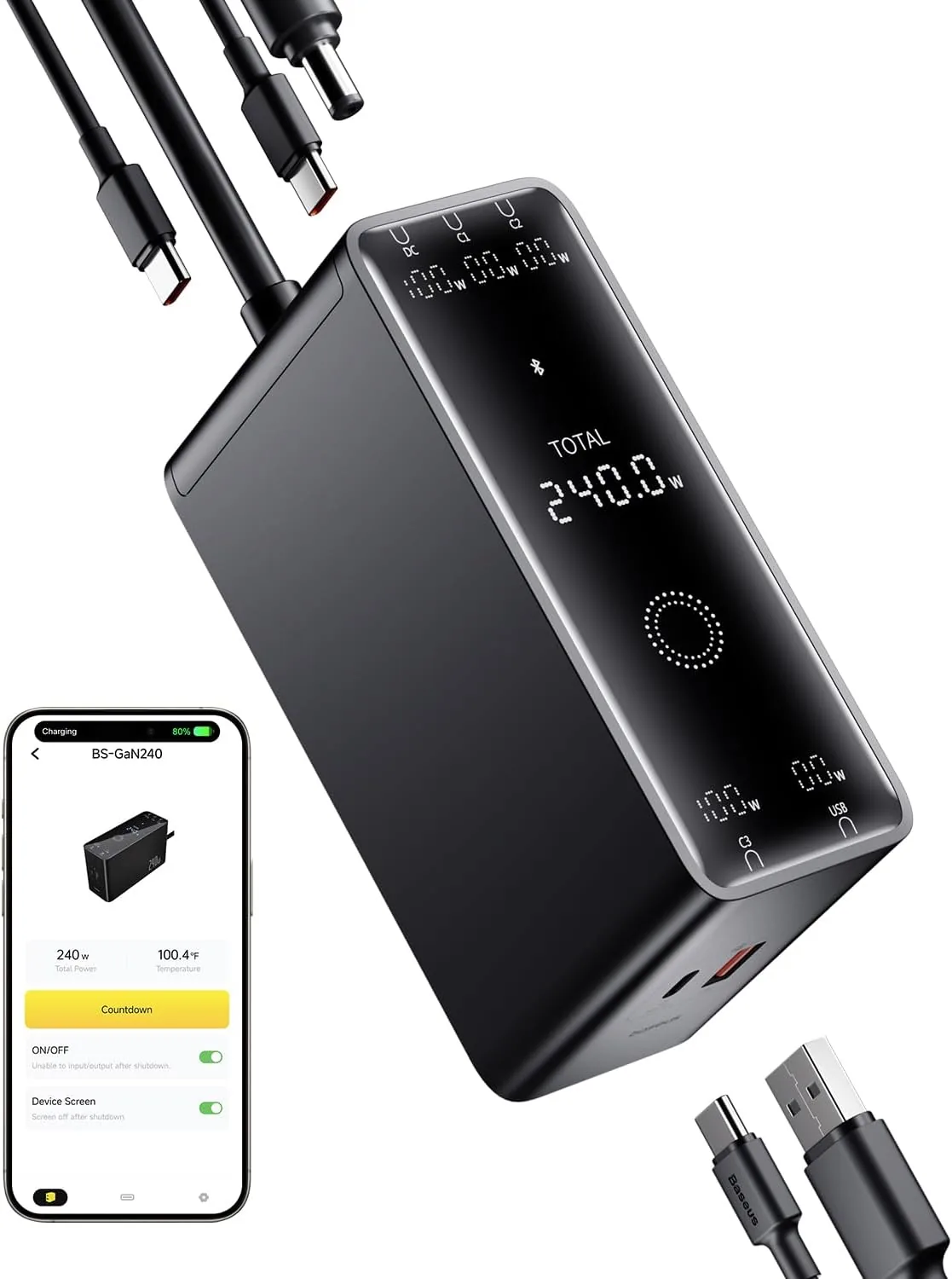 USD 52.49
Baseus 240W Smart Charging Station, 5-in-1 Desktop USB C Charger with Digital LED Display, PD 3.1 Dual Laptop Type C Fast Charging for MacBook Pro, Dell XPS, Lenovo, iPhone 16, Galaxy S24
Compact, 5-Port 240W Desktop Charger: Elevate your workspace with the industry's first 40…
View Details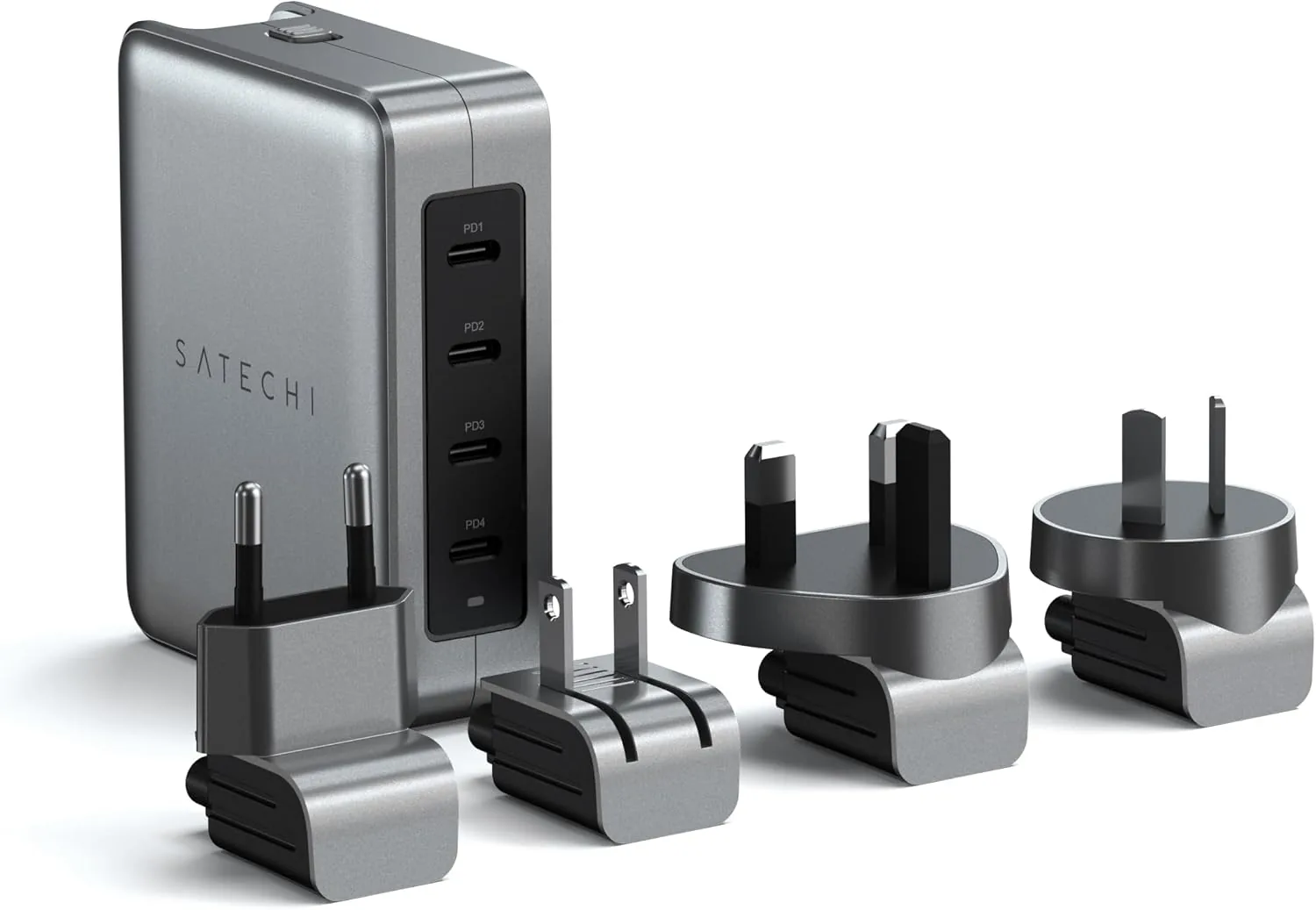 USD 89.99
Satechi 145W GaN Travel Charger, 4-Port GaN USB C Charger, 2 USB-C PD 3.1, Fast Charging Travel Station for Laptop, for MacBook Air/Pro/Neo, iPad Air/Pro, iPhone 17 to 12 Series, Android, Windows
𝗗𝗲𝘀𝗶𝗴𝗻𝗲𝗱 𝗳𝗼𝗿 𝗧𝗿𝗮𝘃𝗲𝗹 𝗖𝗵𝗮𝗿𝗴𝗶𝗻𝗴 – A compact 145W GaN travel charger built to power laptops, …
View DetailsRelated Articles
- Desktop Charging Station Buying Guide for Nightstand Cable Reduction
- Hyperice Hypervolt Go 2 Buying Guide for Compact Everyday Recovery
- Desktop Charging Station Buying Guide for USB-C Monitor Setups
- Desktop Charging Station Buying Guide for Clear Power Readouts
- Desktop Charging Station Buying Guide for VR Headset Accessories
- Desktop Charging Station Buying Guide for Accessible Front-Port Charging