
Desktop Charging Station Buying Guide for Nightstand Cable Reduction
A desktop charging station for nightstand use should replace a tangle of wall warts and loose cables with one compact hub for your phone, watch, earbuds, and tablet. The best ones do that without blocking nearby outlets, running hot, or taking over the bedside table, and many buyers still pay for extra ports they never use.
How to Choose a Desktop Charging Station for Nightstand Use
Start with what you actually charge overnight. For many adults, that means a phone, a smartwatch or fitness band, and wireless earbuds. Add a tablet or e-reader if you read in bed. Two ports can work for a light user, but three is the practical minimum for anyone charging a watch and earbuds. Five or more only makes sense if you also charge a partner’s gear, a power bank, or a second phone.
At the bedside, charging speed usually matters less than spec sheets suggest. Overnight charging gives you hours, so the highest wattage on the box is rarely the deciding factor. It is usually smarter to match the station to the cables and devices you already use than to pay extra for output you will not need while you sleep.
Wired Ports vs. Wireless Charging at the Bedside
Wired USB-A and USB-C still beat wireless charging for speed, heat, and consistency. A cable keeps charging even if you pick up the phone to check the time, while a wireless pad stops as soon as alignment shifts. Wireless makes more sense for devices that already charge slowly, especially earbuds and watches that use their own cradle or puck.
In most bedrooms, a mixed bedside charging station is the most practical setup. A pair of USB-C ports can handle a phone and tablet, while a Qi pad or dedicated watch charger adds drop-in convenience for smaller devices. Pure wireless towers look neat in product photos, but they often charge phones more slowly and run warmer through the night than a comparable wired hub.
Size, Footprint, and Nightstand Space
Measure the open space on your nightstand before you shop. Most bedside tables have limited room once you account for a lamp, a book, or a glass of water. Tall towers can feel intrusive and are easy to bump when you reach across the table. Slim horizontal units stay lower and cleaner visually, but they need more depth.
Materials matter too. Lightweight plastic bodies are easier to scratch and can slide when you pull a cable. Rubber feet help. Metal housings usually feel steadier and tend to shed heat better. A vertical stand can save surface space and also prop up a phone if you use it as your alarm clock, but it is only a good trade if the base stays stable in the dark.
Cable Length, Outlet Access, and Cord Routing
The wall-to-station power cable is one of the most overlooked details. A short cord can force the charger to sit wherever the outlet happens to be instead of where it works best on the table. A longer or detachable cable gives you much more flexibility, especially if the outlet is hidden behind furniture.
Port placement also affects daily use. Front-facing ports are easier to find at night. Rear-facing ports hide clutter better, but they are less convenient when you need to plug in quickly. If two people share the bed, place the unit where neither person has to reach awkwardly across the mattress. Small routing grooves or rear cable exits also help keep cords from draping over the front edge.
Heat, Noise, and Safe Overnight Placement
Any charger creates heat, and overnight use makes heat management more important. Do not tuck a multi-port charger into a drawer or bury it under books. Give it open space around the base and keep it clear of bedding, curtains, and the mattress. A charger that feels warm after a full night is normal; one that feels excessively hot under a typical load is not.
For a bedroom, passive cooling is the better choice. Fans may move air, but even a faint hum stands out in a quiet room and dust buildup only makes that worse over time. If you are considering a nightstand USB-C charger or a unit with wireless charging, basic safety features still matter: over-current protection, over-temperature protection, and foreign-object detection on the wireless pad.
Features You Can Skip
Many premium extras add cost without improving overnight charging. If the charger will live on a nightstand, shrinking the power brick is not a major benefit. Magnetic alignment is more useful on a desk, where you dock and undock repeatedly, than beside the bed, where you usually set the phone down once and leave it there.
You can also skip app control, bright LCD power readouts, and color-changing lights. They add complexity and visual noise in a room where darkness matters. A single dim indicator light is easier to live with than an illuminated ring or display. Extra AC outlets on the unit are only worthwhile if the nightstand area is short on wall access; otherwise, they mostly add bulk.
Quick Comparison Checklist
| Feature | Better for most nightstands | Less ideal choice |
|---|---|---|
| Phone charging | Wired USB-C | Phone-only wireless pad |
| Heat and noise | Passive cooling, vented design | Active fan cooling |
| Placement flexibility | Long or detachable power cable | Short fixed cable |
| Night use | Dim, minimal indicator light | Bright display or RGB lighting |
| Surface stability | Rubber feet, solid base | Light plastic body that skids |
Catalog Picks: Useful as Platforms, Not True Chargers
The two items below come from the current catalog, but they are better viewed as bedside platforms than as a true wireless charging organizer or desktop charging station. If you are specifically shopping for charging performance, port mix, and overnight safety, those features should still be your first filter.
| Product | Key spec | Price | Rating | Best for |
|---|---|---|---|---|
| Seville Classics OFF65808 Airlift 36" Gas-Spring Height Adjustable Workstation | 35.43" W x 35.8" D x 6.2"–19.1" H gas-spring riser; integrated cable management | $299.99 | 4.6/5 (1,958 reviews) | Shoppers who want a large surface with cable management and room for several devices |
| VIVO 32" Desk Converter, K Series, Height Adjustable Sit-Stand Riser | 32-inch width, quick height adjustment, low-profile base that fits small side tables | $169.99 | 4.6/5 (12,846 reviews) | Buyers who want a simpler platform for a separate charger or wireless pad |
The Seville Classics Airlift offers more surface area and more cable-routing room, so it makes more sense when you need space to separate devices or manage several cords neatly. The VIVO K Series is the smaller, less expensive option and works better when you simply need a stable surface for a separate charger. Between the two, the choice is really about space and layout, not charging features.
Actionable Takeaways
- Count the devices you actually charge overnight before you pay for extra ports.
- For most setups, a mix of USB-C and one wireless charging point is more practical than an all-wireless design.
- Prioritize cord length, easy port access, and a stable base; those details affect daily use more than headline wattage.
- Choose a charger that can stay out in the open and run quietly without a fan.
- Skip bright lights, app controls, and other extras that do not improve overnight charging.
Related Resources
Related Products
 USD 40.49
Anker Prime Charging Station, 250W 6-Port GaN USB C Charger, 2.26" LCD Smart Display Control, Compatible with iPhone, Galaxy, MacBook, Dell for Home Office, Gaming Desk Accessories
Super Fast 250W Output: Experience the convenience of high-capacity charging with this 25…
View Details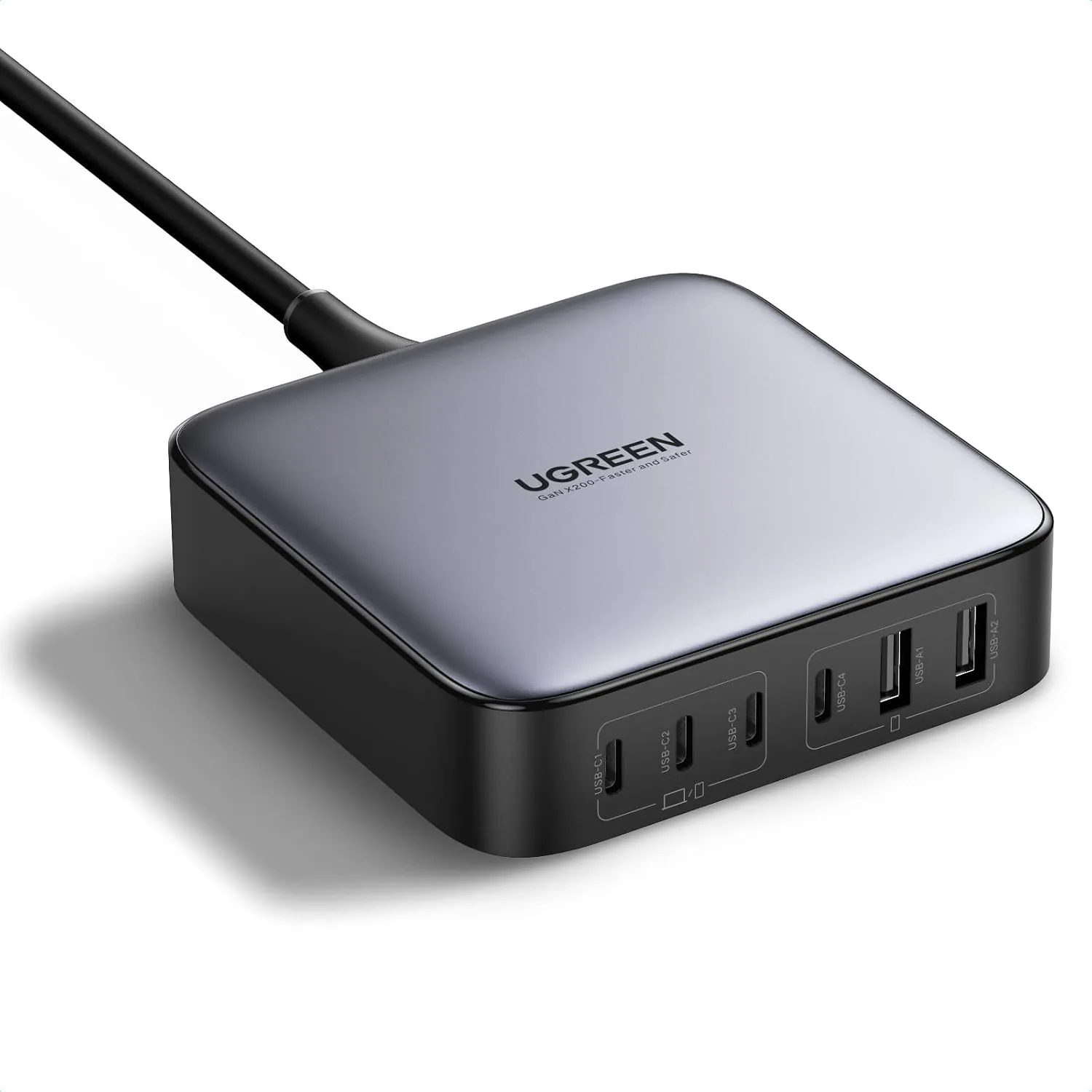 USD 52.48
UGREEN Nexode 200W GaN USB C Charging Station, 6-Port Desktop Charger for MacBook Pro/Air, iPad Pro/Air, iPhone 17/16/15 Series, Galaxy S25/S24 Ultra, Pixel 10/9, Steam Deck
High speed charging: Fully charge a 16in MacBook Pro in 1,5 hours, with the latest GaN ch…
View Details
USD 67.49
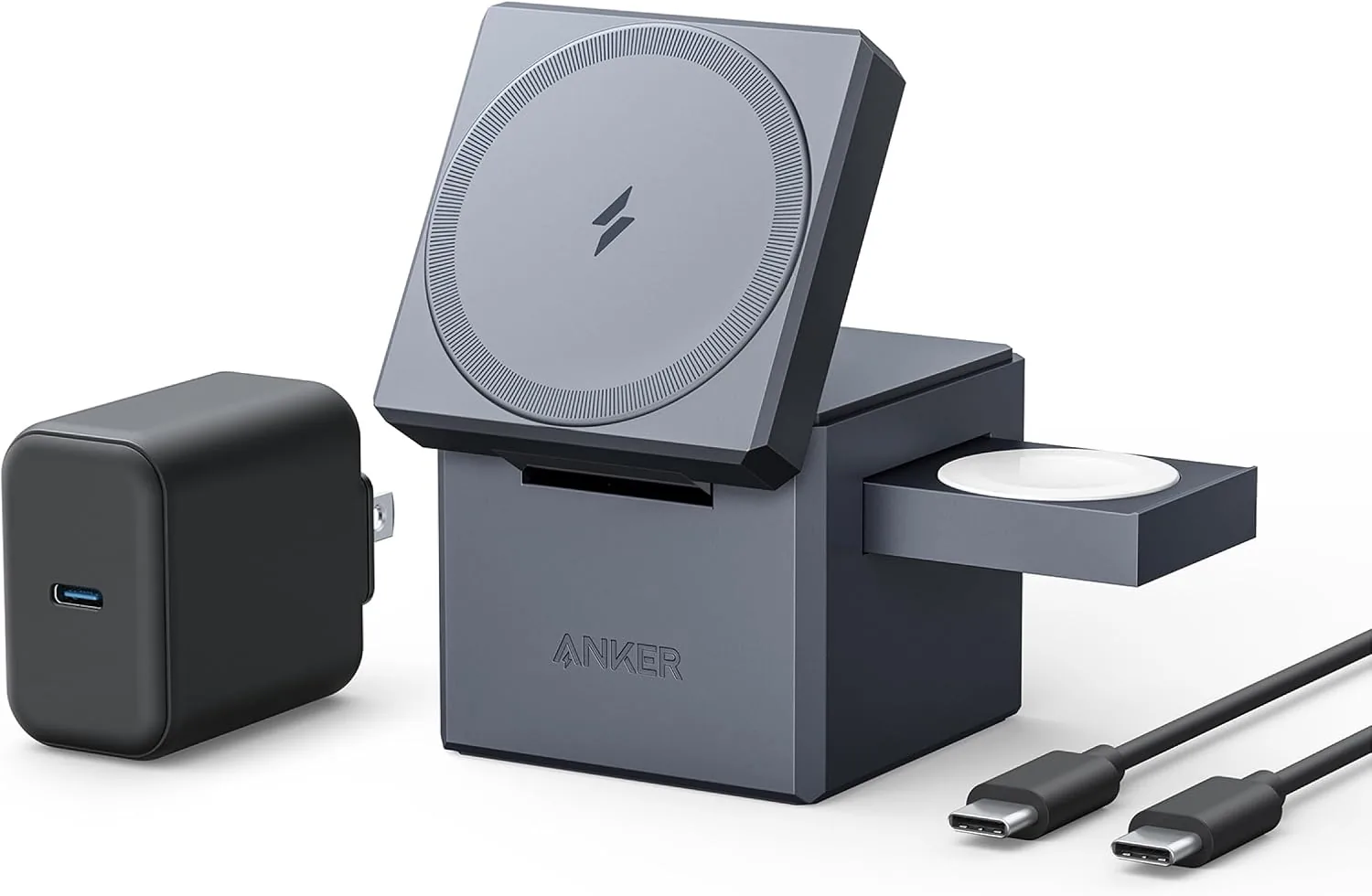
Anker 3-in-1 Cube Wireless Charger, MagSafe Charging Stand, 15W Foldable Fast Charging Station for iPhone 17/16/15, Apple Watch 1-8/Ultra, AirPods (Adapter Included, Non-Battery)
3-in-1 Exclusively for Apple: A one-stop wireless charging solution for your iPhone, Appl…
View Details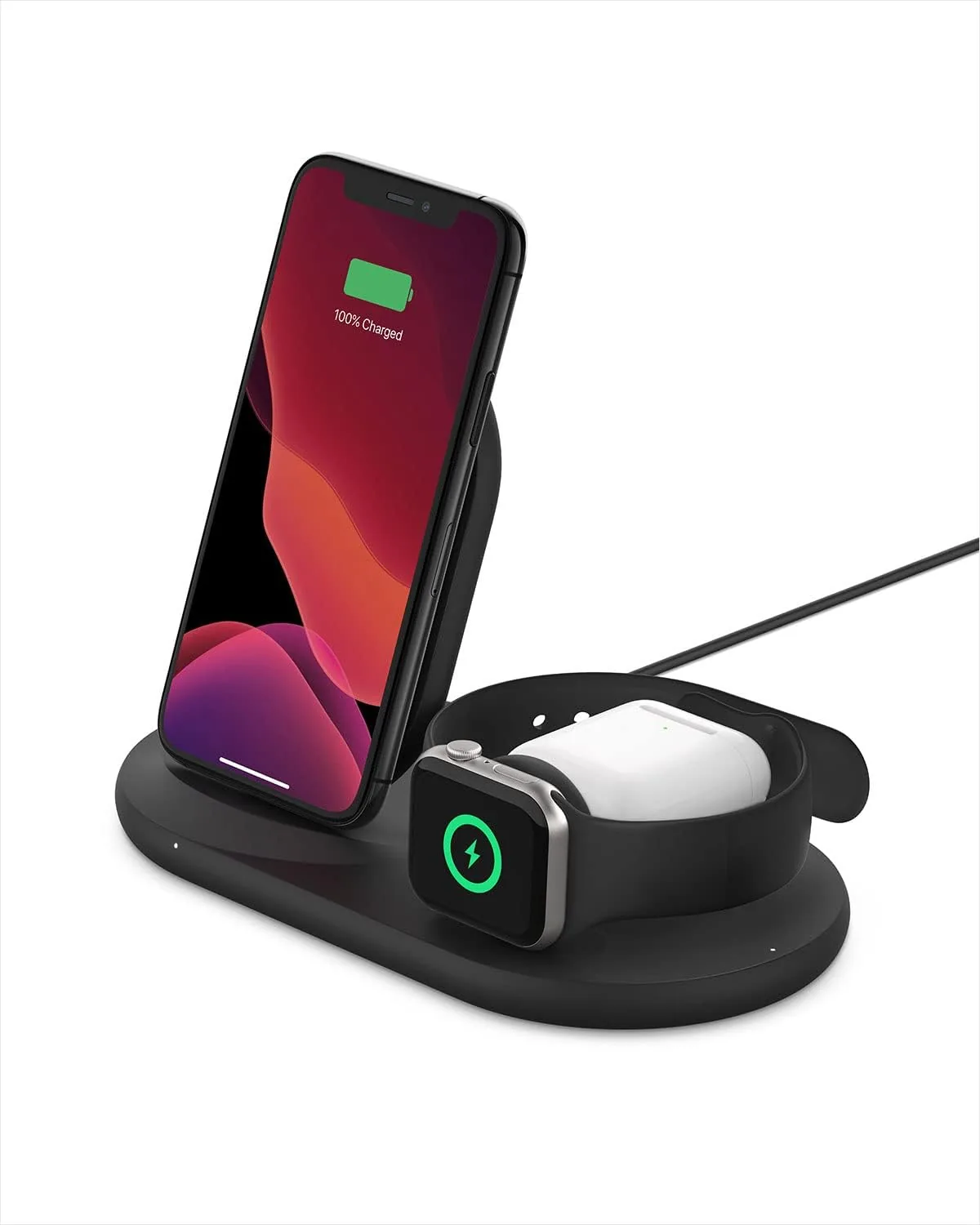 USD 81.74
Belkin 3-in-1 Wireless Charger - Fast Charging Stand for Apple iPhone, Apple Watch & AirPods Case Compatible Qi Station For Multiple Devices - Black
3-IN-1 CHARGER FOR COMPATIBLE IPHONES, APPLE WATCHES, & AIRPODS: Power your Apple iPhone …
View DetailsRelated Articles
- Ergonomic Massage Gun Buying Guide for Reaching Your Back
- Desktop Charging Station Buying Guide for Photographers and Camera Gear
- Desktop Charging Station Buying Guide for Cable-Managed Work Desks
- Desktop Charging Station Buying Guide for Dorm Room Device Charging
- Desktop Charging Station Buying Guide for Outlet-Limited Workspaces
- Desktop Charging Station Buying Guide for Families With Mixed Devices