
Desktop Charging Station Buying Guide for Conference Room Tables

Dead batteries derail meetings. Installing a reliable desktop charging station for conference rooms keeps laptops, tablets, and phones powered throughout long strategy sessions. It also prevents that awkward mid-presentation scramble for a wall outlet.
Modern meeting spaces demand reliable power delivery for high-drain devices. Outfitting a conference table with the correct hardware eliminates downtime, organizes cables, and maintains a professional aesthetic. Here is how to specify and deploy the right gear for your collaboration spaces.
Assess Device Ecosystems and Meeting Capacity
Start by auditing exactly what needs power in your meeting rooms. A four-person huddle space has vastly different electrical requirements than a 16-seat boardroom. Count the seats, then map out the typical hardware each attendee brings. Most professionals carry a laptop, a smartphone, and increasingly, a pair of wireless headphones for hybrid video calls.
Providing shared device charging options for these accessories ensures your team can seamlessly transition from individual deep work to collaborative meetings without hunting for a proprietary cable. Knowing your device ecosystem dictates both the total wattage required and the specific mix of ports you need to install.
Centralized vs. Seat-Level Meeting Room Charging
Room layout dictates hardware. A centralized meeting room charging station sits in the middle of the table or mounts discretely underneath, functioning as a single hub where attendees can plug in. This approach works well for smaller groups or rooms where running individual power drops to every seat is structurally difficult. It keeps the installation simple and concentrates cable management in one localized area.
Seat-level deployment places a dedicated port cluster directly in front of each chair. This is the standard for large boardrooms and executive conference spaces. Running power to individual seats requires coordination with your facilities team during a table refit, but the result is a seamless user experience. No one has to pass a cable across the table or interrupt a colleague to access the office meeting charger.
Prioritize High-Wattage USB-C Hardware
Older USB-A ports are fine for trickle-charging accessories, but they cannot keep modern work laptops alive during heavy spreadsheet sessions. You need a high-wattage conference table USB-C charger at every seat. Look for power delivery profiles that support at least 60W per port to sustain standard business laptops. If your organization issues power-hungry engineering workstations, specify hardware capable of delivering 100W or more to prevent battery drain during intensive tasks.
Evaluate Port Spacing and Table Placement
Physical dimensions matter just as much as electrical specifications. Evaluate the grommet holes on your existing tables before purchasing hardware. You need sufficient port spacing to accommodate bulky charging bricks and right-angle connectors without blocking adjacent outlets.
Cable reach is another critical factor that inexperienced installers often overlook. A station mounted too far from the table edge forces users to stretch their cords, creating tension that damages connectors over time. Measure the distance from the power source to the user's typical seating position to ensure accessible, well-placed power outlets that maintain productivity.
Hardware Security and Durability
Conference room hardware takes a beating. Spilled coffee, yanked cords, and constant plugging and unplugging will expose any weak points in your equipment. Select stations with robust aluminum or heavy-duty polycarbonate housings that resist scratches and impact.
Security is equally critical for shared spaces. Look for stations that allow you to tether the hardware to the table or route the main power cable through locked grommets. This prevents the hardware from walking away and keeps the workspace tidy. Include surge protection to defend against power spikes, which is vital in older buildings with unpredictable electrical grids.
Recommended Shared Device Accessories
Outfitting a modern office includes providing high-quality accessories that staff can use in these newly powered spaces. Providing premium headphones in meeting rooms ensures clear audio for hybrid video calls. Here are two options to keep on hand for your teams:
| Product | Key Feature | Price | Best For |
|---|---|---|---|
| Bose QuietComfort Headphones | Wireless Bluetooth, noise cancellation technology | $229.00 | Loud conference rooms requiring maximum focus |
| Beats Solo 4 | Wireless on-ear, up to 50 hours of battery life with Fast Fuel | $199.99 | Extended strategy sessions requiring long playback time |
If your priority is blocking out ambient office chatter during a hybrid call, the Bose QuietComfort Headphones at $229.00 deliver reliable noise cancellation. For marathon meetings where users might forget to charge their gear beforehand, the Beats Solo 4 at $199.99 offer up to 50 hours of battery life. They also feature a Fast Fuel function that provides five hours of playback from a ten-minute charge.
Actionable Takeaways for Your Desktop Charging Station
- Audit room capacity and calculate total power draw based on the maximum number of expected laptops and devices.
- Choose centralized hubs for small huddle rooms and dedicated seat-level ports for large executive boardrooms.
- Verify that your selected USB-C ports deliver sufficient wattage—typically 60W to 100W—to sustain business laptops under heavy processing loads.
- Measure table thickness, grommet hole diameters, and seating distances before finalizing hardware purchases to ensure a clean fit.
- Invest in durable, surge-protected hardware with physical security options to withstand heavy daily use by staff and guests.
Related Resources
Related Products
USD 40.49
Anker Prime Charging Station, 250W 6-Port GaN USB C Charger, 2.26" LCD Smart Display Control, Compatible with iPhone, Galaxy, MacBook, Dell for Home Office, Gaming Desk Accessories
Super Fast 250W Output: Experience the convenience of high-capacity charging with this 25…
View Details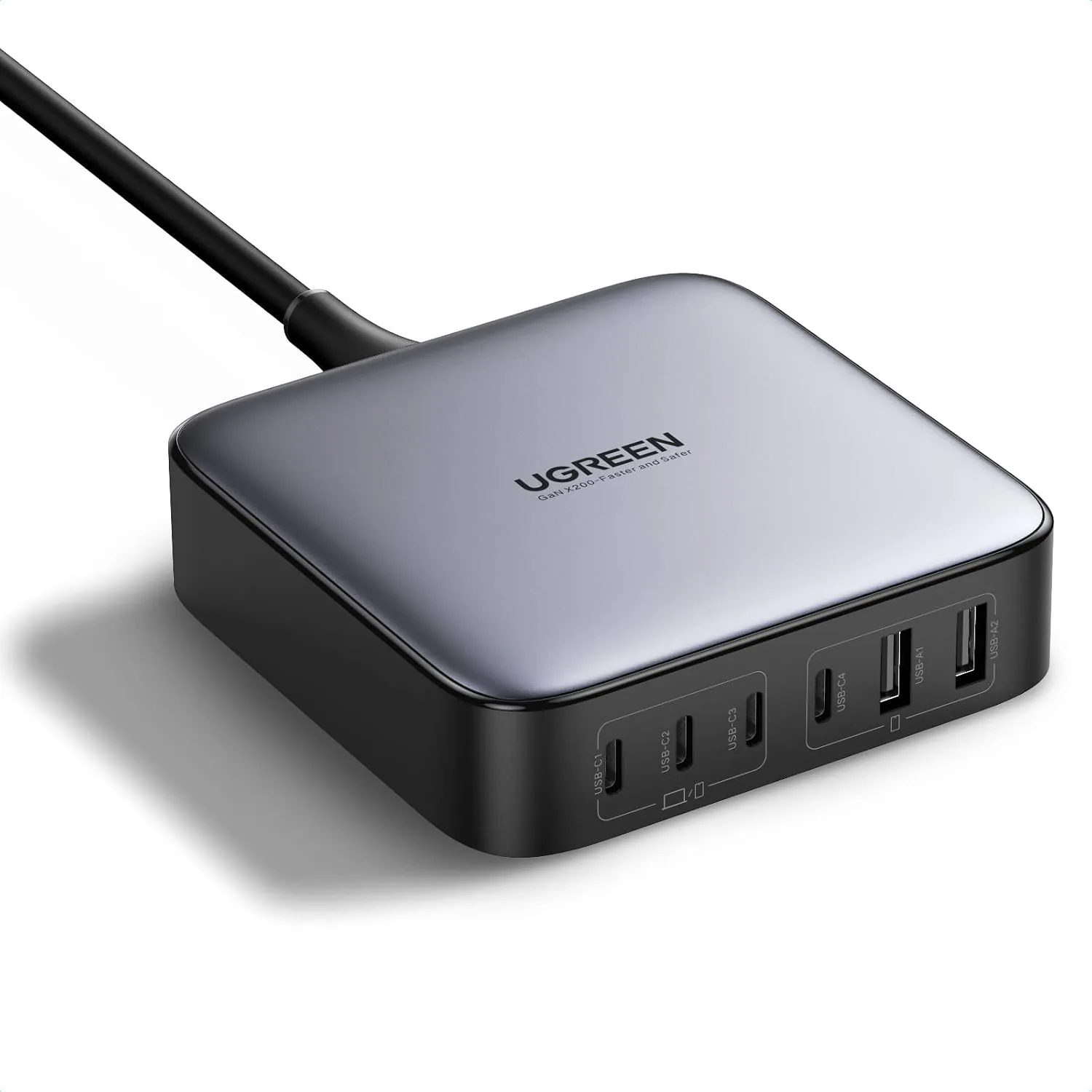 USD 52.48
UGREEN Nexode 200W GaN USB C Charging Station, 6-Port Desktop Charger for MacBook Pro/Air, iPad Pro/Air, iPhone 17/16/15 Series, Galaxy S25/S24 Ultra, Pixel 10/9, Steam Deck
High speed charging: Fully charge a 16in MacBook Pro in 1,5 hours, with the latest GaN ch…
View Details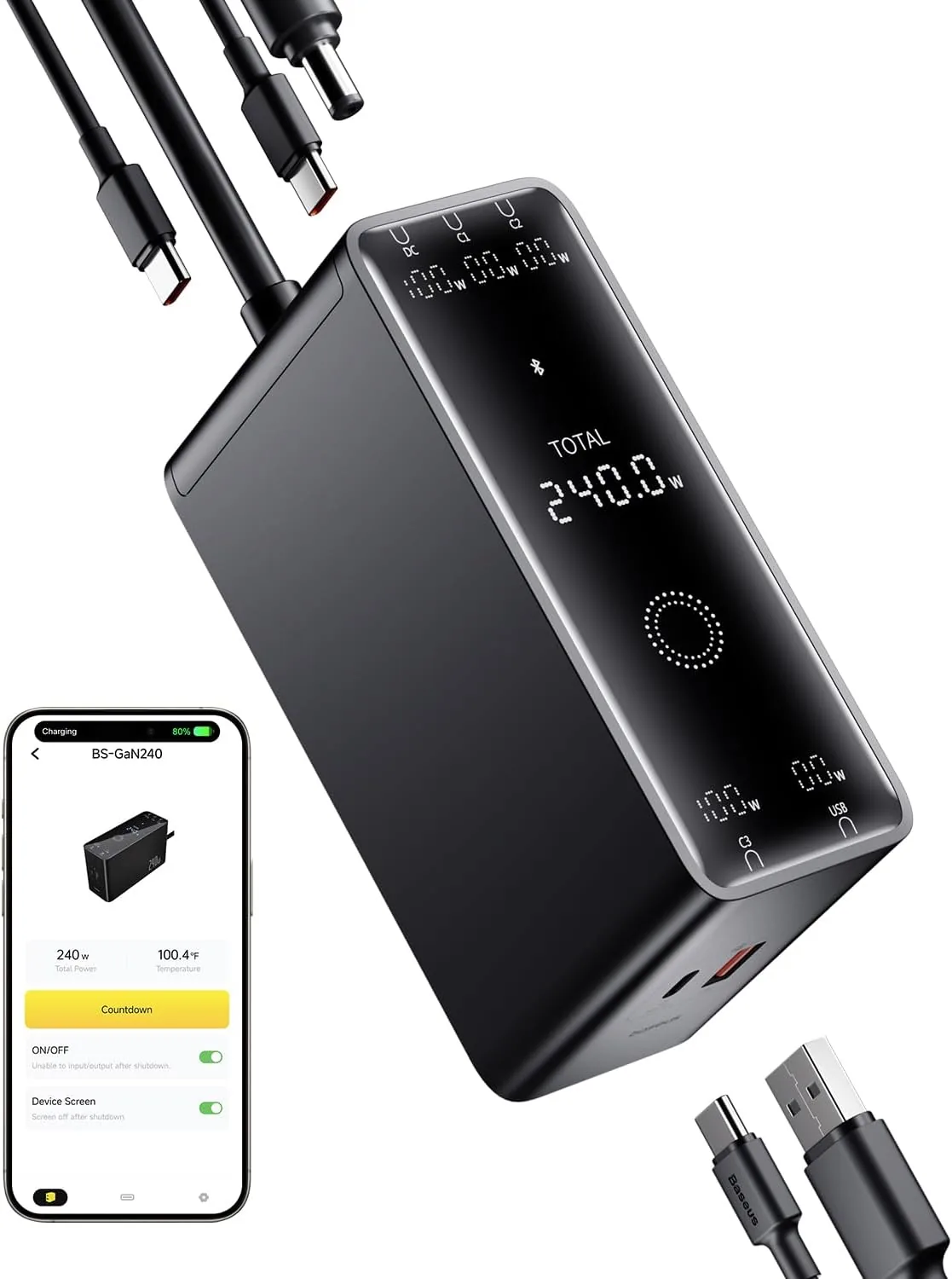 USD 52.49
Baseus 240W Smart Charging Station, 5-in-1 Desktop USB C Charger with Digital LED Display, PD 3.1 Dual Laptop Type C Fast Charging for MacBook Pro, Dell XPS, Lenovo, iPhone 16, Galaxy S24
Compact, 5-Port 240W Desktop Charger: Elevate your workspace with the industry's first 40…
View Details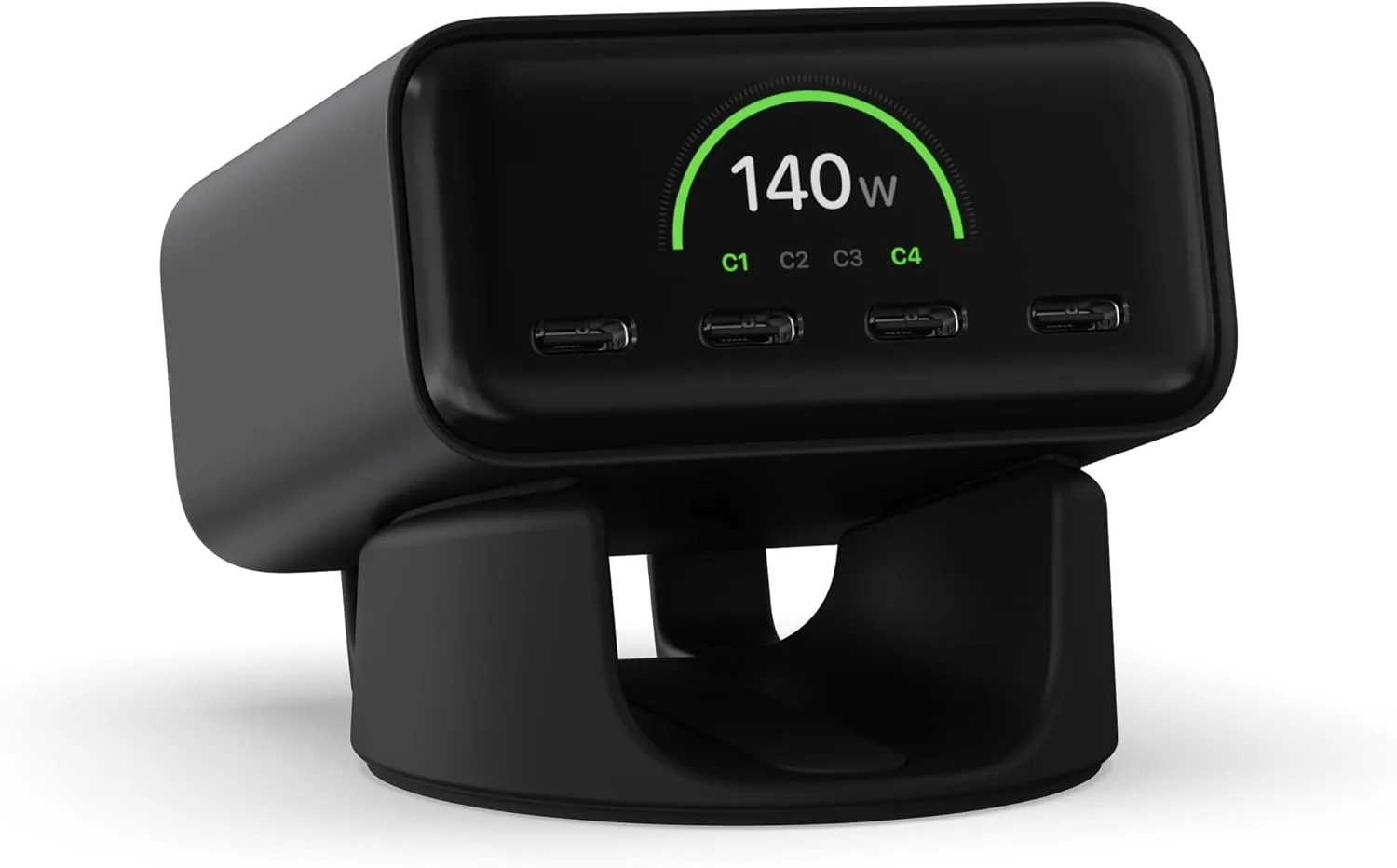 USD 74.99
Satechi ChargeView™ 140W Desktop Charger, GaN Charging Station with Live Power Display, Four USB-C Ports, Designed for Modern Workspaces, Space Black
𝗗𝗲𝘀𝗶𝗴𝗻𝗲𝗱 𝗳𝗼𝗿 𝗠𝗼𝗱𝗲𝗿𝗻 𝗪𝗼𝗿𝗸𝘀𝗽𝗮𝗰𝗲𝘀 – The Satechi ChargeView 140W Desktop Charger powers your …
View DetailsRelated Articles
- Desktop Charging Station Buying Guide for Outlet-Limited Workspaces
- Massage Gun Buying Guide for Calves and Feet
- Desktop Charging Station Buying Guide for Device Charging During Video Calls
- Desktop Charging Station Buying Guide for VR Headset Accessories
- Desktop Charging Station Buying Guide for USB-C Monitor Setups
- Desktop Charging Station Buying Guide for Clear Power Readouts