
Desktop Charging Station Buying Guide for Families With Mixed Devices
Start With an Honest Device Count, Not a Guess
Most families pick a desktop charging station for families based on a rough headcount — and end up either short on ports or paying for capacity nobody uses. The fix is simple. Gather every device that charges daily or overnight, lay them on the table, and note two things for each: the device name and the connector it actually uses. Not the connector it shipped with years ago — the one plugged into it right now.
A typical mixed household ends up with a list like this:
- Two phones with USB-C ports
- An older tablet still on micro-USB
- Wireless earbuds with a short USB-C cable
- A smartwatch charger with a proprietary puck or snap-on connector
- A handheld game console or e-reader, usually micro-USB or USB-C
- Occasional guests carrying Lightning or USB-C phones
That inventory reveals the real shape of the problem. If your list includes a watch puck or any proprietary connector, you need a multi-device charging hub with a plain AC outlet or an open USB-A port to power it. Many compact hubs drop USB-A entirely, which quietly strands those accessories.
Size the Port Count With Room for One
Count your daily devices, then add a single spare port. That's the number to shop for. More than one spare invites clutter: empty ports attract old cables, mystery chargers, and devices nobody uses anymore. A shared device charger works best when every port has an owner.
Think growth, not ceiling. A teenager getting a phone next year? One extra port covers it. In a two-person household, a six-port family charging station is more furniture than function — and a bigger footprint on the desk.
Match Fast Charging to the Devices That Actually Need It
Not all ports on a multi-device charging hub are equal, and this is where most buying mistakes happen. Modern phones negotiate higher wattage over USB-C Power Delivery; earbuds, watches, and e-readers sip power and don't care. Split your device list into two columns: fast-charging devices (phones, tablets, laptops) and low-power accessories.
Then check the hub's per-port output, not just the total. A hub advertising a big combined wattage can still throttle badly when every port is occupied. For a family station, you want one or two high-wattage USB-C PD ports positioned where the phones go, and ordinary ports everywhere else. A phone on a low-power port overnight charges fine — just slower, which matters most on quick top-ups before school and work.
Where to Put the Station (and Why It Fails)
The most common failure of a shared device charger isn't electrical — it's logistical. Pick one spot everyone passes on the way to bed: a kitchen counter corner, a hallway console, a shelf near the entry. Park the station in a parent's office, and devices will migrate back to bedroom outlets within a week. At that point you've bought a very expensive power strip.
A few habits keep the area organized, and they cost nothing:
- Assign each family member a fixed slot or port, and label the cable with a name or color band
- Route cables through a small tray or stand so they don't slide off the desk when unplugged
- Leave one port deliberately unassigned for guests and new devices
- Once a season, remove any cable that no longer matches a device you own
Cables: The Part That Actually Breaks
Ports rarely fail. Cables fail constantly — especially in a household with kids. Insulation cracks at the connector from repeated sharp bending, and a cable that only charges at certain angles is a cable on its way out. Replace it; don't wrestle with it.
Buy a few spare USB-C and micro-USB cables before you need them, and choose jackets rated for bending over the thinnest option. Short cables (one to three feet) suit a desktop station better than six-footers, which tangle and drag devices off the edge. Labeling matters here too: when charging slows down, a labeled cable tells you instantly which one to swap instead of testing the whole nest.
Safety Checks That Take Two Minutes a Month
A family charging station carries real current in a house with children, so build a quick monthly inspection into your routine:
- Feel the hub body while everything charges. Warm is normal; hot enough to pull your hand back is not — unplug and investigate.
- Inspect each connector for bent pins, debris, or discoloration. Discoloration means heat damage; retire that port or cable.
- Confirm the hub sits on a hard, dry surface, away from sinks, windowsills, and anything flammable such as paper stacks or curtains.
- Check that cables aren't pinched under furniture or routed where they can be yanked — repeated strain loosens connectors inside both the cable and the port.
- Replace damaged insulation rather than repairing it. Electrical tape is a temporary fix at best.
Buy hubs from manufacturers that publish their safety certifications and wattage ratings clearly. If a listing is vague about output or protection features, treat that as the red flag it is.
Common Mistakes and Their Fixes
| Mistake | Why it happens | Fix |
|---|---|---|
| Buying too few ports | Counting only phones; forgetting earbuds, watches, and guests | Count every daily device, add one spare |
| All ports treated as equal | Assuming total wattage is what matters | Check per-port output; put phones on the highest-wattage USB-C ports |
| Station in the wrong room | Placed where it's tidy, not where people pass at night | Move it to a bedtime-traffic location |
| Unlabeled cables | Nobody labels cables | Color bands or name tags per person; one port left open for guests |
| Dying cables kept in service | Intermittent charging feels tolerable | Keep spares on hand; swap at the first sign of fraying or slow charging |
What to Do Today
Run the device inventory tonight. It takes ten minutes and prevents nearly every buying mistake above. Write down each device and connector, mark which ones need fast charging, and pick the station's location based on where people actually are at bedtime. Then shop for a family charging station with the right port mix, labeled cables from day one, and a monthly two-minute safety check. Do that, and the shared charging area stays organized long after the novelty wears off.
Related Resources
Related Products
 USD 52.48
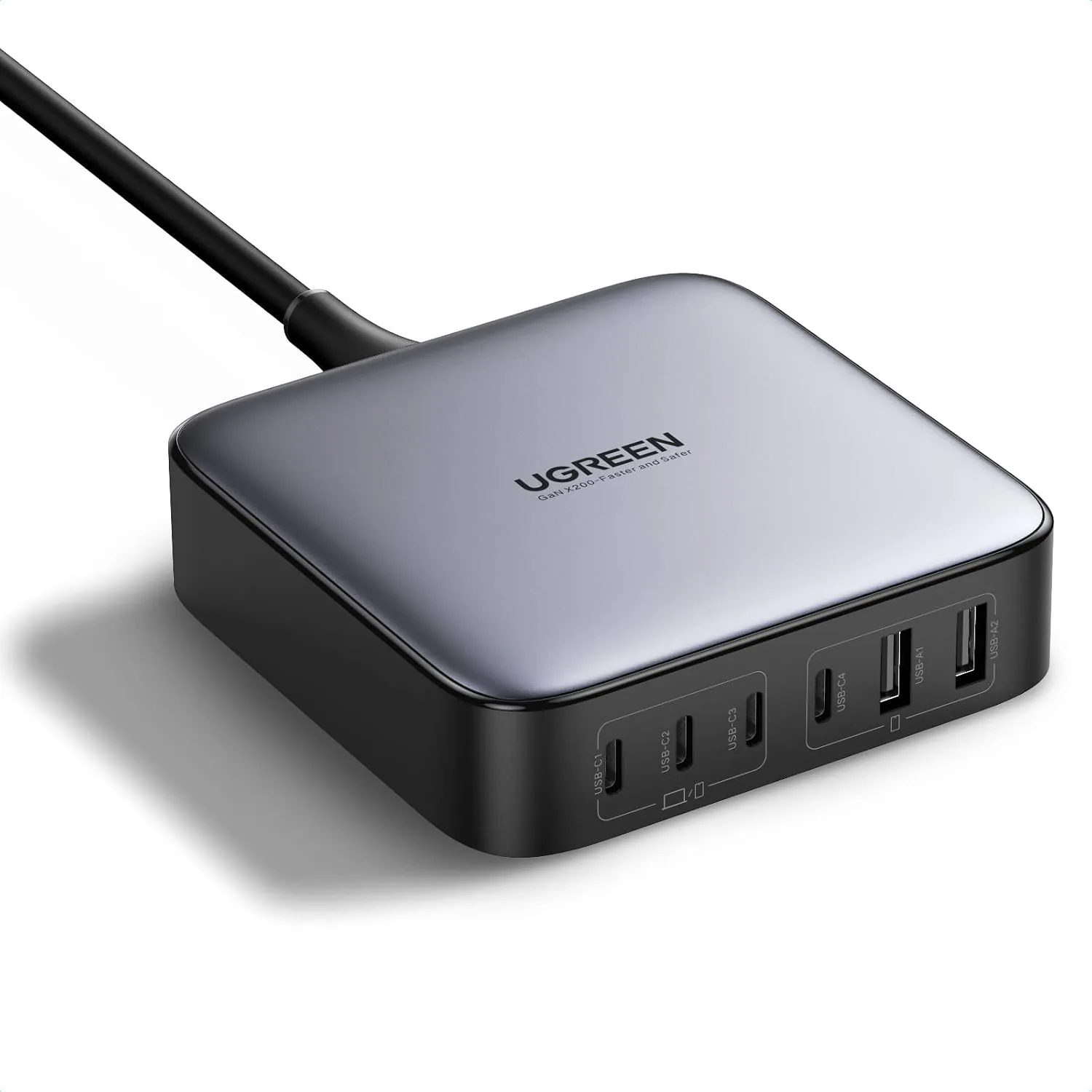
UGREEN Nexode 200W GaN USB C Charging Station, 6-Port Desktop Charger for MacBook Pro/Air, iPad Pro/Air, iPhone 17/16/15 Series, Galaxy S25/S24 Ultra, Pixel 10/9, Steam Deck
High speed charging: Fully charge a 16in MacBook Pro in 1,5 hours, with the latest GaN ch…
View Details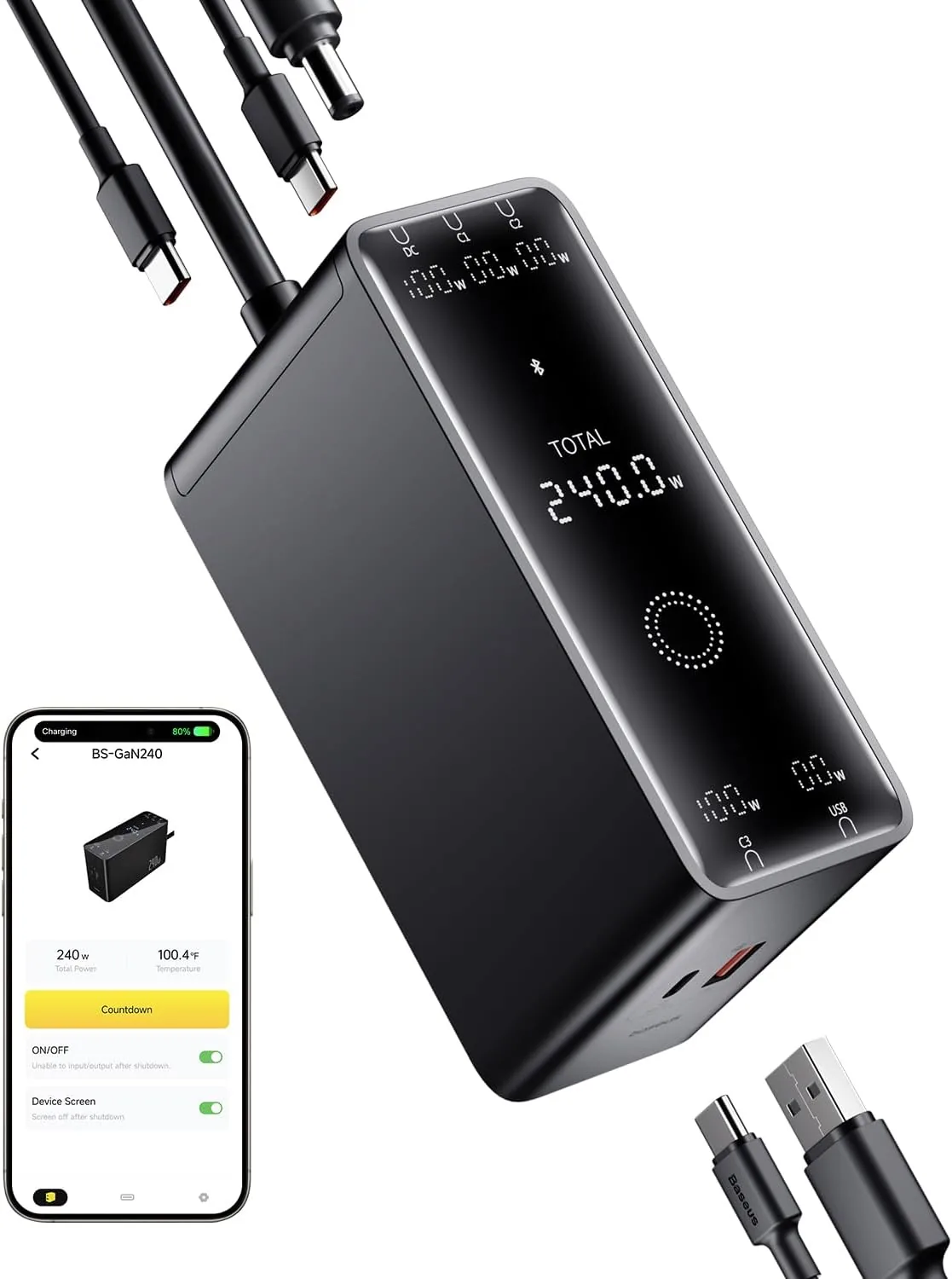 USD 52.49
Baseus 240W Smart Charging Station, 5-in-1 Desktop USB C Charger with Digital LED Display, PD 3.1 Dual Laptop Type C Fast Charging for MacBook Pro, Dell XPS, Lenovo, iPhone 16, Galaxy S24
Compact, 5-Port 240W Desktop Charger: Elevate your workspace with the industry's first 40…
View Details
USD 81.74
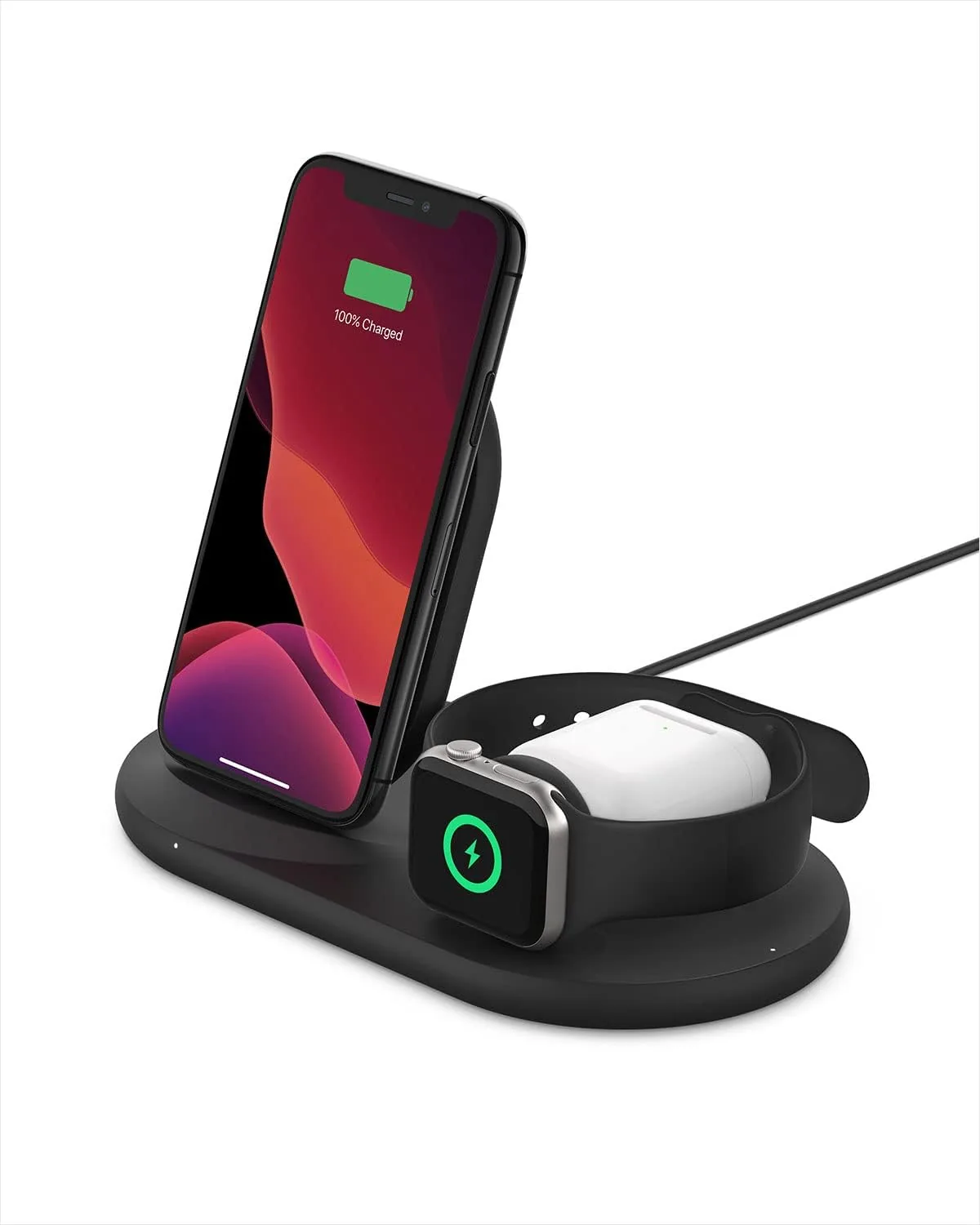
Belkin 3-in-1 Wireless Charger - Fast Charging Stand for Apple iPhone, Apple Watch & AirPods Case Compatible Qi Station For Multiple Devices - Black
3-IN-1 CHARGER FOR COMPATIBLE IPHONES, APPLE WATCHES, & AIRPODS: Power your Apple iPhone …
View Details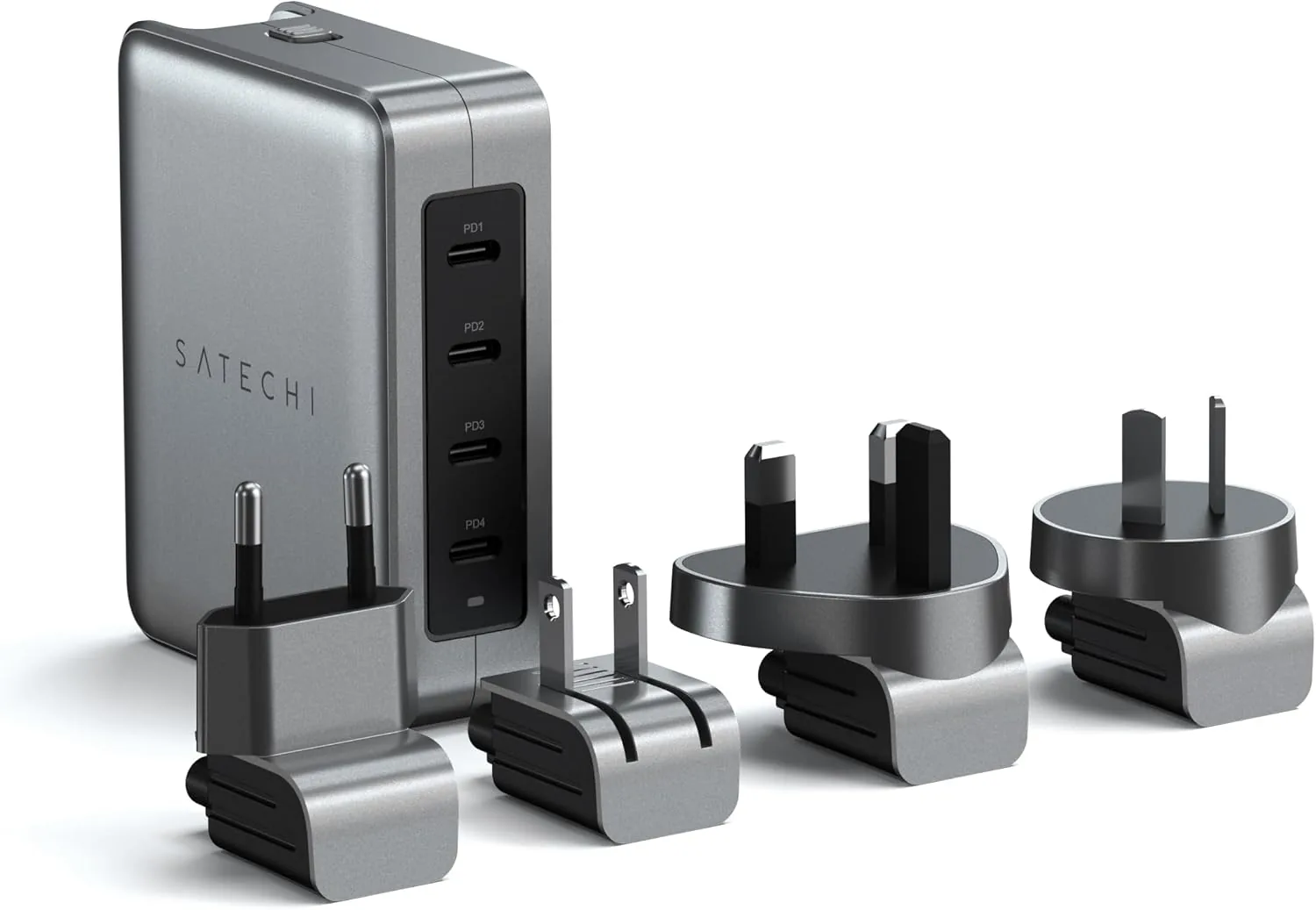 USD 89.99
Satechi 145W GaN Travel Charger, 4-Port GaN USB C Charger, 2 USB-C PD 3.1, Fast Charging Travel Station for Laptop, for MacBook Air/Pro/Neo, iPad Air/Pro, iPhone 17 to 12 Series, Android, Windows
𝗗𝗲𝘀𝗶𝗴𝗻𝗲𝗱 𝗳𝗼𝗿 𝗧𝗿𝗮𝘃𝗲𝗹 𝗖𝗵𝗮𝗿𝗴𝗶𝗻𝗴 – A compact 145W GaN travel charger built to power laptops, …
View DetailsRelated Articles
- Premium Massage Gun Buying Guide for Advanced Home Recovery
- Massage Gun Amplitude Buying Guide for Deep Muscle Reach
- Desktop Charging Station Buying Guide for Dorm Room Device Charging
- Desktop Charging Station Buying Guide for Heat-Conscious Buyers
- Desktop Charging Station Buying Guide for Creative Workstations
- Desktop Charging Station Buying Guide for Nightstand Cable Reduction