
GaN Desktop Charging Station Buying Guide: Safety, Cables and Value
GaN Desktop Charging Station Buying Guide: Safety, Cables, and Value
A GaN desktop charging station can replace several individual power bricks with one desk-based charger, helping reduce cable clutter while keeping laptops, phones, and accessories within reach. The right choice depends on the output you need, the charger safety features the manufacturer documents, and whether its cable management design suits the workspace.
Gallium nitride (GaN) technology allows manufacturers to build higher-output chargers in more compact housings than many traditional silicon designs. For IT teams and operations managers, that can make workstation deployment and daily cable organization easier.
GaN vs. Silicon Chargers: Size, Heat, and Efficiency
Traditional silicon chargers use larger internal components to convert AC wall power into DC power for laptops, phones, and headsets. Heat is a normal byproduct of charging, and it can affect long-term component performance.
A GaN charger uses gallium nitride semiconductors, which can support higher power output in a smaller chassis. Some desktop models offer 100W or more of total output while remaining compact enough for a desk surface. When comparing chargers, consider the available output, port configuration, physical footprint, and how power is shared when multiple devices are connected.
Essential Charger Safety Features
Safety protections should be a baseline requirement, especially for chargers that will power laptops and several accessories at once. Review the manufacturer’s specifications rather than assuming a charger includes every protection.
Look for documentation confirming these charger safety features:
- Overcurrent protection: Limits current when demand exceeds safe operating levels.
- Overheat protection: Monitors internal temperature and may reduce output or shut down the charger when temperatures rise too high.
- Short-circuit protection: Interrupts power when a short circuit is detected in a cable or connected device.
- Voltage regulation: Helps maintain stable DC output for connected electronics.
Cable Management Features for Tidy Workspaces
Charging capacity alone will not solve a cluttered desk. Cable management affects how easily users can identify open ports, connect devices, and keep charging leads from falling behind the desk. Evaluate how the charger’s shape and placement will work with the workspace before buying.
Useful cable management features include:
- Built-in cable organizers: Brackets, hooks, or channels on the back or base can hold unused cables and keep them from slipping off the desk.
- Weighted bases or non-slip pads: These features help keep the charger in place when cables are pulled from different directions.
- Vertical towers vs. flat pads: Vertical designs use less desk surface and can route cables downward. Flat designs may work better in an under-desk tray or other horizontal mounting area.
How to Compare Price-to-Watt Value
Price-to-watt value is one way to compare desktop charging stations with similar use cases. Divide the retail price by the charger’s rated maximum output, then compare the result alongside port selection, included accessories, and the features your setup actually needs.
The examples below show how products can serve different charging setups. A wireless charging stand, a multi-port GaN charger, and a dock should not be judged by price-to-watt alone because their port configurations and functions differ.
| Brand & Model | Key Feature | Price | Amazon Rating | Best For |
|---|---|---|---|---|
| Belkin MagSafe 3-in-1 Magnetic Charging | Latest Qi2 technology | $24.99 | 4.1/5 | Single-user Apple setups needing wireless charging pads |
| UGREEN Nexode 100W USB-C Desktop Charger | 100W multi-port GaN output | $59.99 | 4.5/5 | Charging a laptop and accessories at the same time |
| Satechi USB-C Multiport Adapter Dock | Data, power, and display integration | $99.99 | 4.4/5 | Workstations that need data transfer alongside power |
The Belkin MagSafe 3-in-1 charger is positioned for users who want to charge a phone, watch, and earbuds without several separate cables. For a workstation that needs laptop charging, a multi-port GaN charger such as the UGREEN Nexode offers 100W of output at $59.99. The Satechi dock costs $99.99 and combines data and display ports with charging, which may suit users who would otherwise need separate adapters.
When to Pay More for Build Quality, Safety, and Convenience
The lowest-priced option is not always the right fit for a multi-device workstation. A charger intended for one phone has different demands than a desktop unit used to charge a laptop and accessories. Match the charger’s output, port layout, documented protections, and intended use to the devices it will support.
Established brands such as Anker, Satechi, and Belkin offer products across different price tiers and use cases. Before paying more, determine whether the added cost addresses a real requirement, such as more ports, a higher output rating, integrated data and display connections, or a more practical desktop form factor.
Actionable Takeaways for Your Next Procurement
- Compare price-to-watt value: Divide the retail price by the rated maximum output when comparing chargers with similar functions.
- Verify safety documentation: Confirm that the manufacturer lists protections such as overcurrent, overheat, and short-circuit protection.
- Audit desk space: Match the charger’s footprint and cable management features to the available workstation space.
- Buy for the intended workload: Choose a model with the ports, output, and functions required for the devices employees use every day.
Related Products
USD 52.48
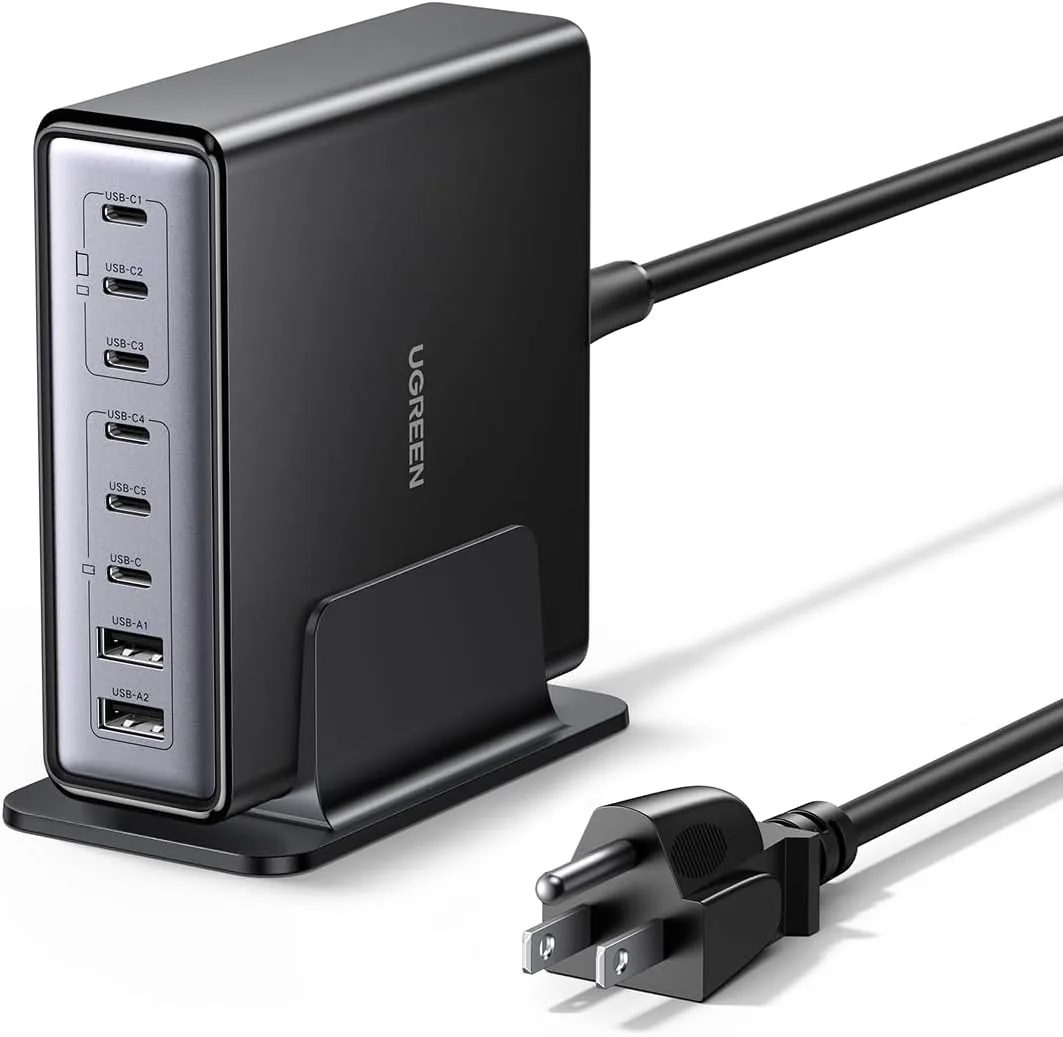
UGREEN Nexode 200W GaN USB C Charging Station, 8-Port Desktop Charger with PD 100W for MacBook Pro 16"/Air, Dell XPS, iPad Pro, iPhone 17/16/15, Galaxy S25/S24, Pixel 10/9
Powerful 200W Output: This 4-port USB C charger delivers power up to 200W with a single-p…
View Details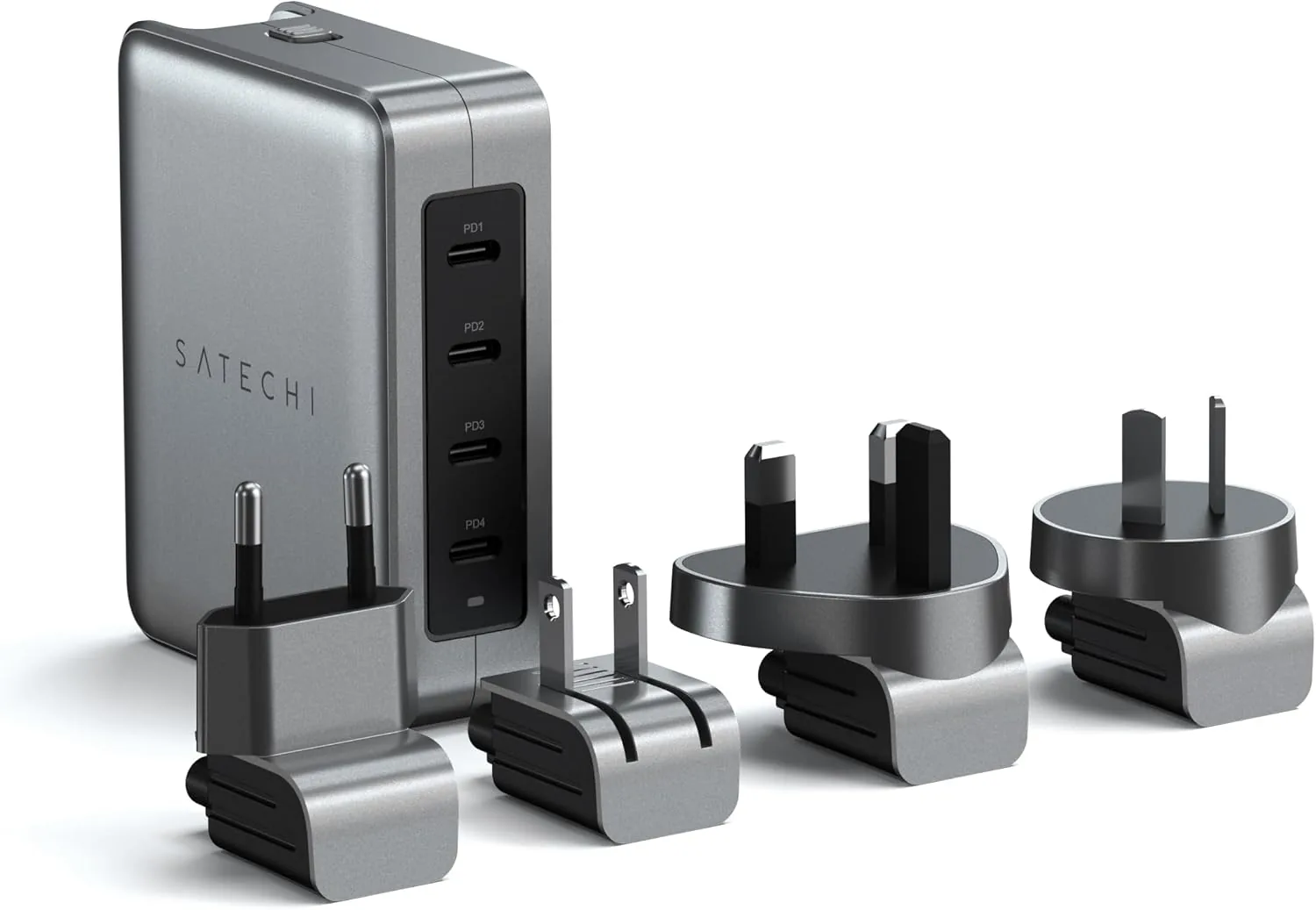 USD 89.99
Satechi 145W GaN Travel Charger, 4-Port GaN USB C Charger, 2 USB-C PD 3.1, Fast Charging Travel Station for Laptop, for MacBook Air/Pro/Neo, iPad Air/Pro, iPhone 17 to 12 Series, Android, Windows
𝗗𝗲𝘀𝗶𝗴𝗻𝗲𝗱 𝗳𝗼𝗿 𝗧𝗿𝗮𝘃𝗲𝗹 𝗖𝗵𝗮𝗿𝗴𝗶𝗻𝗴 – A compact 145W GaN travel charger built to power laptops, …
View Details USD 89.99
Satechi 165W USB C 4-Port GaN Charging Station, 4 USB-C PD, Laptop Charger, for MacBook Air/Pro M5/M4/M3, iPad Air/Pro M5/M4/M3, iPad 11th gen, iPad mini, iPhone 17/16 Galaxy S25, Windows
Multi-Device Fast Charging - With 4 USB C PD ports, each with flexible power distribution…
View Details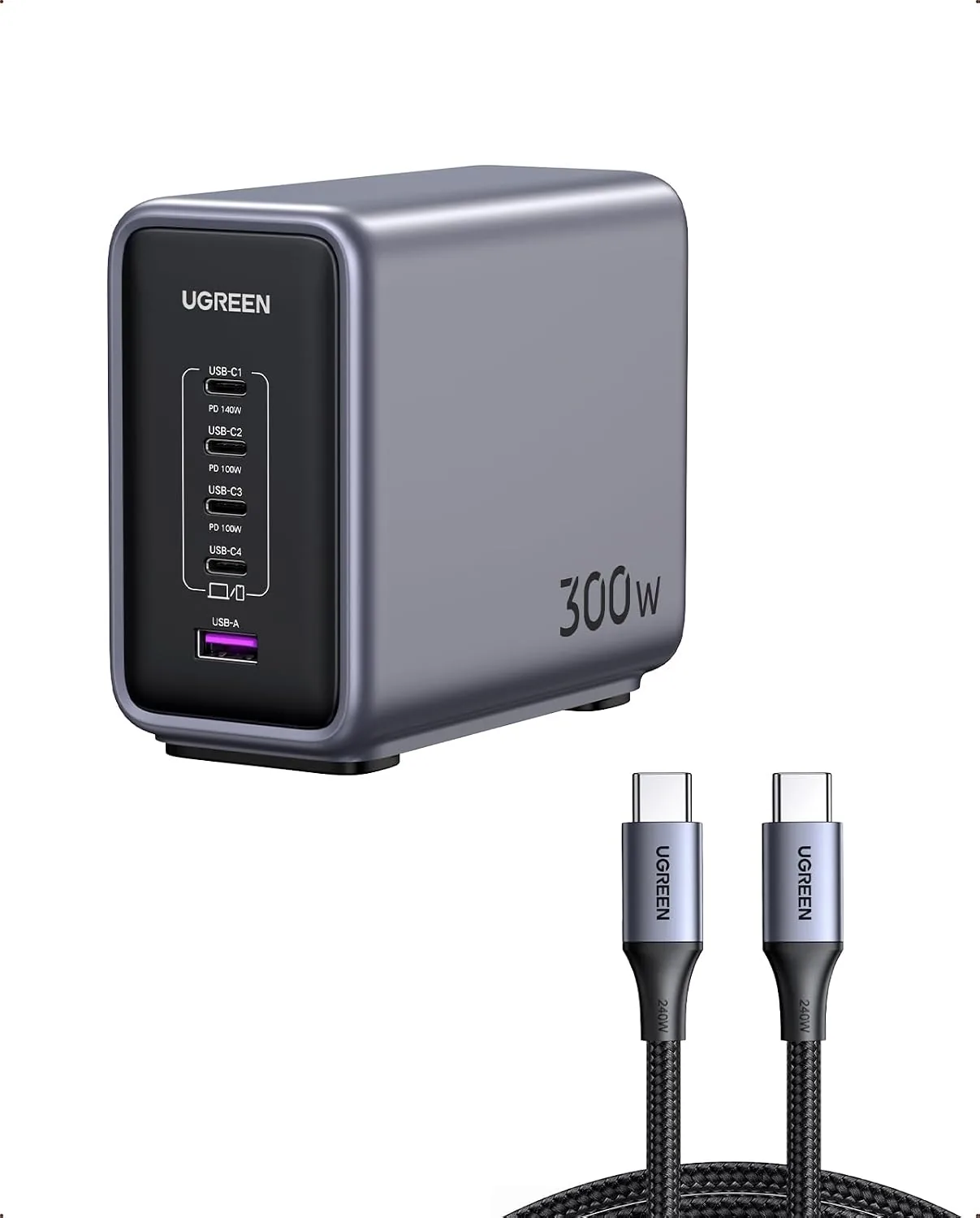 USD 104.99
UGREEN Nexode 300W GaN Charging Station, 5-Port 140W Max Desktop Charger Compatible with MacBook Pro/Air/Neo, Dell XPS, iPhone 17/16/15, Galaxy S26/S25/S24, Pixel 10/9, iPad Air/Pro, Steam Deck
Super 300W Fast Charging: This 5-Port USB C charger block packs a punch with 300W total o…
View DetailsRelated Articles
- Smart Lighting Protocols Explained: WiFi, Bluetooth, Zigbee Hub or No Radio
- Hyperice Hypervolt Go 2 Buying Guide for Compact Quiet Recovery
- Desktop Charging Station Buying Guide for Cable-Managed Work Desks
- Desktop Charging Station Buying Guide for Accessible Front-Port Charging
- Desktop Charging Station Buying Guide for Outlet-Limited Workspaces
- Satechi 108W Pro USB-C PD Desktop Charging Station Buying Guide