
Satechi 108W Pro USB-C PD Desktop Charging Station Buying Guide

Who Should Choose the Satechi 108W Pro USB-C PD Desktop Charging Station
The Satechi 108W Pro USB-C PD desktop charging station solves one specific problem: too many devices, not enough outlets. If your desk is buried under a tangle of wall adapters and power strips, a single 108W desktop unit with two USB-C Power Delivery ports and two USB-A ports replaces all of them. That is the whole pitch — and for the right buyer, it is a genuinely useful one.
So who is that buyer? Someone who charges a laptop alongside a phone, tablet, earbuds, smartwatch, or accessories at the same desk every day. Home-office workers, hybrid commuters, and small shared workspaces get the most value. If you only ever charge one device at a time, a single-port wall charger does the same job for less money, and you can skip this category entirely.
Before buying any desktop station, ask a skeptical question: do you actually need four ports, or do you just like the idea of them? A charger that sits unused half the time is clutter, not convenience. The sections below help you answer that honestly.
Do You Need Both USB-C and USB-A Ports?
The hybrid port layout — two USB-C PD ports paired with two USB-A ports — is the defining feature here, and it deserves scrutiny rather than reflexive approval.
USB-C is where everything is heading: modern laptops, tablets, and flagship phones all charge over USB-C and benefit from Power Delivery. USB-A is where legacy lives: older cables, budget earbuds, fitness trackers, travel accessories, and devices that still ship with USB-A-to-micro-USB or USB-A-to-Lightning cables in the box.
A hybrid port charging station earns its keep only if you genuinely own both generations. Walk through your bag and drawer and count. If everything you own is USB-C, half of this station's ports will sit idle, and a USB-C-only multi-port charger is the smarter buy. If you are still fishing out USB-A cables weekly, the hybrid layout saves you from keeping a second, older adapter plugged in just for those devices — exactly the clutter a desktop station is supposed to eliminate.
Matching Four Ports to a Mixed-Generation Device Collection
Four ports is the sweet spot for a personal desk, but only when your devices span generations. A realistic charging lineup for this unit looks like:
- One USB-C PD port for a laptop — the port that does the heavy lifting.
- The second USB-C PD port for a phone or tablet that fast-charges over PD.
- Both USB-A ports for older accessories: wireless earbuds with legacy cables, a smartwatch puck, a power bank, or a desk gadget.
The catch with any multi-port charger is power sharing. Total output is fixed, so when multiple devices draw power at once, each gets a smaller slice. A laptop charging alongside three accessories will still charge — just more slowly than it would alone. That is a real trade-off, and it is not unique to this product. If you regularly need to fast-charge a power-hungry laptop at full speed while three other devices are plugged in, no shared-output desktop station will fully satisfy you; a dedicated laptop charger plus a smaller accessory hub is the better arrangement.
For most people, the compromise is fine. Overnight or workday charging rarely demands maximum speed on every port at once.
Create an Organized Charging Zone for Work Accessories
The strongest argument for a desktop station is not raw power — it is desk organization. One unit, one outlet, one cable-management problem instead of four. If you commute or travel with the devices you charge, pair the station with gear designed to keep everything together.
If your devices ride in an anti-theft commuter pack, the layout matters as much as the charger. The Tzowla Travel Laptop Backpack ($25.99, rated 4.6/5 across more than 53,000 reviews) has a separate laptop compartment plus organized pockets — useful for keeping cables and adapters from migrating to the bottom of the bag. The SwissGear 1900 ScanSmart ($99.99, 4.6/5) is the step-up option if you carry a 17-inch laptop and want a dedicated tech layout with more structure. For gym-then-office days, the Under Armour Undeniable 5.0 Duffle in the extra-small size ($36.99, 4.7/5) includes a removable padded shoulder strap and enough room for a change of clothes plus your daily charging kit.
| Product | Type | Price | Amazon rating | Why it pairs well |
|---|---|---|---|---|
| Satechi 108W Pro USB-C PD desktop charging station | 2 USB-C PD + 2 USB-A desktop charger | — | — | Central four-port charging hub for the desk |
| Tzowla Travel Laptop Backpack | Anti-theft laptop backpack | $25.99 | 4.6/5 (53,584 reviews) | Budget pick; organized pockets for cables and adapters |
| SwissGear 1900 ScanSmart | 17-inch tech backpack | $99.99 | 4.6/5 (27,872 reviews) | Roomier, structured option for larger laptops and accessories |
| Under Armour Undeniable 5.0 Duffle (X-Small) | Gym/travel duffle | $36.99 | 4.7/5 (25,431 reviews) | Carries a charging kit plus gym gear; removable padded strap |
The principle is simple: a charging station solves the desk, but the devices still have to get to and from it. Buy the carrying piece that matches how you actually move your gear.
When a Higher-Port USB-C-Only Station Makes More Sense
Honesty time: the hybrid 2+2 layout is not always the right call. Choose a USB-C-only station with more ports instead when:
- Your household or team has fully transitioned to USB-C devices.
- You need to charge three or more laptops or tablets simultaneously.
- You want to minimize cable variety and future-proof for the next few years.
Conversely, stick with the hybrid layout when legacy accessories are still part of your daily routine, when two high-power PD ports cover your laptop-and-phone needs, and when four total ports match your actual device count rather than your aspirational one.
The skeptical buyer's test is simple. Lay every device you charge weekly on the desk. Count the USB-C devices and the USB-A devices. If the split is roughly even, the Satechi 108W Pro USB-C PD desktop charging station's port arrangement fits your reality. If it is lopsided in either direction, a different configuration will serve you better — and no amount of tidy aluminum design fixes a mismatched port layout.
Bottom Line: What to Do Today
- Inventory your devices and split them into USB-C and USB-A columns before you spend anything.
- Confirm you routinely charge three or four devices at one location; otherwise, buy a single good PD wall charger.
- If the split is even and the count is right, the hybrid four-port station is a sound purchase that consolidates your desk.
- If you go for it, add a well-organized bag — the Tzowla for budget, the SwissGear 1900 for larger loads — so your charging setup travels as cleanly as it sits.
Related Products
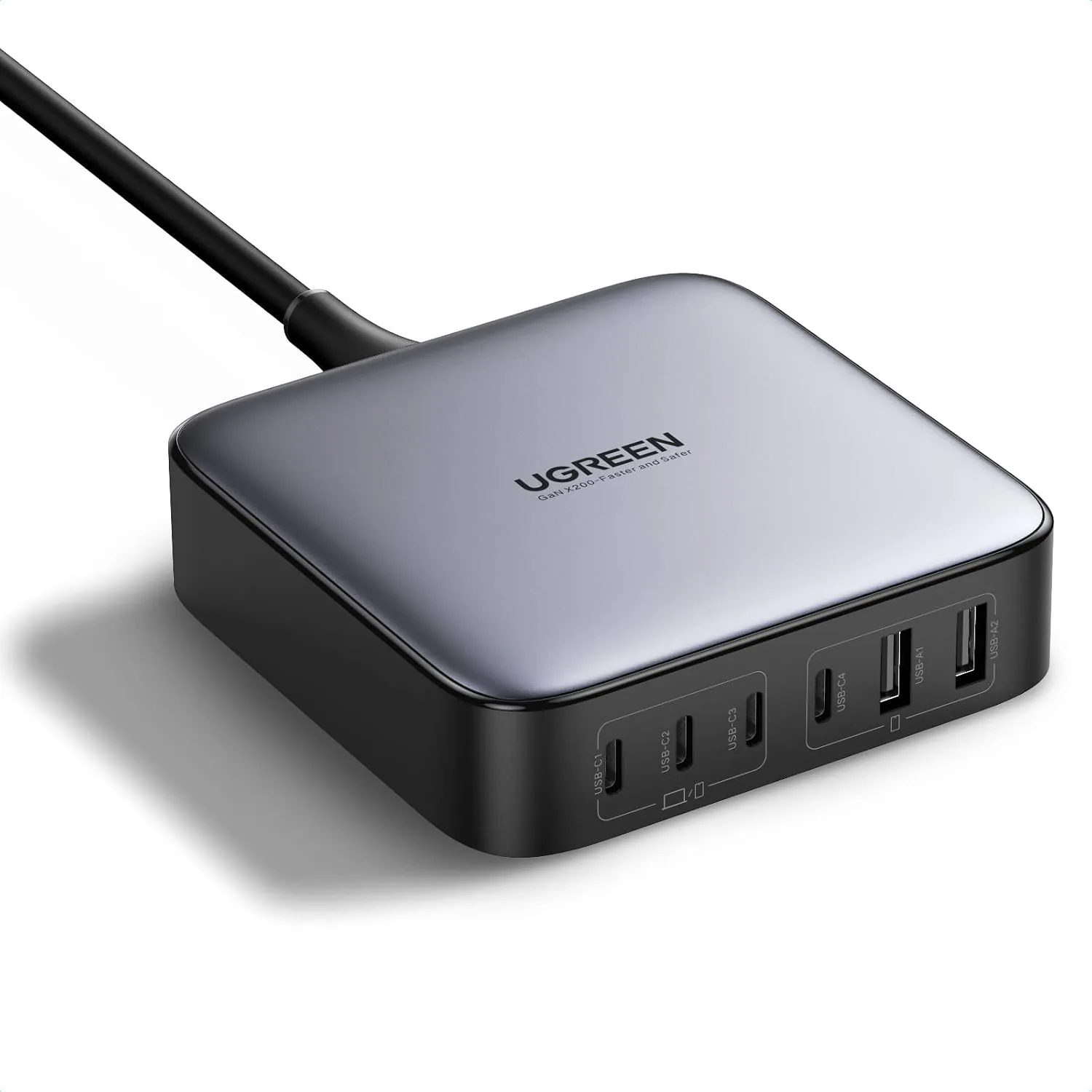 USD 52.48
UGREEN Nexode 200W GaN USB C Charging Station, 6-Port Desktop Charger for MacBook Pro/Air, iPad Pro/Air, iPhone 17/16/15 Series, Galaxy S25/S24 Ultra, Pixel 10/9, Steam Deck
High speed charging: Fully charge a 16in MacBook Pro in 1,5 hours, with the latest GaN ch…
View Details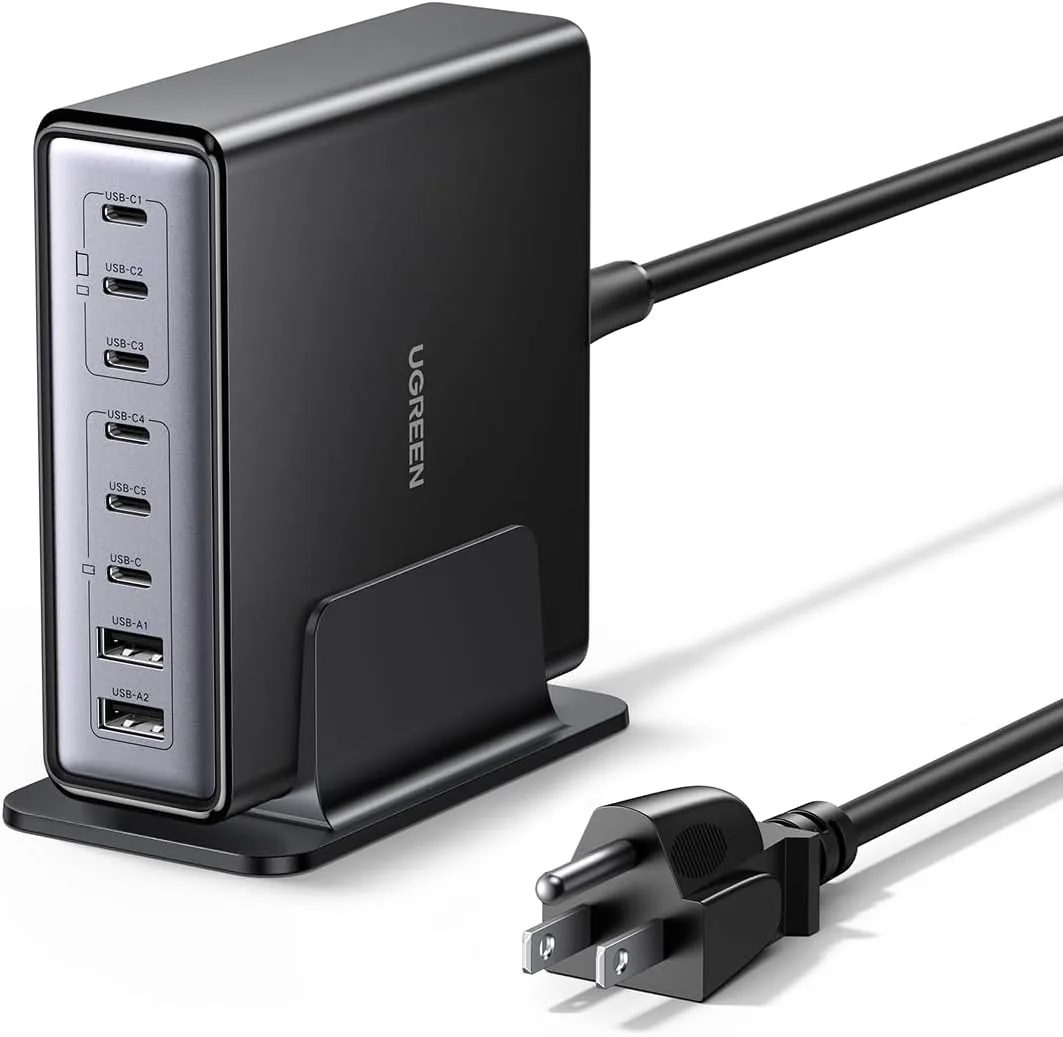 USD 52.48
UGREEN Nexode 200W GaN USB C Charging Station, 8-Port Desktop Charger with PD 100W for MacBook Pro 16"/Air, Dell XPS, iPad Pro, iPhone 17/16/15, Galaxy S25/S24, Pixel 10/9
Powerful 200W Output: This 4-port USB C charger delivers power up to 200W with a single-p…
View Details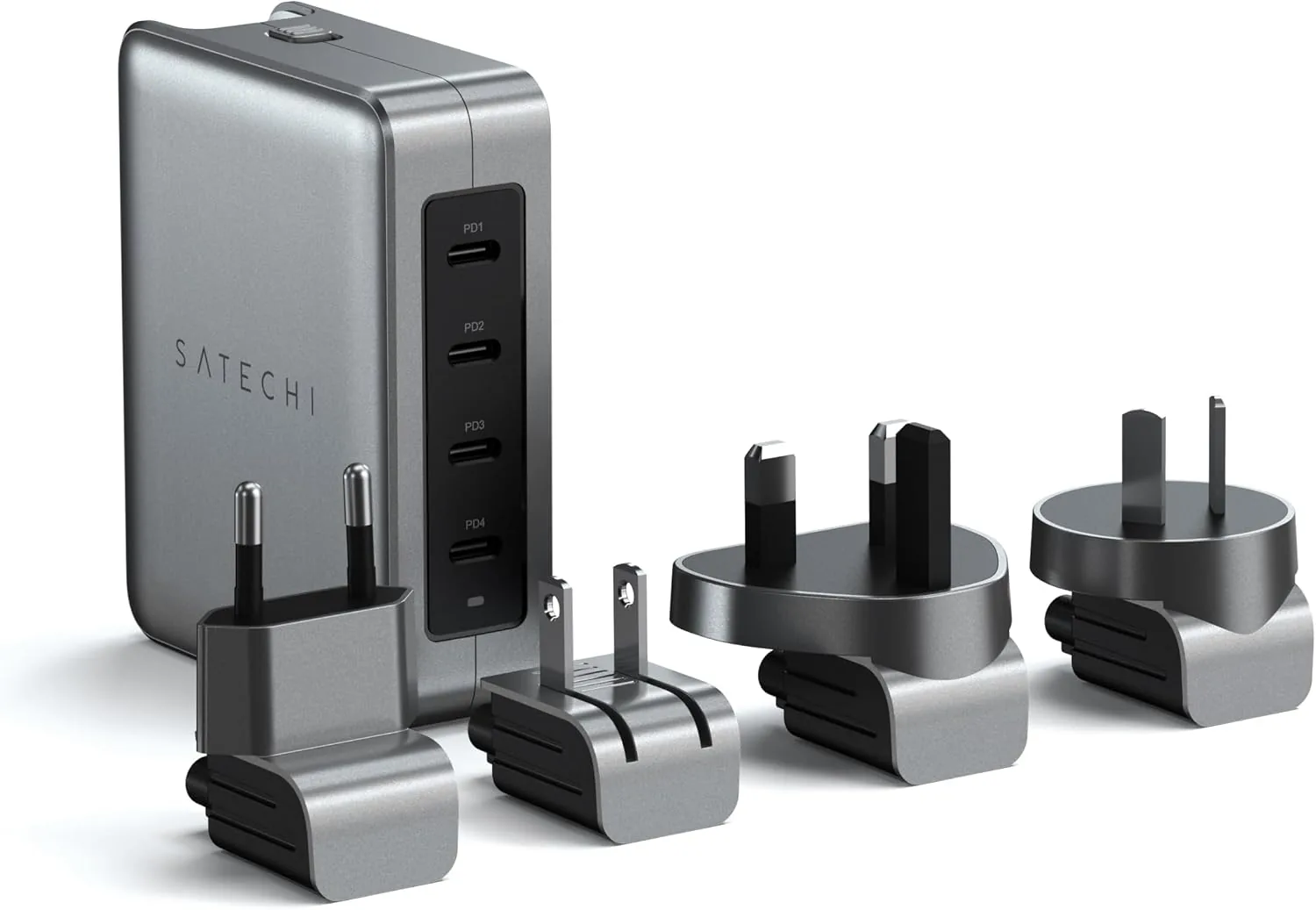 USD 89.99
Satechi 145W GaN Travel Charger, 4-Port GaN USB C Charger, 2 USB-C PD 3.1, Fast Charging Travel Station for Laptop, for MacBook Air/Pro/Neo, iPad Air/Pro, iPhone 17 to 12 Series, Android, Windows
𝗗𝗲𝘀𝗶𝗴𝗻𝗲𝗱 𝗳𝗼𝗿 𝗧𝗿𝗮𝘃𝗲𝗹 𝗖𝗵𝗮𝗿𝗴𝗶𝗻𝗴 – A compact 145W GaN travel charger built to power laptops, …
View Details
USD 89.99
Satechi 165W USB C 4-Port GaN Charging Station, 4 USB-C PD, Laptop Charger, for MacBook Air/Pro M5/M4/M3, iPad Air/Pro M5/M4/M3, iPad 11th gen, iPad mini, iPhone 17/16 Galaxy S25, Windows
Multi-Device Fast Charging - With 4 USB C PD ports, each with flexible power distribution…
View DetailsRelated Articles
- Massage Gun Buying Guide for Desk Workers With Tight Shoulders
- Massage Gun Speed Settings Buying Guide for Controlled Percussion
- Desktop Charging Station Buying Guide for Accessible Front-Port Charging
- Desktop Charging Station Buying Guide for Cable-Managed Work Desks
- Desktop Charging Station Buying Guide for Dorm Room Device Charging
- Desktop Charging Station Buying Guide for Heat-Conscious Buyers