
Satechi ChargeView 140W Desktop Charger Buying Guide for Power Users
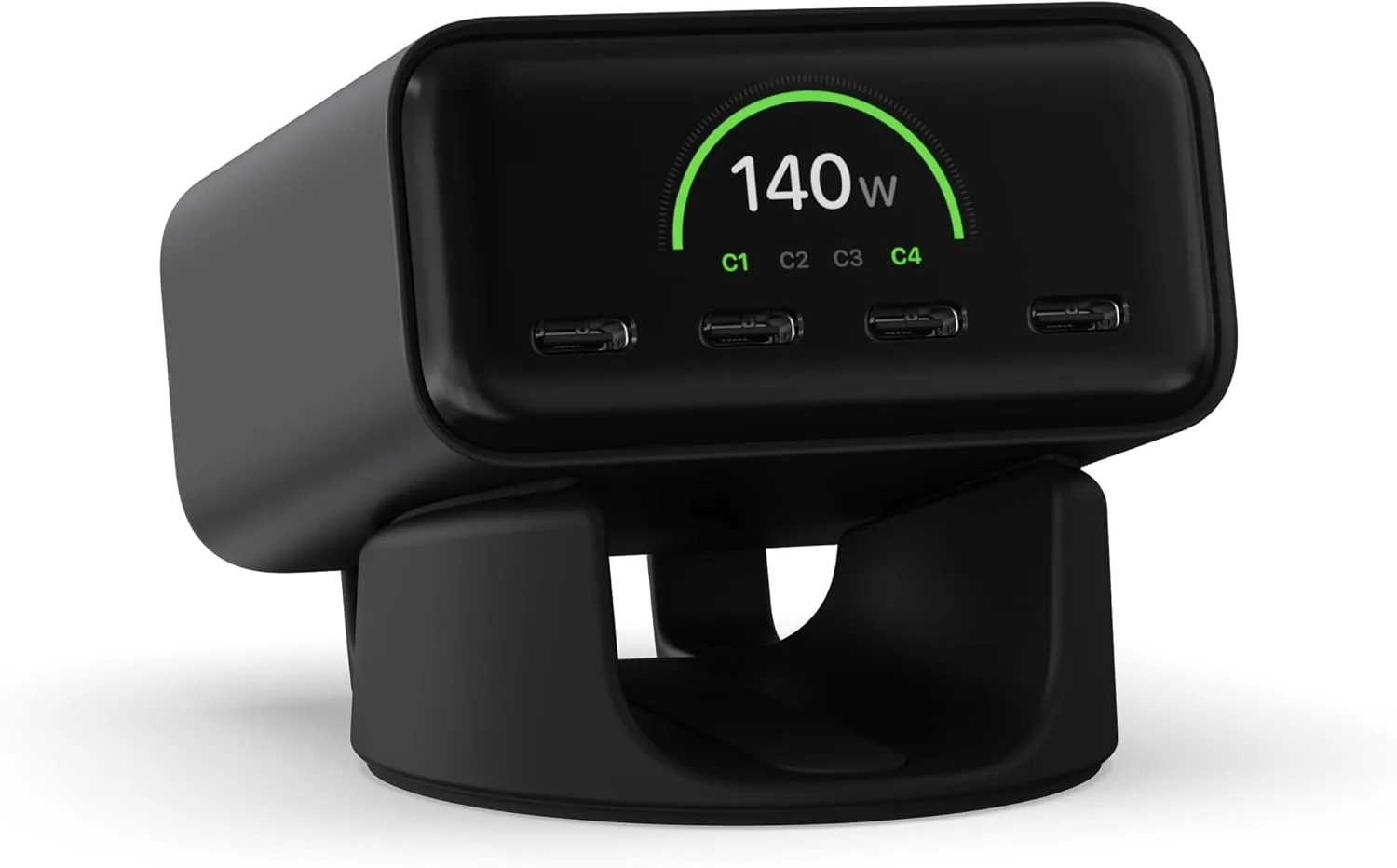
Who Should Buy the Satechi ChargeView 140W Desktop Charger?
Power users who need to run a high-wattage laptop alongside multiple accessories will benefit most from a centralized desktop USB-C charger. If your daily routine involves setting up a workstation, untangling cables, and fighting for outlet space, consolidating your power delivery makes sense. This Satechi ChargeView 140W desktop charger review targets exactly that type of user.
Assess Your Device Power Needs
High-wattage chargers only make sense if your gear justifies the output. Start by listing exactly what you need to power at your desk. A standard smartphone requires minimal wattage, while a 16-inch laptop often needs sustained 100W delivery to charge properly under heavy workloads.
Review your device list and tally the maximum simultaneous power draw. This prevents overpaying for capacity you will never use while ensuring your new charger can handle peak demand.
The Benefit of a Dedicated Charging Display
Blindly plugging a laptop into a power brick leaves you guessing about the actual charge rate. A dedicated charging display changes that dynamic completely. The Satechi ChargeView 140W desktop charger features a built-in screen that shows real-time power output for each connected device.
This visibility helps you troubleshoot slow charging speeds immediately. If your laptop pulls only 30W instead of the expected 100W, the display tells you immediately that you might have a faulty cable or are plugged into the wrong port. For busy professionals, that immediate visual feedback saves time and eliminates the frustration of waiting for a battery icon to slowly crawl upward.
Check Port Requirements for Your Workspace
Modern workspaces rely heavily on USB-C, but legacy devices still linger in many offices. Assess your current peripheral landscape. Determine if you still use older external monitors, backup drives, or accessories that require traditional USB-A connections.
The right charger balances modern power delivery with everyday connectivity needs. If your setup includes a laptop, tablet, and wireless earbuds, a multi-port USB-C configuration will serve you best. However, if you frequently sync older hardware, you will want a charger that accommodates those cables without forcing you to use additional dongles.
Compare Desktop Placement and Cable Routing
A charger is only as good as its physical footprint on your desk. Bulky power bricks that take up prime real estate or get knocked off the edge quickly become an annoyance. You must consider exactly where the unit will sit and how cables will route to your devices.
Look for a charger with a stable, compact base that stays put when you plug and unplug cables. A well-designed charging display should angle comfortably toward your line of sight so you can read the output without leaning over your desk. Furthermore, think about cable management: a good desktop charger keeps inputs neatly organized at the back or bottom, preventing cords from tangling across your workspace.
Equipment Comparison and Procurement Checklist
When sourcing equipment for a team, you must weigh cost, durability, and specific use cases. Below is a comparison of diverse products a modern organization might procure, demonstrating how different specs meet varying operational needs.
| Product | Key Specification | Price | Best Use Case |
|---|---|---|---|
| Helinox Chair Zero Ultralight Compact Camping Chair | Lightweight Ripstop Polyester | $159.95 | Remote teams needing durable, highly portable outdoor seating |
| Hyperice Hypervolt Go 2 | Compact and lightweight with Quiet Glide Tech | $139.00 | Employee wellness programs and on-the-go muscle recovery |
| REDCAMP Small Camping Table | Portable Aluminum Frame, 3 adjustable heights | $31.99 | Budget-friendly, versatile surfaces for outdoor events |
Use the following checklist to finalize your charger and equipment procurement today:
- Verify total wattage: Ensure your chosen charger handles the combined peak power draw of your laptop and accessories.
- Confirm port types: Match your device cables to the available USB-C and USB-A ports.
- Evaluate the display: Decide if real-time power monitoring will actively help your team diagnose tech issues.
- Measure desk space: Confirm the physical dimensions of the charger fit your designated workstation area.
- Review cable routing: Plan how cords will reach your devices without crossing your primary workspace.
Related Resources
Related Products
 USD 31.49
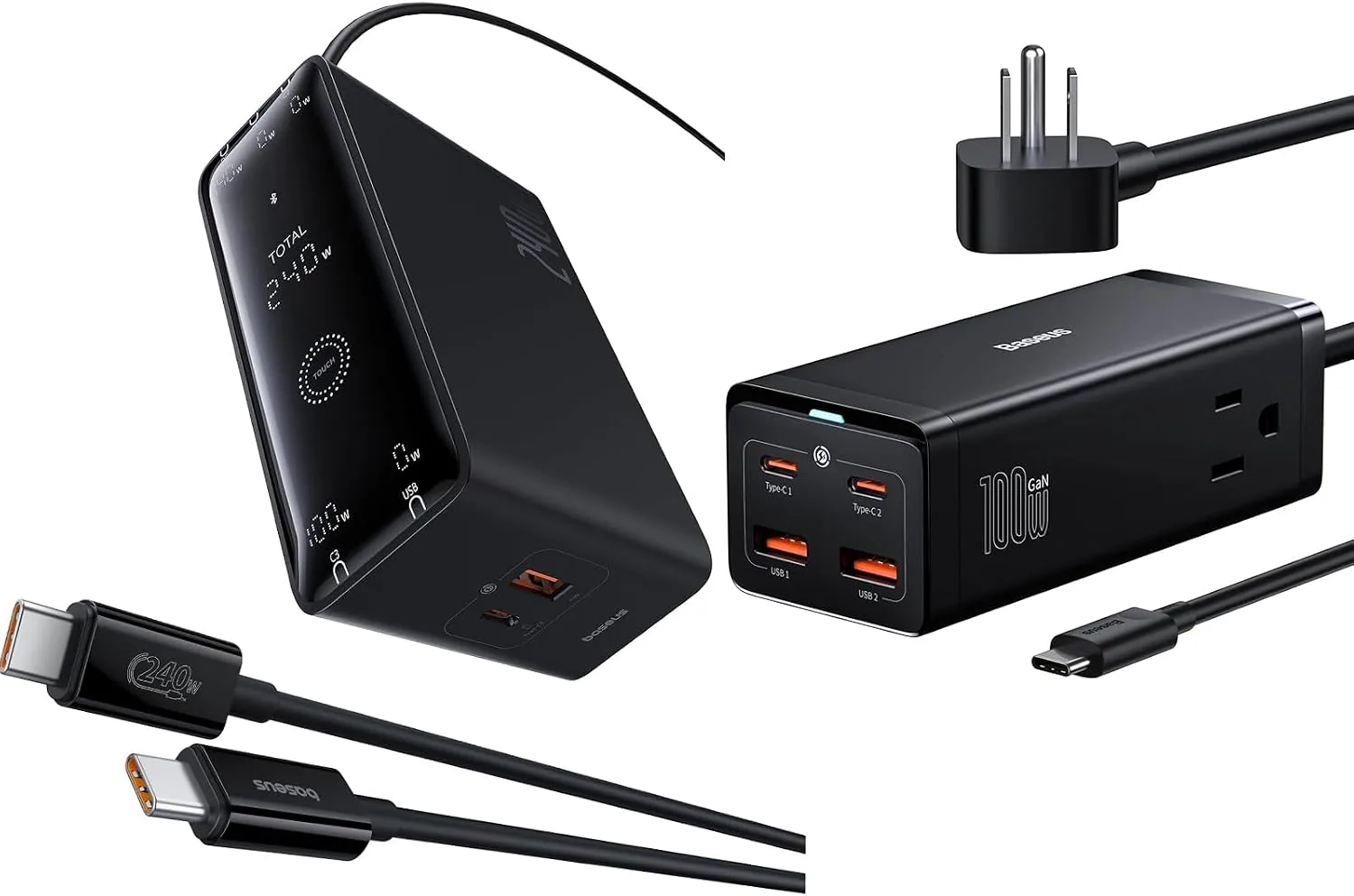
Baseus USB C Charger PowerCombo 100W & 240W Smart 5 Ports USB C Charger with Digital LED Display
Product 1: USB Charging Station for Multiple Devices: with 2-Outlets, this power strip ha…
View Details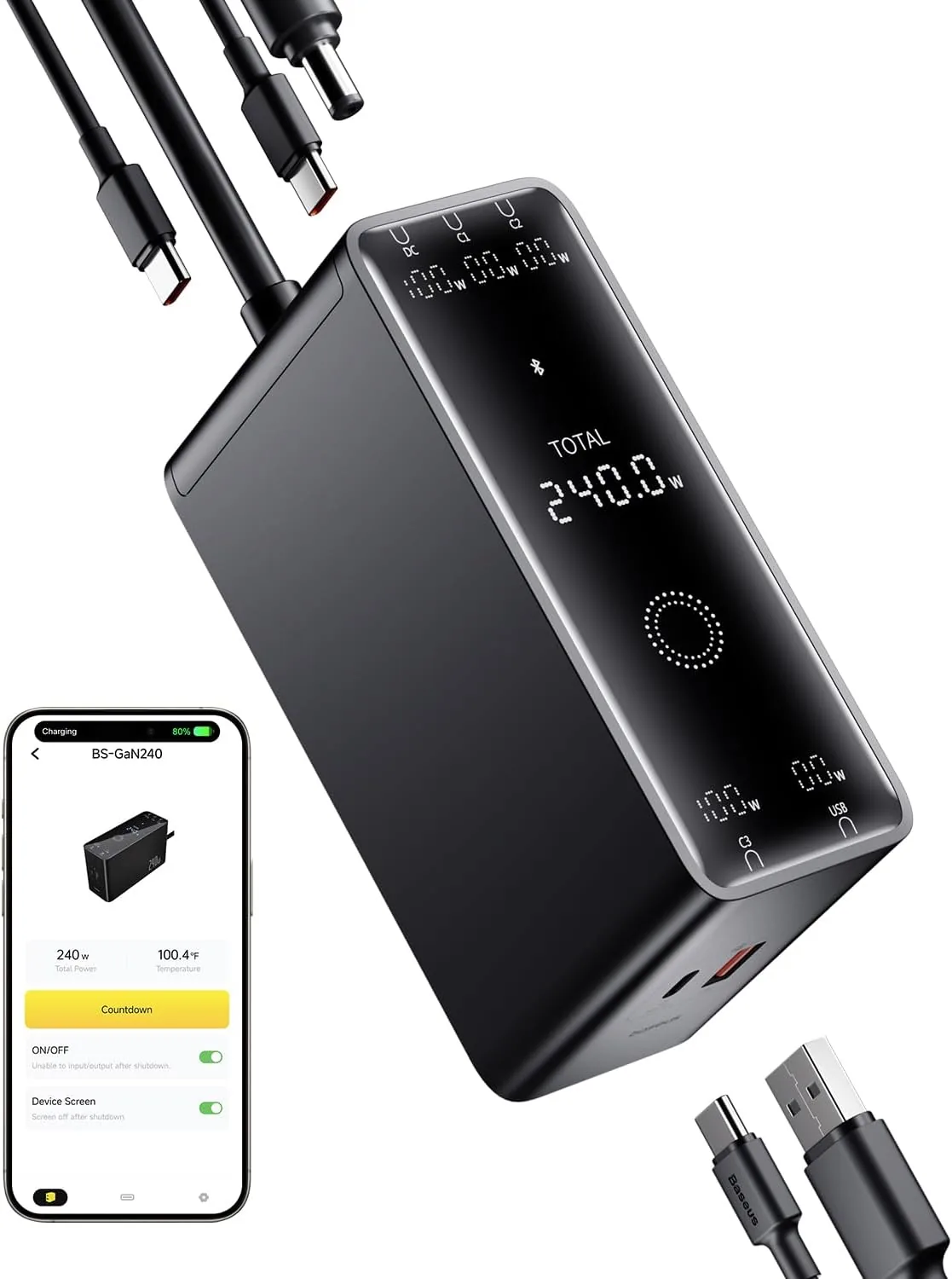 USD 52.49
Baseus 240W Smart Charging Station, 5-in-1 Desktop USB C Charger with Digital LED Display, PD 3.1 Dual Laptop Type C Fast Charging for MacBook Pro, Dell XPS, Lenovo, iPhone 16, Galaxy S24
Compact, 5-Port 240W Desktop Charger: Elevate your workspace with the industry's first 40…
View Details
USD 74.99
Satechi ChargeView™ 140W Desktop Charger, GaN Charging Station with Live Power Display, Four USB-C Ports, Designed for Modern Workspaces, Space Black
𝗗𝗲𝘀𝗶𝗴𝗻𝗲𝗱 𝗳𝗼𝗿 𝗠𝗼𝗱𝗲𝗿𝗻 𝗪𝗼𝗿𝗸𝘀𝗽𝗮𝗰𝗲𝘀 – The Satechi ChargeView 140W Desktop Charger powers your …
View Details USD 89.99
Satechi 165W USB C 4-Port GaN Charging Station, 4 USB-C PD, Laptop Charger, for MacBook Air/Pro M5/M4/M3, iPad Air/Pro M5/M4/M3, iPad 11th gen, iPad mini, iPhone 17/16 Galaxy S25, Windows
Multi-Device Fast Charging - With 4 USB C PD ports, each with flexible power distribution…
View DetailsRelated Articles
- Hyperice Hypervolt 2 Pro Buying Guide for Powerful Quiet-Glide Percussion
- Massage Gun Warranty Buying Guide for Long-Term Ownership
- Desktop Charging Station Buying Guide for Conference Room Tables
- Desktop Charging Station Buying Guide for Clear Power Readouts
- Desktop Charging Station Buying Guide for USB-C Monitor Setups
- Desktop Charging Station Buying Guide for USB-C Power Delivery Buyers